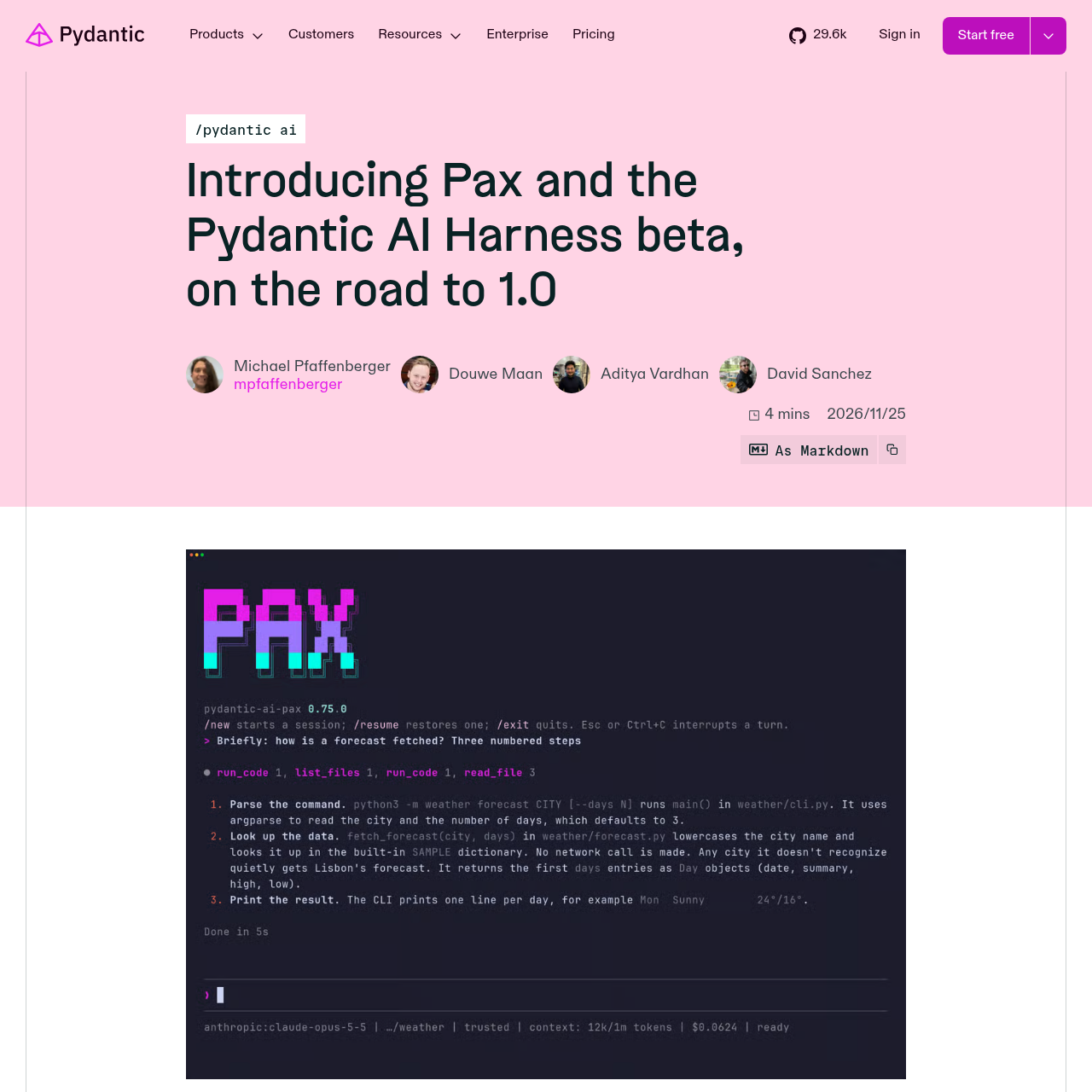
Pax by Pydantic is a terminal coding agent built on Pydantic AI Harness. It supports configurable plugins, local and cloud sandboxes, and existing Pydantic AI agents.
Code & ITResume Pax sessions or continue…Read repository guidance from AGENTS.md…Use code mode by default so the model…Terminal coding agent
Estimated monthly visits
413K
Data period:
Listed on AIToolly
What Is Pax by Pydantic? Product Overview
What the product does and how it is positioned
Pax puts a terminal interface in front of the Pydantic AI coding harness. The default coder plugin provides file and shell tools, and users can disable it to use Pax as a chat client without those tools.
For projects with an existing Pydantic AI agent, Pax can run that agent directly in the terminal with its configured model, tools, and instructions. Terminal options for resuming sessions, working with worktrees, and passing prompts remain available.
What Can You Use Pax by Pydantic For?
Source-supported ways to use the product
Review a branch against internal guidelines
A team can run its own Pydantic AI review agent in Pax. The documented example gives the agent access to repository files and a tool for looking up internal engineering guidelines.
Continue work from another coding agent
A developer can open an existing Claude Code or Codex session in Pax and continue it with a different model.
Build and edit in a sandbox
A developer can carry the current branch and uncommitted changes into a sandbox where Pax runs edits, builds, and shell commands.
How to Use Pax by Pydantic
The documented workflow, where available
1
Select a sandbox
At the start of a Pax session, the user selects a local or cloud sandbox through the /sandbox command before submitting the first prompt.
2
Work in the sandbox
Pax syncs the branch and uncommitted changes to the sandbox, where edits, builds, and shell commands run.
3
Resume the session
When the user resumes the session with /resume, Pax reconnects to the sandbox automatically.
Plugins and custom agents
Plugins extend the default agent and can add terminal commands, status-bar items, and login controls alongside agent tools and hooks.
Starting Pax with --agent replaces the default agent with a Pydantic AI agent from the codebase. Pax runs that agent as configured and skips plugin loading.
The /plugins menu controls built-in plugins for the coder, sandbox, MCP, and Logfire tracing.
With the observability plugin enabled, Logfire records a separate span for each tool call, including in code mode.
What to Test Before Choosing Pax by Pydantic
Checks to run with your own material and workflow
Confirm that the required sandbox is among the documented options and that selecting it before the first prompt fits the workflow.
Verify that the custom Pydantic AI agent defines the tools and instructions it needs, since Pax skips plugin loading in --agent mode.
Check whether the Claude Code or Codex session needed for migration appears in the /resume menu.