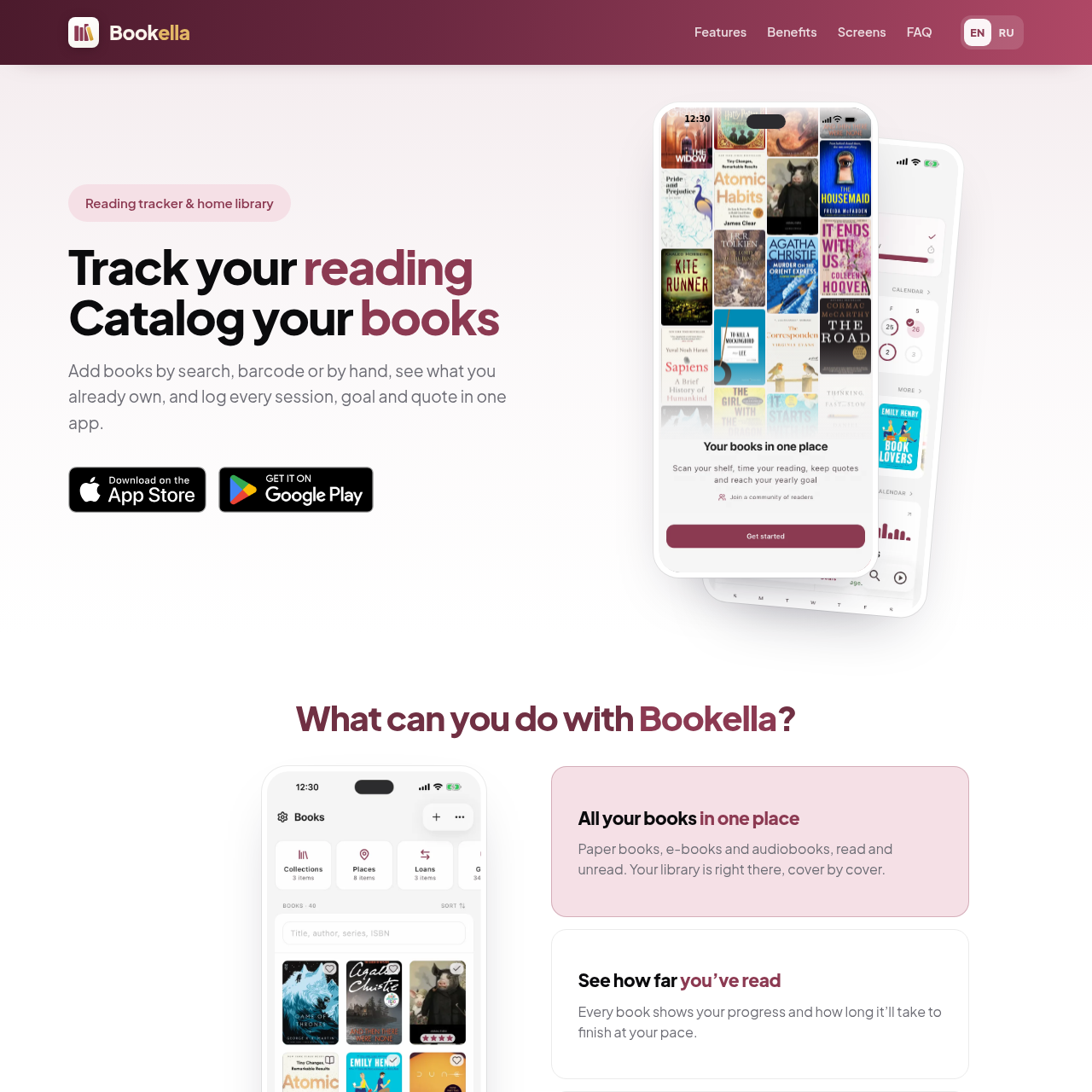
Bookella combines a home library catalog with reading timers, progress tracking, goals, and notes for print books, e-books, and audiobooks.
ProductivitySearchLog the page where reading stopped…View reading progress and an estimated…Book catalog
Listed on AIToolly
What Is Bookella? Product Overview
What the product does and how it is positioned
Bookella brings read and unread titles into one catalog. Readers can organize books into collections, record where physical copies are kept, and track loans.
Readers can time sessions or record a stopping page without the timer. Bookella shows progress for each book and estimates the time remaining based on reading pace.
What Can You Use Bookella For?
Source-supported ways to use the product
Organizing a home library
Readers can check which titles they already own, group them into collections, and record the shelf or room where a copy is kept.
Tracking a reading routine
Readers can set daily and yearly goals, time sessions, and use the calendar to review which days they read.
Keeping track of book loans
Readers can record books they lend or borrow and receive a reminder when a book is due back.
How to Use Bookella
The documented workflow, where available
1
Add a book
Readers can search by title or author, choose a book from a reading list, scan a barcode, or enter the book manually.
2
Record a reading session
Readers can start the timer when they open the book or log the page where they stopped without using the timer.
3
Review progress
The book's entry shows reading progress and an estimated time to finish at the reader's pace.
Moving a Library
Readers with a catalog in Goodreads or StoryGraph can import it into Bookella. The app also exports its library as a CSV file.
Documented import sources include Goodreads and StoryGraph.
The documented library export format is CSV.
What to Test Before Choosing Bookella
Checks to run with your own material and workflow
Check whether catalog search or barcode scanning finds the editions that matter to the reader.
Verify which fields carry over when importing a library from Goodreads or StoryGraph.
Confirm whether pages, percentages, or minutes suit the formats the reader wants to track.