Weave Router 2.0 favicon

Weave Router 2.0

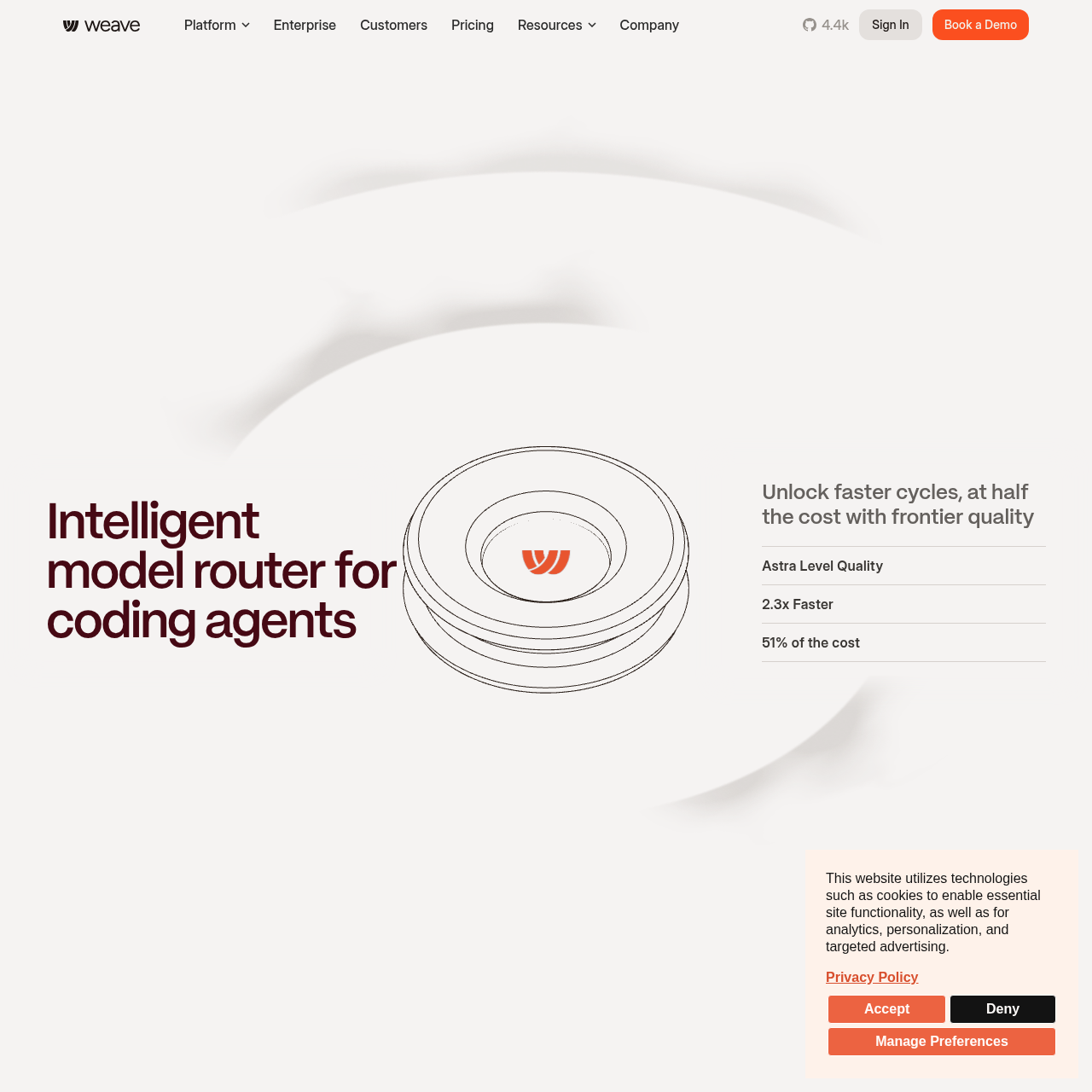
Weave Router 2.0 is an intelligent model router for coding agents that evaluates turn complexity, manages prompt cache efficiency, and routes requests across frontier and alternative models.

Code & ITDetects and configures supported coding…Routes traffic across multiple model…Escalates unresolved, looping, or…Turn Complexity Classification
Weave Router 2.0 product interface screenshot
Estimated monthly visits
32K
Data period:
Listed on AIToolly

What Is Weave Router 2.0? Product Overview

What the product does and how it is positioned

Weave Router 2.0 is designed for coding agents to direct individual turns between different language models based on prompt complexity and context requirements.

The router integrates with development environments such as Claude Code, Codex, and Cursor, directing queries across model families including Claude, GPT, DeepSeek, GLM, and Gemini.

What Can You Use Weave Router 2.0 For?

Source-supported ways to use the product

Terminal Workflow Execution

Routing automated terminal command tasks through complexity classifiers to balance execution between frontier and alternative models.

Codebase Question Answering

Managing multi-turn codebase analysis sessions while preserving prompt caching efficiency across model switches.

How to Use Weave Router 2.0

The documented workflow, where available

  1. 1

    Detect Coding Harnesses

    Execute the router initialization command to scan and configure supported tools such as Claude Code, Codex, and Cursor.

  2. 2

    Configure Provider Credentials

    Supply the API keys and active subscription credentials across the targeted model providers.

  3. 3

    Route Agent Traffic

    Direct coding agent requests through the router to dynamically balance turns across the configured model pool.

Turn Complexity and Escalation Architecture

Weave Router 2.0 evaluates agent requests through a millisecond-level classification pipeline. The complexity classifier determines turn difficulty before dispatching requests, taking into account the state and cost of rebuilding prompt caches before routing down to secondary models.

During task execution, an integrated escalation classifier continuously monitors model output. If a delegated model encounters an execution loop, stalls, or fails to complete required steps, the router intervenes and escalates the turn back to a frontier model.

  • Complexity scoring operates in single-digit milliseconds to avoid introducing conversational latency.
  • Cache-aware thresholds prevent model switching when cache regeneration offsets efficiency gains.
  • Escalation detection watches for loops, stalls, and missed actions to trigger frontier fallback.

What to Test Before Choosing Weave Router 2.0

Checks to run with your own material and workflow

  • Confirm tool compatibility with local installations of Claude Code, Codex, or Cursor before deploying the router.
  • Verify that the escalation classifier triggers prompt fallback when a delegated model stalls or enters loops.
  • Review benchmark task requirements against supported benchmarks such as Terminal-Bench 4.0 and SWE-Atlas.

Weave Router 2.0 Sources and Last Checked

What was checked and when

Last checked
Category
Code & IT

Weave Router 2.0 Frequently Asked Questions

Answers based on the source-checked product record

Which coding harnesses does Weave Router 2.0 support?

The router setup utility automatically detects and configures Claude Code, Codex, and Cursor coding harnesses.

Which model providers can the router distribute requests to?

Weave Router 2.0 supports routing across multiple model families, including Claude, GPT, DeepSeek, GLM, and Gemini.

How does Weave Router 2.0 decide when to route to an alternative model?

It evaluates turn complexity in single-digit milliseconds and confirms that switching will not incur excessive cache rebuild overhead.

What happens if a delegated model fails to finish a coding task?

An escalation classifier monitors for stalls, loops, or misses, automatically redirecting the request back to a frontier model.

How does the router handle existing flat-rate subscriptions?

The router identifies active flat-rate seats and priority subscriptions to utilize owned quota before dispatching requests elsewhere.

Explore other recently added tools in the same category.