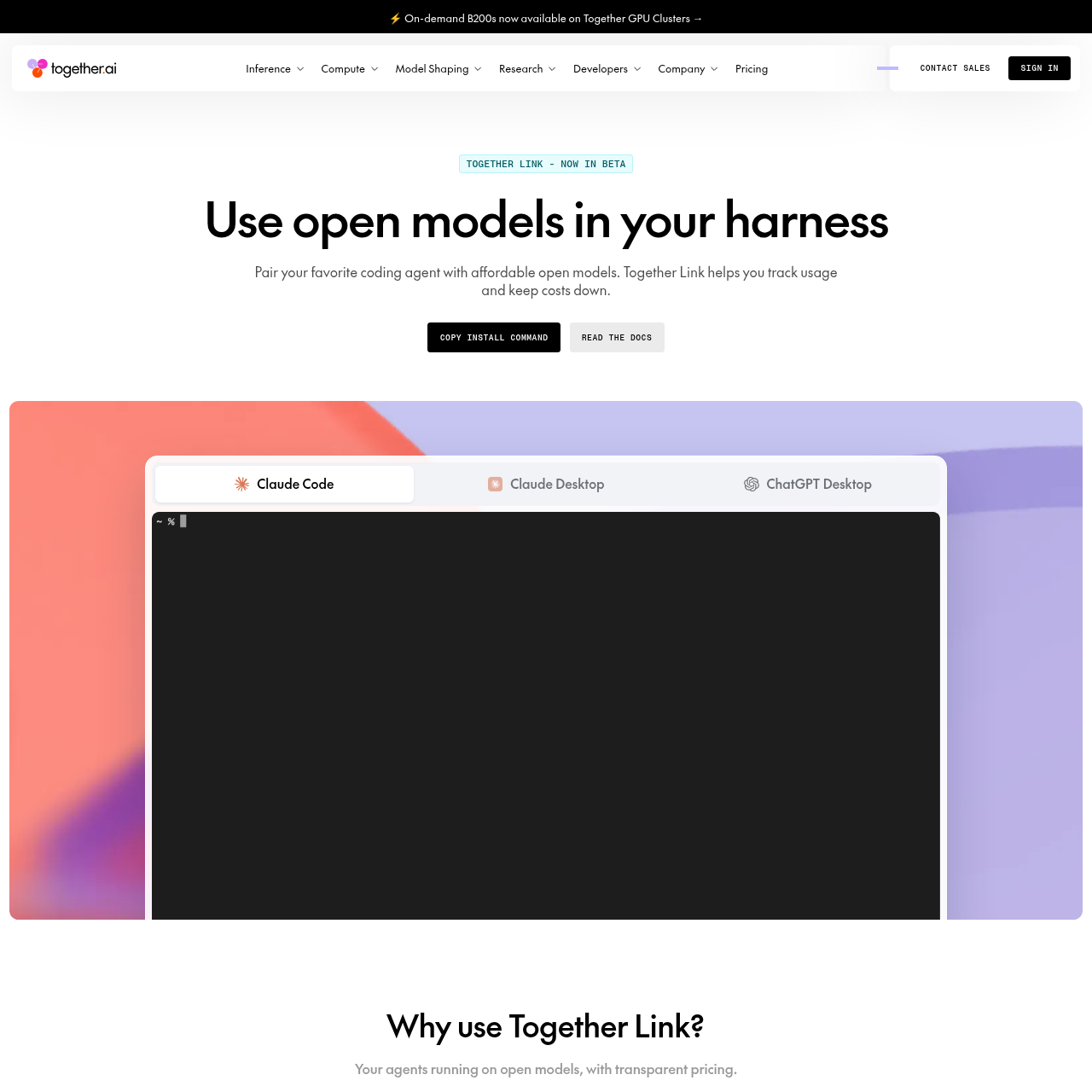
Together Link is a CLI utility that connects coding harnesses such as Claude Code, Codex, and Claude Desktop to open models on Together AI, offering automatic session-level model routing while maintaining existing local configurations.
Together Link connects developer coding harnesses and desktop clients to open models hosted on Together AI. Supported client environments include Claude Code, Claude Desktop, Codex in the ChatGPT app, ChatGPT Desktop, OpenCode, and Pi.
The tool includes an automatic router that assesses the initial task in a session to direct simpler requests to open models like GLM 5.3 and complex requests to higher-capability models. Terminal sessions utilize temporary environment configurations, while supported desktop applications run on separate reversible profiles.
What Can You Use Together Link For?
Source-supported ways to use the product
Terminal Coding Agent Execution
Developers run command-line tools like Claude Code, Codex, OpenCode, or Pi with open models while retaining local settings, themes, and shell histories.
Desktop AI Workspace Integration
Users launch Claude Desktop or ChatGPT Desktop under dedicated profiles that incorporate open models into the interface without modifying primary account profiles.
How to Use Together Link
The documented workflow, where available
1
Install the Tool
Run the official shell installer script in a macOS or Linux terminal to set up the Together Link command-line executable.
2
Configure the API Key
Execute the configuration command in the terminal to register a valid Together AI API key.
3
Launch the Coding Harness
Start the desired agent using harness-specific launch commands such as togetherlink claude, togetherlink codex, or togetherlink chatgpt.
Gateway Architecture and Session Routing
Together Link functions as a gateway that translates agent network requests to Together AI model endpoints. Terminal tools receive isolated settings that apply strictly for the duration of the active session, whereas desktop applications launch using dedicated application profiles.
The default auto router evaluates the first prompt or task of a coding session. Routine tasks are directed to open models such as GLM 5.3, while challenging prompts can be routed to advanced frontier models when corresponding provider credentials are configured.
Translates traffic between client harnesses and Together AI endpoints.
Evaluates initial session prompts to automate model routing decisions.
Isolates desktop application states using reversible custom profiles.
Provides toggle commands to disable custom profiles and restore default states.
What to Test Before Choosing Together Link
Checks to run with your own material and workflow
Confirm that your system runs macOS or Linux before attempting installation.
Verify that installed coding agents meet required version thresholds, such as OpenCode 2+ or Pi 0.80.8+.
Check that a valid Together AI API key is available for environment configuration.
Review whether your workflow requires an Anthropic API key for routing between Opus and open models.
Answers based on the source-checked product record
What is Together Link?+
Together Link is a tool that connects coding agents and desktop clients to open models hosted on Together AI, including Kimi K3, GLM 5.3, MiniMax M3, and DeepSeek V4.1 Flash.
Which coding agents are supported by Together Link?+
Supported environments include Claude Code, Claude Desktop, Codex in the ChatGPT app, ChatGPT Desktop, OpenCode version 2 or newer, and Pi version 0.80.8 or newer.
What are the system requirements for installation?+
Getting started requires a Together AI API key, a macOS or Linux operating system, and an installed supported coding agent harness.
How does the auto router decide which model to use?+
The auto router reads the initial task in each session and routes simpler work to open models such as GLM 5.3, while directing complex problems to higher-tier models.
Does Together Link overwrite existing agent configuration files?+
No. Terminal agents operate with temporary session settings, and desktop applications run in separate profiles that can be switched off using dedicated CLI commands.
More Code & IT AI tools
Explore other recently added tools in the same category.