seendiff favicon

seendiff

seendiff is an open-source, local-first code diff viewer that tracks review progress and enables AI-driven walkthroughs for large git repositories.

Code & ITPersists review progress across…Utilizes virtualization to maintain…Supports global search across all…Provides a minimap to visualize seen…
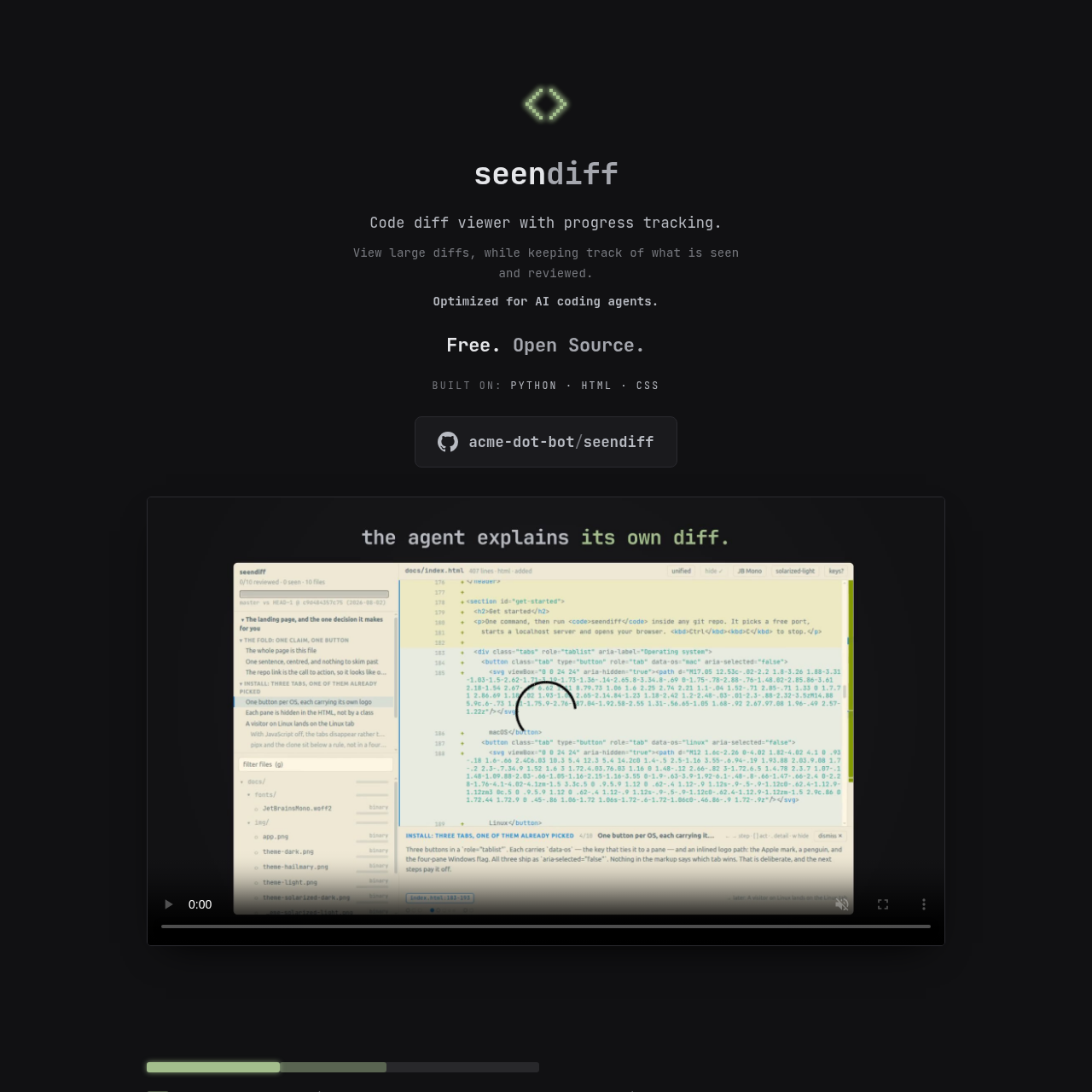
seendiff product interface screenshot
Listed on AIToolly

What Is seendiff? Product Overview

What the product does and how it is positioned

seendiff is a specialized tool designed for reviewing large code changes within git repositories. It functions by launching a local server that renders a diff interface in the user's web browser, focusing on progress management and performance.

The tool is built to assist both human reviewers and AI coding agents. It automates the tracking of viewed code and provides manual controls to mark sections as reviewed, so that progress is maintained even if the underlying commits are modified or the session is interrupted.

What Can You Use seendiff For?

Source-supported ways to use the product

Large-Scale Code Reviews

Reviewers can manage massive diffs with up to 40,000 lines per file while tracking exactly which sections have been seen and reviewed over multiple days.

AI-Assisted Code Explanation

Users can integrate coding agents to generate step-by-step walkthroughs of complex changes, making it easier to understand the logic behind automated code generation.

How to Use seendiff

The documented workflow, where available

  1. 1

    Installation

    Install the tool using pip or the uv package manager on a system with Python 3.10+ and git.

  2. 2

    Launch

    Navigate to a git repository in the terminal and execute the command to start the local server and open the browser interface.

  3. 3

    Review and Track

    Scroll through the diff to automatically mark sections as seen, and use keyboard shortcuts to mark blocks or entire files as reviewed.

  4. 4

    AI Integration

    Optionally prompt a coding agent to install the walkthrough skill to receive explanations of the diff directly within the interface.

Review Persistence and Progress Tracking

A core function of the tool is its ability to maintain the state of a review across various git operations. Unlike standard diff tools where progress is lost upon closing the application, this tool saves the 'seen' and 'reviewed' status of specific code blocks.

This persistence is designed to survive common development workflows such as rebasing or amending commits. This allows a reviewer to start a task, perform local repository maintenance, and return to the exact point where they left off without re-evaluating previously cleared code.

  • Automatic 'seen' marking based on viewport position
  • Manual 'reviewed' toggling for blocks and files
  • Visual progress indicators via a dedicated minimap
  • State retention after browser closure or commit updates

What to Test Before Choosing seendiff

Checks to run with your own material and workflow

  • Confirm that the local environment meets the minimum requirement of Python 3.10.
  • Verify that the tool can successfully identify and compare different branches, tags, or SHAs.
  • Check that the virtualization allows for smooth scrolling in files exceeding several thousand lines.
  • Review the keyboard shortcut map to ensure all navigation and marking functions are accessible.
  • Confirm that no external network traffic is generated during the review process.

seendiff Sources and Last Checked

What was checked and when

Official source
https://seendiff.com/
Last checked
Category
Code & IT

seendiff Frequently Asked Questions

Answers based on the source-checked product record

How does the tool track which parts of the code have been viewed?

The tool automatically marks code blocks as 'seen' as soon as they are scrolled into the user's viewport within the browser interface.

Is an internet connection required to use the tool?

No, the tool operates entirely on a localhost server and does not require an internet connection or external account to function.

Can the tool handle very large source files?

Yes, it is designed with virtualization technology to ensure that files as large as 40,000 lines can be scrolled and reviewed smoothly.

What happens to my review progress if I rebase my branch?

The tool is designed so that review progress survives common git actions like rebasing, amending commits, or closing the application window.

How do AI coding agents interact with the diff viewer?

Reviewers can ask their coding agent to install a specific skill that enables it to write and display step-by-step walkthroughs of the code changes.

Explore other recently added tools in the same category.