Rindler favicon

Rindler

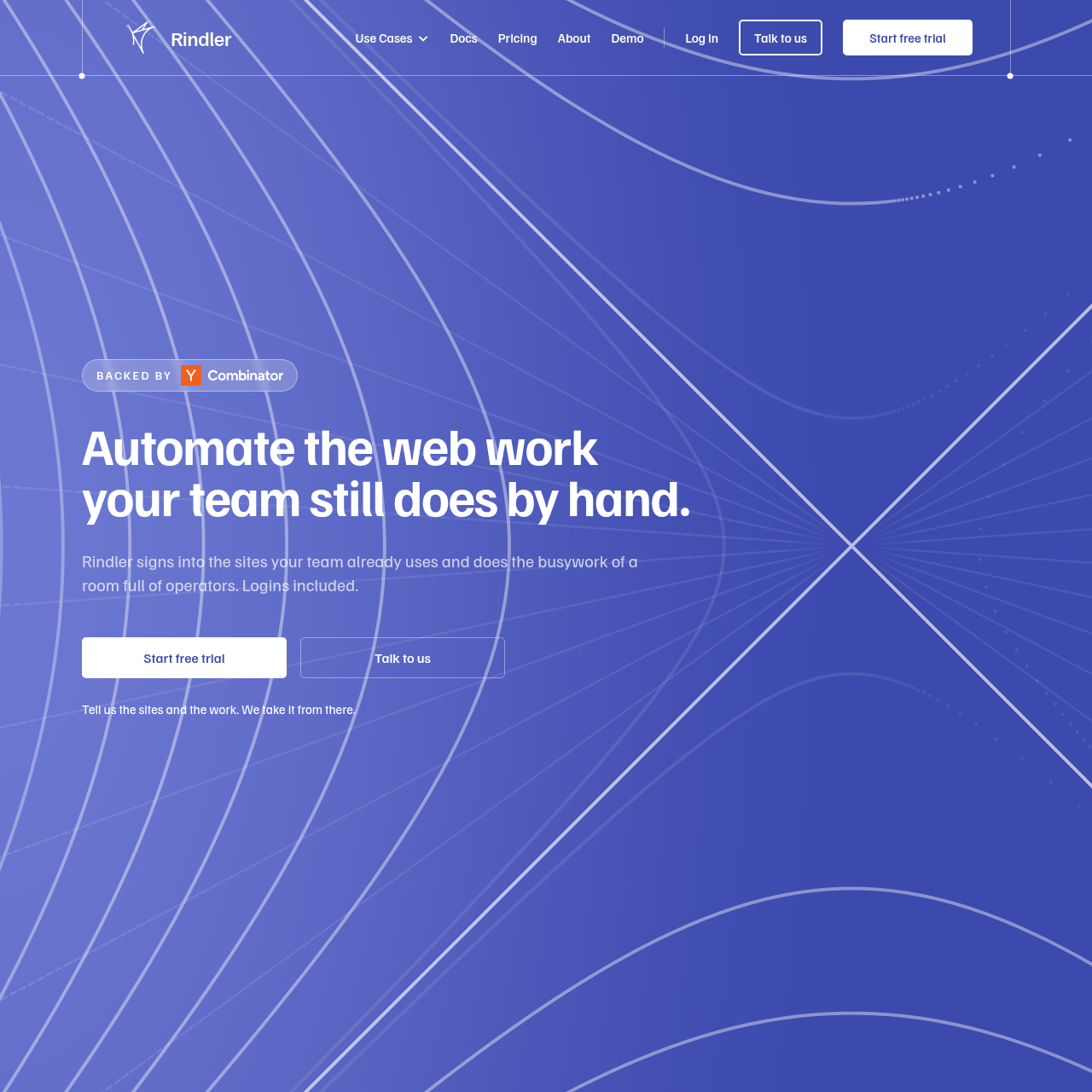
Rindler is an AI-driven automation tool that navigates third-party websites to perform manual tasks like data extraction and form submission.

Organization & AutomationAutomated login and navigation of…Data extraction from sites without…Automated form and application submissionScheduled execution of recurring web tasks
Rindler product interface screenshot
Listed on AIToolly

What Is Rindler? Product Overview

What the product does and how it is positioned

Rindler functions as a digital operator that signs into websites to perform repetitive tasks such as downloading invoices, pulling records, and checking order statuses.

The platform manages the technical complexities of web navigation, including authentication and layout changes, allowing users to monitor actions through activity logs and screen captures.

What Can You Use Rindler For?

Source-supported ways to use the product

Procurement and Accounts Payable

Automating the retrieval of statements and invoices from supplier portals and checking delivery statuses.

HR and Recruiting

Managing candidate data and job listings across multiple applicant tracking systems.

Banking and Lending

Downloading bank statements and monitoring account activity across various financial institutions.

How to Use Rindler

The documented workflow, where available

  1. 1

    Task Description

    The user describes the desired job in plain words without the need for a flowchart or builder.

  2. 2

    Site Connection

    The user signs into the target website once, and the platform stores the encrypted connection for future runs.

  3. 3

    Execution and Monitoring

    The system performs the task, providing a log of every step and a capture of every screen encountered during the process.

  4. 4

    Scaling Automations

    Users can schedule the task to run independently at specific intervals, such as daily or weekly.

Reliability and Maintenance

A core component of the service is the management of automation routes. Unlike traditional Robotic Process Automation (RPA) or custom scripts that often break when a website's layout changes, this platform takes responsibility for repairing broken paths. When a site redesign occurs, the route is updated centrally by the provider, which covers all users of that specific site.

This approach is intended to reduce the maintenance burden on the end user by ensuring that navigation routes are pre-mapped and maintained by the provider.

  • Centralized repair of broken site routes
  • No user intervention required for site redesigns
  • Audit logs for every automated step
  • Pre-mapped navigation for consistent execution

What to Test Before Choosing Rindler

Checks to run with your own material and workflow

  • Verify the platform's compatibility with specific multi-factor authentication requirements on target portals.
  • Check the activity logs to confirm that screen captures are provided for all automated steps.
  • Review the permission settings to ensure that sensitive actions like 'Pay' or 'Submit' are set to 'Ask first' if required by internal policy.
  • Confirm the process for requesting support for a new website that is not currently mapped.

Rindler Sources and Last Checked

What was checked and when

Official source
https://rindler.ai/
Last checked

Rindler Frequently Asked Questions

Answers based on the source-checked product record

How does the system handle changes to a website's layout?

The platform's team monitors site changes and repairs navigation routes centrally, so users do not need to update their own automations or file support tickets.

Where are website passwords stored?

For most sites, users sign in themselves and the platform holds an encrypted connection scoped only to that site. In cases where a live browser is required, the login is held per task.

Can the tool be used on websites that do not have an API?

Yes, the platform is specifically built to interact with websites through their standard user interface, making it suitable for portals without programmatic access.

What happens if an automated task fails to finish?

If a run cannot be completed, the system reports the failure and identifies the specific step and portal where the issue occurred.

Does the platform comply with SOC 2 or HIPAA standards?

The provider explicitly states that they are not currently SOC 2, HIPAA, or PCI certified, though they offer to assist security teams with questionnaires.

Explore other recently added tools in the same category.