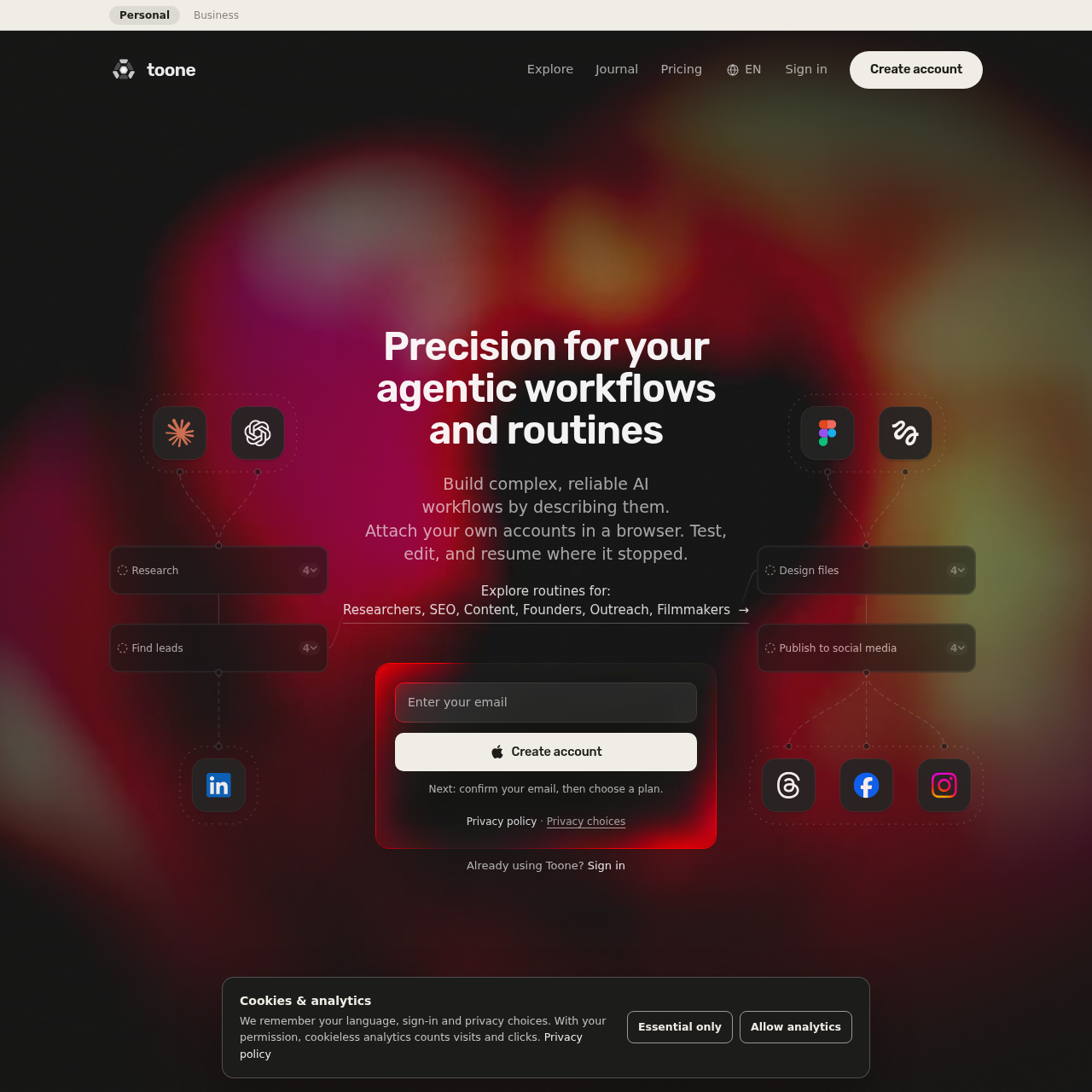
Toone turns plain-language briefs into repeatable AI workflows with a live step graph, output checks, and the option to edit and resume a paused step.
Organization & AutomationRun repeatable workflows on a schedule.Connect existing accounts in a browserUse failure routes that retry a step,…Retain workflow memory between runs.
Listed on AIToolly
What Is Toone? Product Overview
What the product does and how it is positioned
Toone is an AI workspace for recurring tasks that involve several steps or specialized agents. It drafts a workflow graph from a description of the work so the user can inspect it before running it.
During a run, the graph shows step progress, and agents can work in parallel on selected models. Contracts check outputs and pause an individual step when it falls short, allowing the user to edit and resume it.
What Can You Use Toone For?
Source-supported ways to use the product
Recurring topic research
A documented example schedules weekly topic research and assigns trend and competitor research to separate agents that run in parallel.
Social content review and publishing
A documented routine example separates drafting, review, and visuals into distinct steps, with user approval before publishing.
Meeting follow-up
Meeting audio can be recorded and speakers labeled, with the captured discussion turned into shared context and next actions.
How to Use Toone
The documented workflow, where available
1
Describe the routine
The user explains the objective and can specify when the routine runs, which models it uses, and which accounts it works with.
2
Review the draft graph
Toone drafts the workflow graph for the user to inspect before publishing the routine.
3
Run and monitor
Agents carry out their assigned steps, and the graph shows progress as the routine runs.
4
Edit and resume a paused step
Contracts check outputs automatically. If a step pauses after a failed check, the user can edit it and resume where it stopped.
How routines handle a failed step
Toone checks outputs against conditions it calls contracts. If an output does not meet its conditions, that step pauses on its own rather than requiring the user to restart the routine.
Documented check examples include a minimum number of leads and a source for each lead.
Documented failure routes include retrying the step, switching models, or asking the user.
What to Test Before Choosing Toone
Checks to run with your own material and workflow
Confirm that the accounts needed for the routine can be connected through the browser.
Verify that the routine's output requirements can be expressed as contract checks.
Check whether step-level editing and resuming fit the way failed steps are handled in the intended workflow.