Pushary Calls follows up on unanswered AI agent approval notifications by phone, letting users ask about the pending step and respond aloud.
Organization & AutomationHandles spoken approval of a pending…Lets the user ask about the pending…Phone callsSpoken questions and decisions
Estimated monthly visits
16K
Data period:
Listed on AIToolly
What Is Pushary Calls? Product Overview
What the product does and how it is positioned
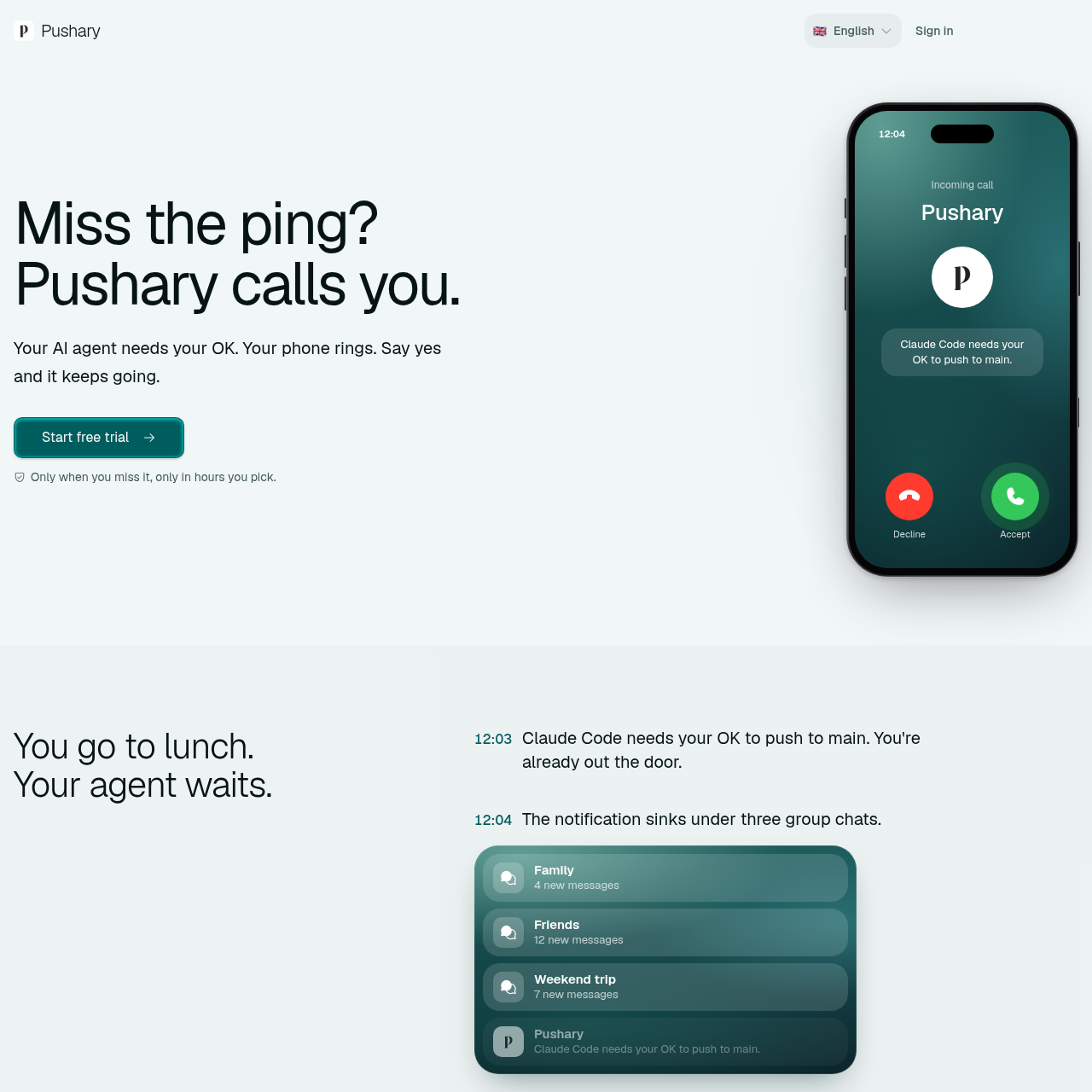
When an AI agent is waiting for permission, Pushary first sends a push notification. If it goes unanswered for the configured delay, Pushary can call during the hours the user has selected.
On the call, Pushary describes the pending action. The user can ask what the action would do, approve or decline it, or tell the agent what to do instead.
What Can You Use Pushary Calls For?
Source-supported ways to use the product
Respond to an approval request away from the desk
A user who misses a push notification while away from the desk can answer the follow-up call and decide whether the agent should proceed.
Clarify a proposed action before deciding
A user who needs more context can ask about the specific step during the call before approving it, declining it, or giving an alternative instruction.
How to Use Pushary Calls
The documented workflow, where available
1
Enable calls and confirm the number
The user turns on calls and confirms the phone number with a test call.
2
Set the call preferences
The user chooses the delay before a call, the calling hours, and a daily call limit.
3
Receive a follow-up call
Pushary sends a notification when an agent needs approval. If it goes unanswered, Pushary calls after the selected delay during the configured hours.
4
Respond to the pending request
Pushary explains the pending step and the user responds by voice. For an approval, Pushary reads the request back before the user's yes counts.
How spoken approval works
The call focuses on the specific action awaiting permission. The user can ask about that action before deciding, and Pushary reads the request back before accepting a spoken yes.
The user can decline the request or say what the agent should do instead.
Once the user confirms approval, the agent can proceed with the pending step.
What to Test Before Choosing Pushary Calls
Checks to run with your own material and workflow
Check whether the intended AI agent appears on the supported agent list.
Verify that the available call delay, calling hours, and daily call limit fit the intended workflow.
Confirm that the intended phone number can be verified with a test call.
Answers based on the source-checked product record
Which AI agents does Pushary Calls support?+
Pushary lists Claude Code, Codex, Gemini CLI, Grok Build, Antigravity CLI, and Hermes.
When does Pushary place a call?+
With calls enabled, Pushary can call when an approval notification remains unanswered after the configured delay and the time falls within the selected calling hours.
Which languages are available on calls?+
Pushary calls in English, German, French, or Dutch and switches if the user answers in another of those four languages.
How does Pushary confirm a spoken approval?+
Pushary reads the pending request back before counting the user's spoken yes as approval.
Which phone number does Pushary call?+
Pushary calls only the number the user has confirmed through a test call.
More Organization & Automation AI tools
Explore other recently added tools in the same category.