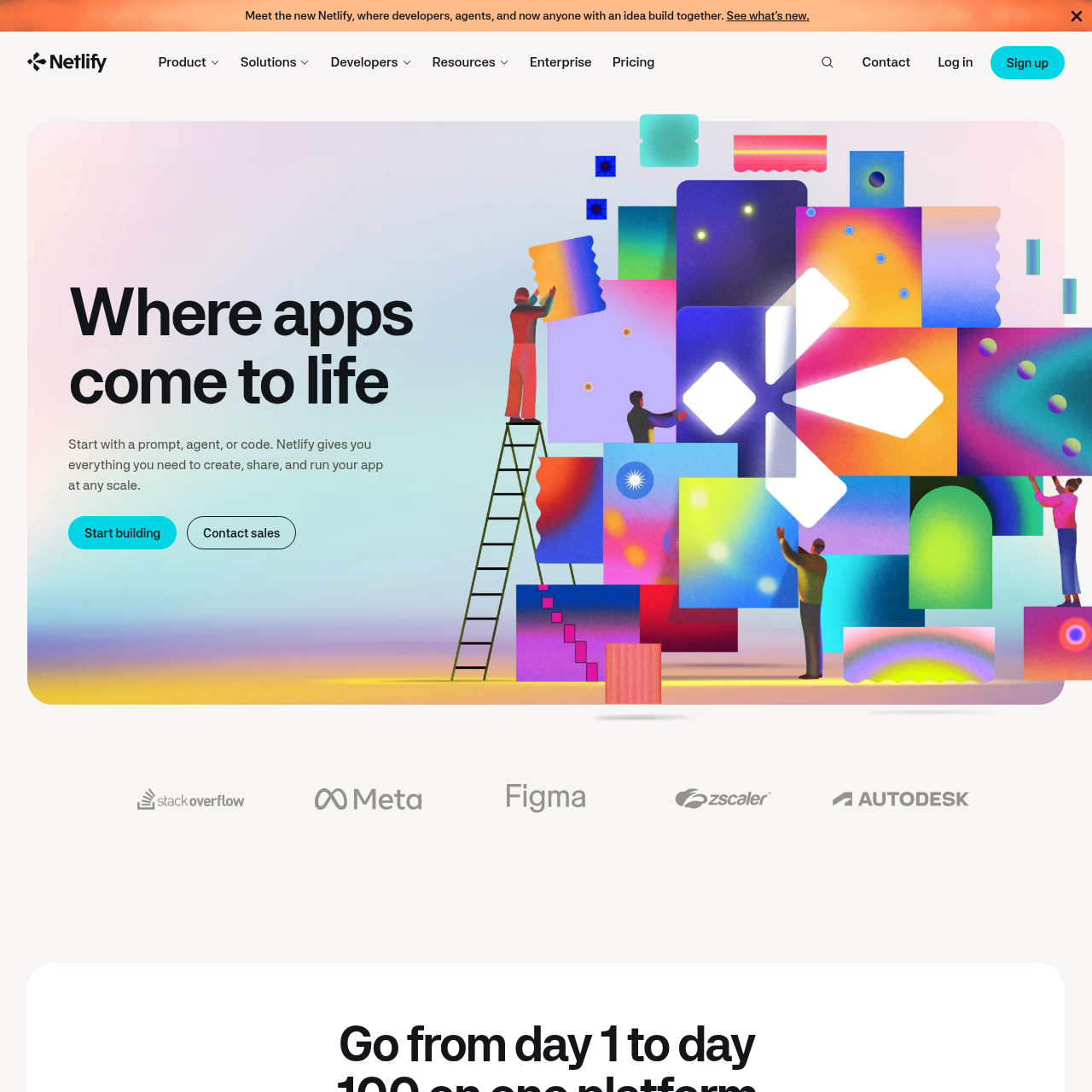
Netlify lets teams build and deploy apps from prompts, code, or project files, then share working previews as changes are made.
Code & ITBuild and deploy apps using an AI agent.Let teammates edit an app.Run a deployed app on a custom domain.Add AI features, store data, and manage…
Estimated monthly visits
16.3M
Data period:
Listed on AIToolly
What Is Netlify Server? Product Overview
What the product does and how it is positioned
Netlify is an app-building and deployment platform. Projects can start with a prompt or code, or they can be deployed from an uploaded file, folder, or ZIP archive.
Teams can preview changes, share working versions for feedback, and let teammates edit the app. A deployed app can run on a custom domain.
What Can You Use Netlify Server For?
Source-supported ways to use the product
Publish a portfolio site
A photographer can describe a portfolio site in a prompt or deploy existing project files.
Review changes with teammates
A team working from a connected repository can share previews of new versions privately for feedback.
How to Use Netlify Server
The documented workflow, where available
1
Start or import a project
Begin with a prompt, an AI agent, or code, or upload existing project files for deployment.
2
Preview and share changes
Review working previews of changes and share them privately or publicly for feedback.
3
Run the deployed app
Run the app on Netlify, with the option to use a custom domain.
Repository versioning and previews
When a repository is connected, each push automatically becomes a new version. Netlify makes changes available as working previews that teams can share for feedback.
Each push to a connected repository creates a new version.
Previews can be shared privately or publicly.
What to Test Before Choosing Netlify Server
Checks to run with your own material and workflow
Confirm whether the project will start from a prompt, an uploaded project, or a connected repository.
Verify whether private or public preview sharing fits the team's review process.
Check whether the deployed app needs to run on a custom domain.