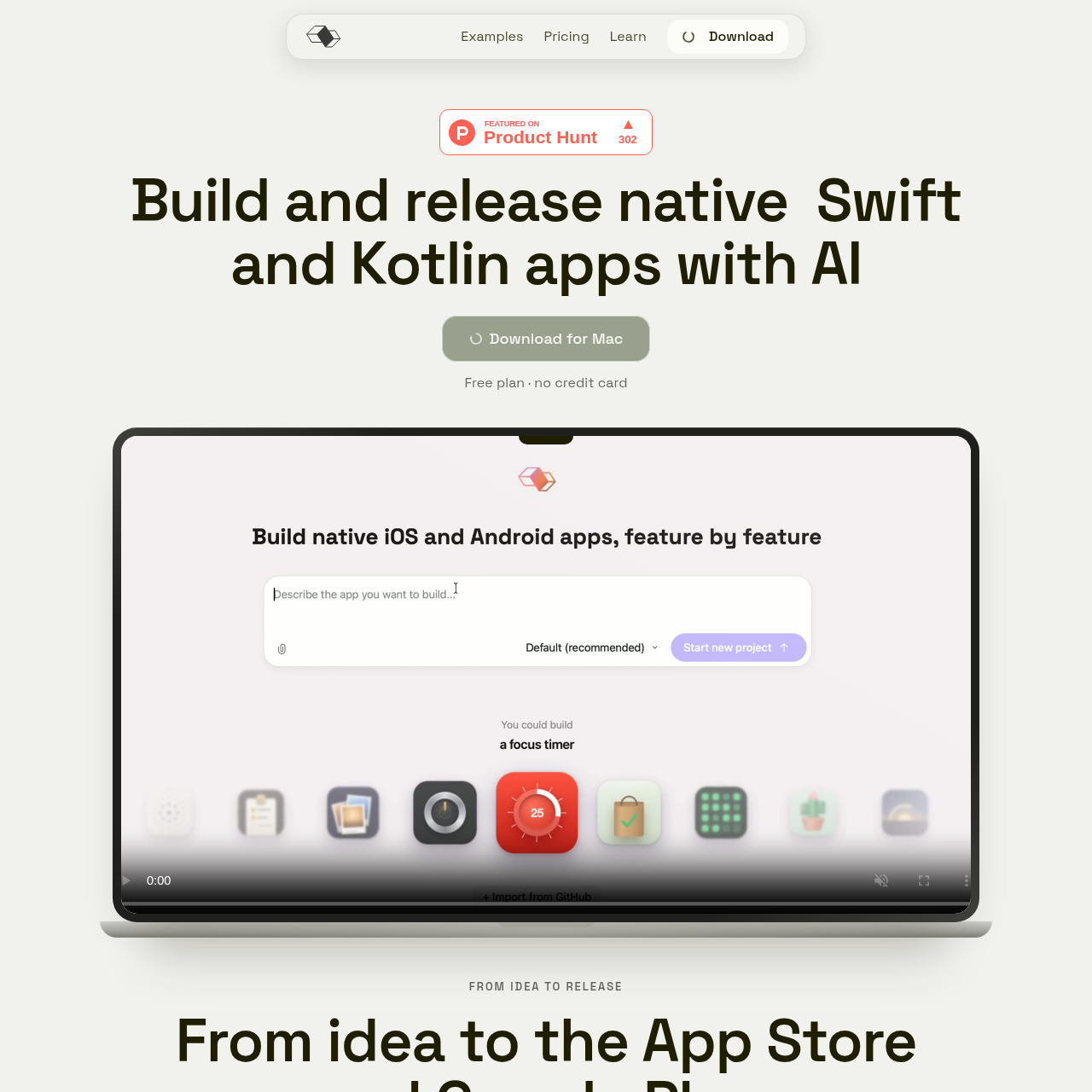
Modaal is a Mac application that generates native Android and iOS apps from shared logic using spec-driven AI development workflows.
Code & ITGenerates native Kotlin and Swift codeProduces a PRD.md file and structured…Runs native simulations locally without…Supports native system integrations
Listed on AIToolly
What Is Modaal for Android? Product Overview
What the product does and how it is positioned
Modaal is a Mac-based development tool designed to create native mobile software for Android and iOS using AI agents. It utilizes an architecture where application business logic is written once in a shared core, while native user interfaces are built with Jetpack Compose for Android and SwiftUI for iOS.
The tool emphasizes specification-led implementation. Before writing code, it converts text prompts, existing documents, screenshots, or design links into structured plans, supporting all implementation steps, architecture decisions, and testing parameters are approved prior to source code modification.
What Can You Use Modaal for Android For?
Source-supported ways to use the product
Simultaneous Cross-Platform Mobile Development
Teams can define logic once to produce synchronized native Android Studio and Xcode projects without web wrappers.
Specification-First Feature Authoring
Product managers and engineers can create structured PRDs and feature specifications prior to committing automated code changes.
Native Hardware and System Service Integration
Engineers can build applications requiring direct platform capabilities such as device sensors, widgets, and background tasks.
How to Use Modaal for Android
The documented workflow, where available
1
Input Project Concept or Assets
The user submits a feature prompt, functional requirement document, interface screenshots, or a Figma URL.
2
Specification Generation and Review
The system drafts a root PRD.md and technical spec detailing technical approach, files to edit, risks, and testing methods for user approval.
3
Code Generation and Shared Core Compilation
Upon plan approval, the agent writes the shared core behavior alongside native Jetpack Compose and SwiftUI interface components.
4
Local Simulation and Parity Verification
The application compiles into local simulators, verifying that both target platforms satisfy the defined test fixtures.
5
Version Control and Distribution
Users commit source files to local Git repositories, submit GitHub pull requests, or deploy packages through platform distribution channels.
Shared Behavior and Native Interface Parity
Modaal coordinates multiplatform development by separating interface declaration from application behavior. Rather than using an embedded web container or runtime abstraction bridge, the environment compiles direct native code using Kotlin and Jetpack Compose for Android alongside Swift and SwiftUI for iOS.
Consistency between platforms is maintained through fixture replay mechanisms built directly into the build pipeline. When behavior diverges between the two targets, the build runner halts to help reduce logic drift between releases.
Eliminates bridge overhead by rendering Jetpack Compose natively on Android devices
Automates test fixture replay to ensure functional equivalence across both operating systems
Permits phased platform adoption by supporting initial single-platform development with subsequent platform expansion
What to Test Before Choosing Modaal for Android
Checks to run with your own material and workflow
Confirm that a Mac workstation is available to install and run the Modaal application.
Verify that an active third-party account with Claude, ChatGPT, Gemini, or Copilot is available to link as the AI provider.
Review whether local Android Studio and Xcode development environments are properly configured on the host machine.
Check that your application design requirements can be implemented via Jetpack Compose and SwiftUI without third-party cross-platform frameworks.