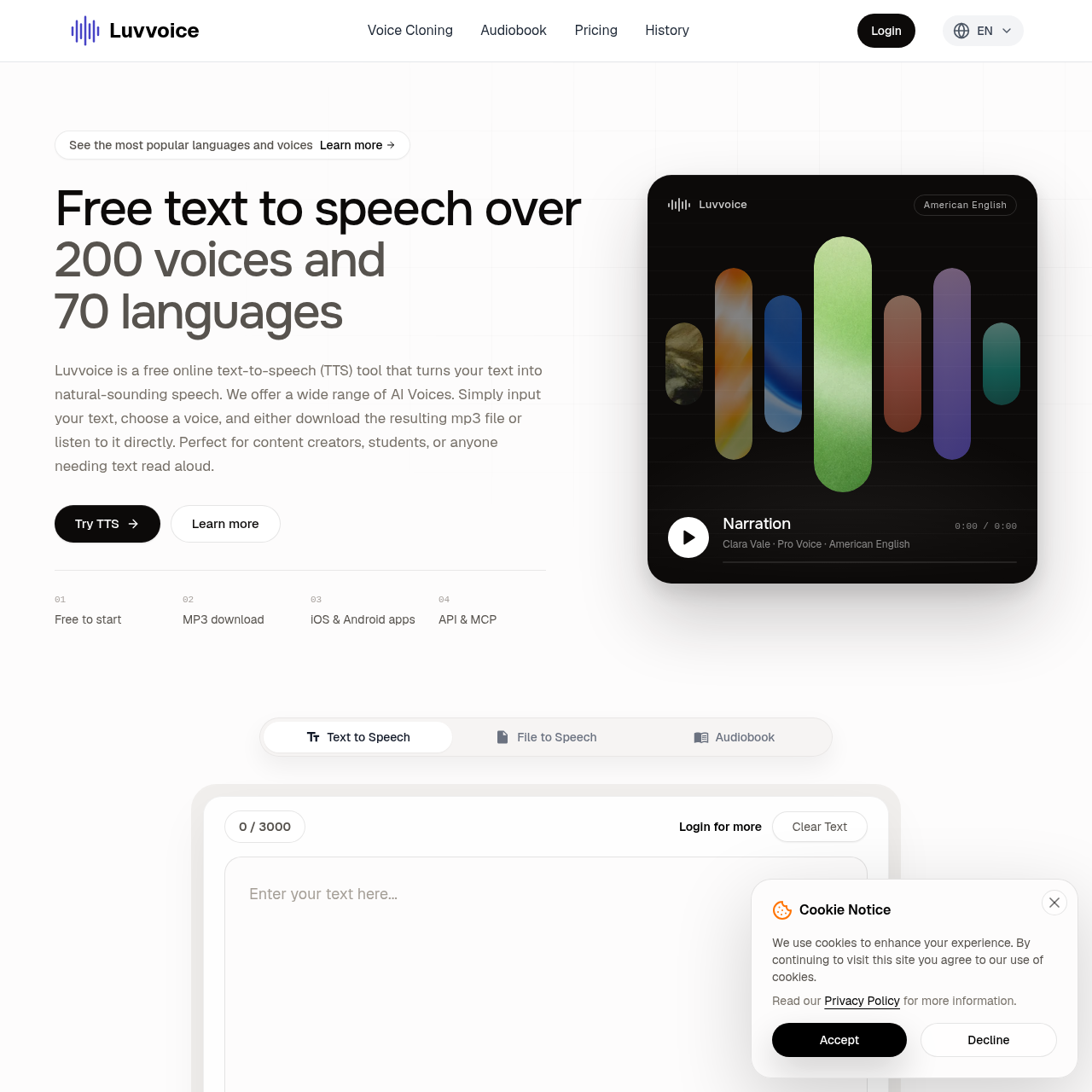
Luvvoice is an online text-to-speech tool that converts text and supported documents into spoken audio, with selectable voices, speech controls, and MP3 downloads.
Text To SpeechConverts text and supported documents…Provides selectable voices across…Allows direct listening and MP3…Supports pause insertiontext to speechAI voice generatorvoice cloningaudiobook convertermultilingual speechMP3 voiceover
Estimated monthly visits
1.6M
Data period:
Listed on AIToolly
What Is Luvvoice? Product Overview
What the product does and how it is positioned
Luvvoice converts written text into speech in your browser. Pick a language and voice, then listen online or download an MP3 for narration, videos, podcasts, lessons, and accessible reading. Luvvoice also supports voice cloning and audiobook conversion for PDF, EPUB, and TXT. Eligible paid plans include a text-to-speech API.
Luvvoice provides browser-based text-to-speech generation from typed or pasted text, with language and voice selection before audio generation.
The service also documents PDF and TXT conversion, adjustable speech rate and pitch, pause insertion, direct playback, and MP3 downloading.
What Can You Use Luvvoice For?
Source-supported ways to use the product
Video and podcast narration
Create spoken tracks for videos, podcasts, social content, and other media projects.
Audiobook and reading support
Convert supported documents or written material into speech for listening and reading assistance.
Education and accessibility
Use generated audio for educational material, language learning, or accessibility-oriented reading.
Games and animation
Produce selectable character-style voices for documented game and animation applications.
How to Use Luvvoice
The documented workflow, where available
1
Enter or upload content
Type or paste text into the editor, or upload a supported PDF or TXT document.
2
Choose language and voice
Select the language and preferred voice from the available voice options.
3
Adjust speech settings
Set speech rate or pitch, and logged-in users can insert pauses where needed.
4
Generate and access audio
Start the conversion, then listen to the result directly or download the MP3 file.
Document-to-speech conversion
Luvvoice documents support for converting PDF and TXT files into spoken audio. The source notes that image-only or scanned PDFs may not extract text successfully, so document format and text accessibility are relevant before conversion.
Supported document formats include PDF and TXT.
Image-only or scanned PDFs may fail during text extraction.
Generated audio can be downloaded in MP3 format.
Luvvoice Pricing
Human-maintained commercial information
subscriptionfreemium
USD 8/month
Pricing can change. Confirm the current plan and billing terms on the official site before purchasing.
What to Test Before Choosing Luvvoice
Checks to run with your own material and workflow
Confirm that the required document is a supported PDF or TXT file.
Verify that any PDF contains extractable text rather than only scanned images.
Check that the available language and voice options fit the intended narration.
Review whether speech rate, pitch, and pause controls provide the required pacing.