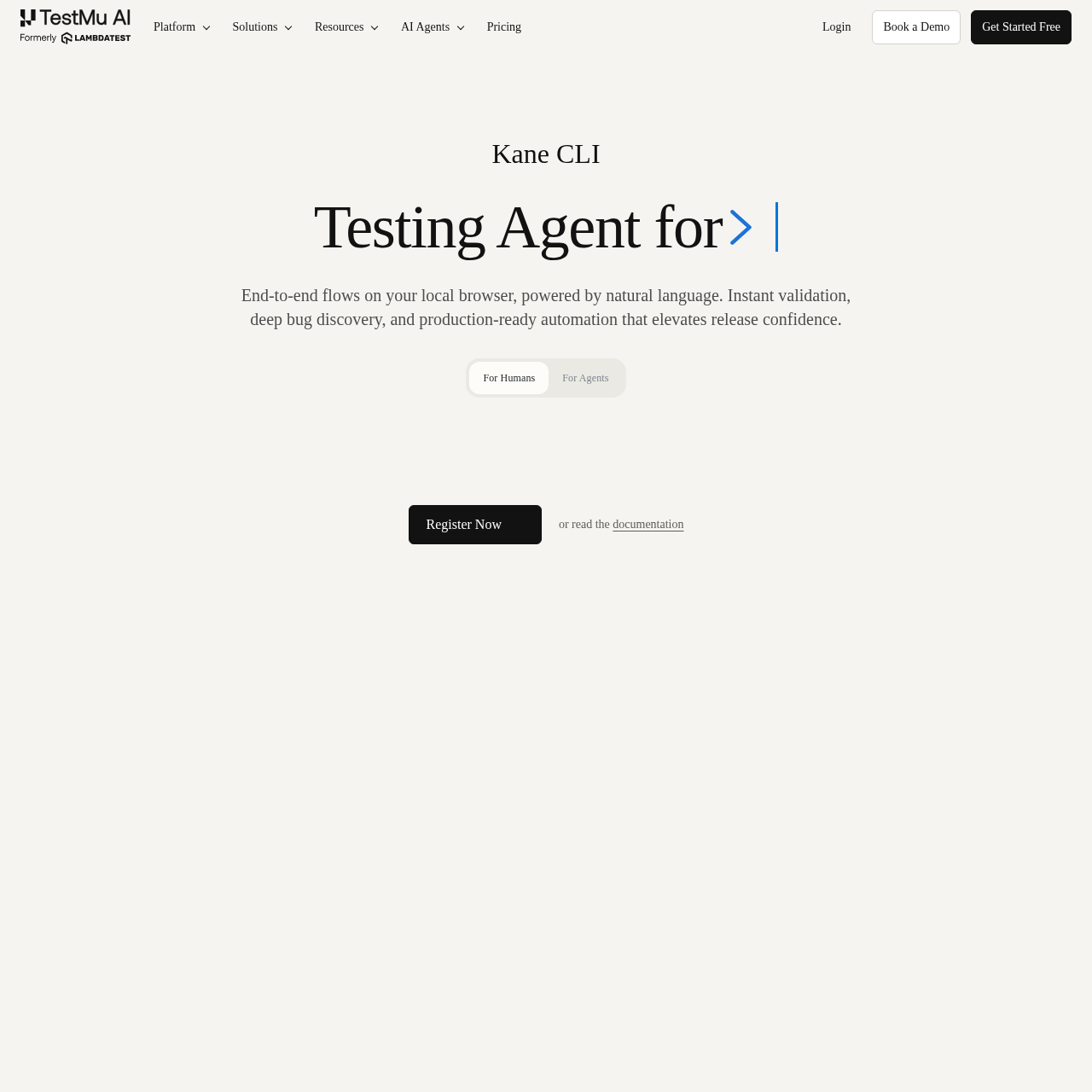
Kane CLI is an AI-driven, terminal-native testing tool that enables developers and AI agents to automate end-to-end browser flows using natural language.
Code & ITAutomates end-to-end flows on local…Supports multi-environment execution…Exports flows into native Playwright…Provides auto-healing and dynamic querying
Estimated monthly visits
637K
Data period:
Listed on AIToolly
What Is Kane CLI? Product Overview
What the product does and how it is positioned
Kane CLI serves as a terminal-based companion to the TestMu AI platform, allowing users to drive real browsers through intent-based instructions. It eliminates the need for brittle scripts or custom domain-specific languages by interpreting plain English commands to navigate and validate web applications.
The tool is designed for developers, QA engineers, and AI coding agents that require reliable browser interaction. By integrating directly into the development workflow, it provides immediate validation, deep bug discovery, and production-ready automation that syncs with the broader TestMu AI ecosystem.
What Can You Use Kane CLI For?
Source-supported ways to use the product
End-to-End Flow Automation
Developers can automate complex user journeys, such as guest checkouts or authentication flows, directly from their terminal before pushing code changes.
AI Agent Browser Navigation
AI coding agents utilize Kane CLI to drive browsers, perform validations, and extract data from web applications as part of their autonomous workflows.
The Agentic Quality Validation Loop
Kane CLI implements an unbroken validation loop that transitions from test context to verified proof. By reading project requirements and existing suites, the tool maps promises into specific use cases and criteria before execution begins.
Contextual mapping of PRDs and tickets to test scenarios
Strict coverage tracking where criteria are only proven via real browser outcomes
Generation of tamper-evident evidence packs for auditability
What to Test Before Choosing Kane CLI
Checks to run with your own material and workflow
Confirm that the local environment is configured with the necessary TestMu AI credentials to enable dashboard synchronization.
Review the generated evidence packs to verify that all acceptance criteria were asserted against the real browser outcome.
Answers based on the source-checked product record
What is Kane CLI?+
Kane CLI is an AI-driven testing tool that allows you to describe browser interactions in plain English. It drives a real Chrome browser to execute these tasks, removing the need for manual script maintenance.
Who is the target audience for this tool?+
The tool is built for developers and QA engineers who prefer natural language over traditional scripting, AI coding agents that need browser access, and DevOps teams managing browser-based checks in CI.
How does Kane CLI relate to KaneAI?+
KaneAI is the web-based platform for test authoring and management, while Kane CLI acts as its terminal-native companion. Both share the same automation engine and sync data to the same dashboard.
Is Kane CLI free to use?+
The CLI software itself is free to install and use. While local runs are free, cloud-based execution on the TestMu AI grid is billed according to your existing TestMu AI plan.
Do I need a TestMu AI account to use the CLI?+
Yes, a TestMu AI account is required to authenticate the CLI, which is designed so that your test runs, screenshots, and evidence packs are correctly synced to your team's workspace.
More Code & IT AI tools
Explore other recently added tools in the same category.