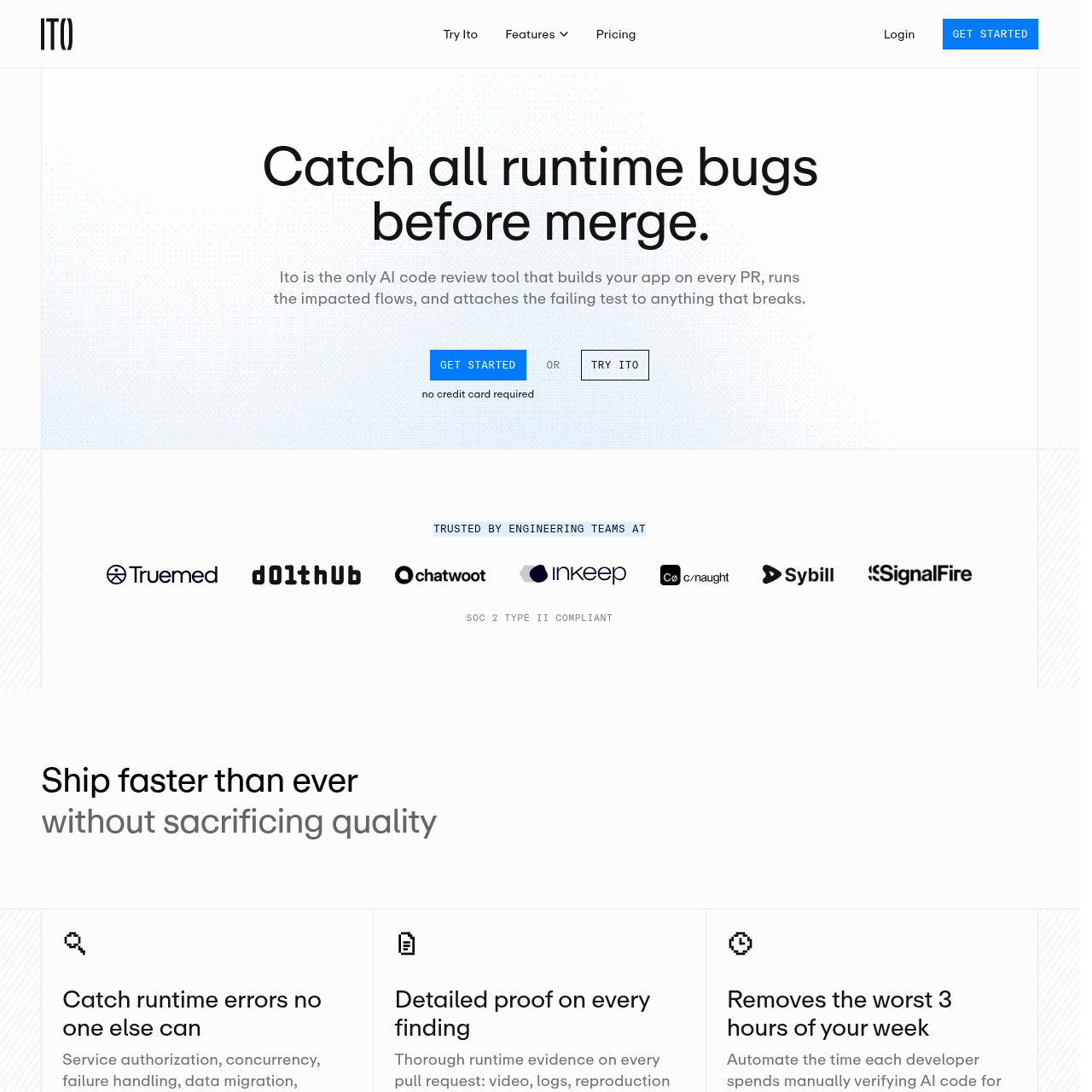
Ito is an execution-based AI code review tool that validates pull requests by building and testing applications in isolated sandboxes to catch runtime behavioral regressions.
Code & ITPerforms scriptless end-to-end validationExecutes user flows using computer-use…Supports authenticated user flowsAutomatically re-runs tests upon code…
Estimated monthly visits
33K
Data period:
Listed on AIToolly
What Is Ito? Product Overview
What the product does and how it is positioned
Ito functions as an automated quality assurance layer that integrates directly into the development workflow. By deploying a containerized version of the application for every pull request, it moves beyond static code analysis to verify how changes behave in a live environment.
The platform utilizes computer-use agents to navigate the application, execute user flows, and identify logic or integration errors. This approach aims to reduce the manual effort required for runtime verification while providing developers with actionable evidence to resolve issues quickly.
What Can You Use Ito For?
Source-supported ways to use the product
Automated Runtime Verification
Engineering teams use Ito to automatically validate pull requests for runtime errors, such as broken UI logic or failed API integrations, before merging code.
Reducing QA Bottlenecks
By automating the execution of test scenarios, teams can decrease the time spent on manual verification and accelerate the overall shipping velocity.
How to Use Ito
The documented workflow, where available
1
Trigger and Analysis
When a pull request is opened, Ito reads the diff and description to identify affected user flows and build a targeted test plan.
2
Containerized Execution
The system builds a single-use copy of the application and uses agents to execute the test plan, simulating real-user interactions.
3
Reporting and Resolution
Ito posts a summary to the pull request containing video evidence and logs; developers push fixes, and the system automatically re-runs tests to confirm resolution.
Execution-Based Review vs. Static Analysis
While traditional static analysis tools examine code structure and syntax, Ito focuses on behavioral outcomes. By running the application, it uncovers bugs that only manifest during execution, such as data migration issues, concurrency errors, or authentication failures.
Identifies runtime bugs that static diff analysis cannot detect.
Eliminates the maintenance tax associated with brittle, manually written E2E test scripts.
Provides visual proof of failures to streamline the debugging process.
What to Test Before Choosing Ito
Checks to run with your own material and workflow
Confirm that the application's authentication flows, including multi-factor authentication, are compatible with the agent-based session management.
Review the integration requirements to ensure the platform's autonomous setup process aligns with existing repository structures.
Answers based on the source-checked product record
How does Ito differ from traditional testing frameworks like Playwright?+
Unlike frameworks that require engineers to write and maintain brittle test scripts, Ito generates test cases automatically from the application's actual behavior, providing scriptless validation that adapts as the UI evolves.
Does Ito store my source code?+
No, Ito does not store your source code. It performs secure code execution within isolated, single-use sandbox environments and maintains a zero data retention policy.
Which programming languages and frameworks are supported?+
Ito is framework agnostic and works with any technology stack, including common frameworks such as React, Vue, Next.js, Rails, and Django.
How does the platform handle authenticated user flows?+
Ito supports test environment credentials and multi-factor authentication, allowing its QA agents to manage sessions automatically and validate behavior as a real user would.
What evidence is provided when a test fails?+
Every failure report includes a complete test summary, video replays, screenshots, the exact lines of code responsible, and reproduction steps to facilitate rapid debugging.
More Code & IT AI tools
Explore other recently added tools in the same category.