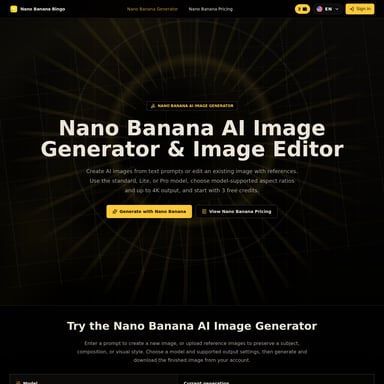
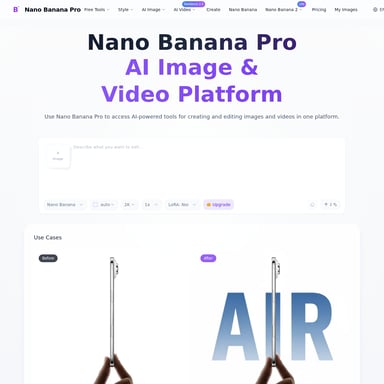
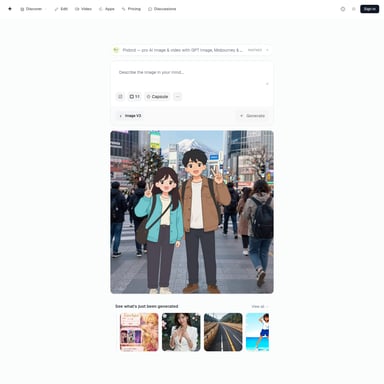
GPT Image 2
GPT Image 2: AI Image Generation Platform
GPT Image 2 is an advanced AI-powered platform that creates stunning, high-quality images from text descriptions in seconds. Powered by OpenAI technology, it offers users a fast and intuitive tool for generating professional 4K resolution images, perfect for creatives, marketers, and anyone needing quick, high-quality visual content.
2025-12-05
0.2K
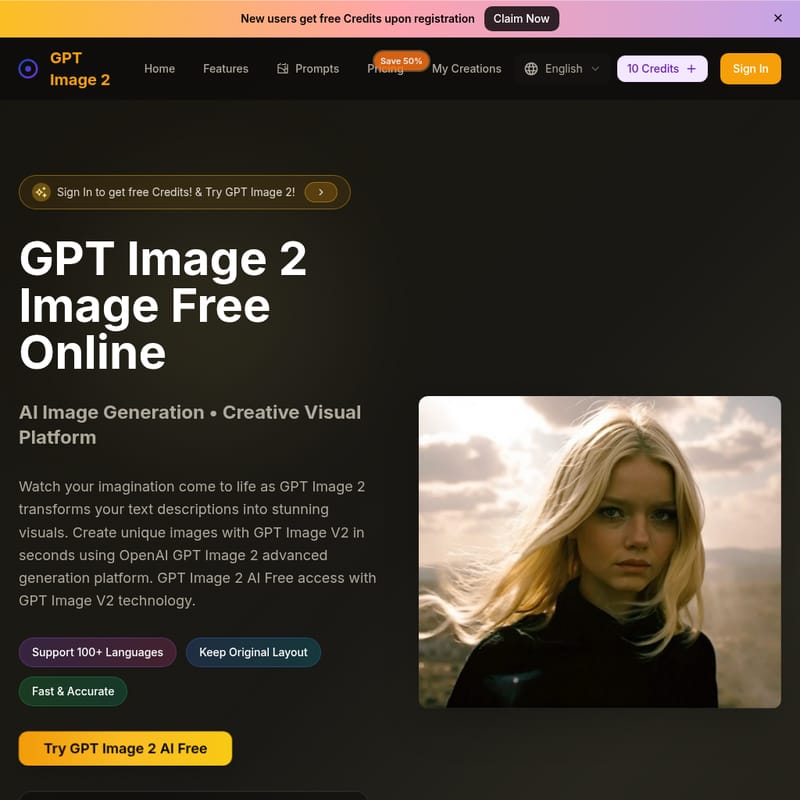
GPT Image 2 Product Information
GPT Image 2: AI Image Generation Platform
What's GPT Image 2
GPT Image 2 is a cutting-edge AI image generation tool that allows you to turn simple text descriptions into stunning, high-resolution images. Powered by OpenAI GPT Image 2 model technology, it enables anyone to create professional-quality visuals in just a few seconds. Whether you're a beginner or a seasoned designer, GPT Image 2 provides an intuitive, easy-to-use platform that doesn't require any artistic skills.
Features
1. AI-Powered Image Generation
Generate high-quality AI images using just text descriptions. GPT Image 2 analyzes your inputs and produces stunning visuals in 4K resolution.
2. Fast and Accurate
GPT Image 2 delivers quick, high-quality results. In just a few seconds, your image is ready to download, saving you valuable time.
3. Supports Multiple Art Styles
Create images in various artistic styles, including photorealistic, anime, or oil painting, making it ideal for a variety of projects.
4. Image Editing Features
Not just for creation, GPT Image 2 also offers editing features such as text changes, background swaps, and more, to fine-tune your images.
5. Multi-Language Support
GPT Image 2 supports over 100 languages, making it accessible to a global audience.
6. Free and Paid Plans
Start for free with 10 credits upon registration and choose from various paid plans to generate more images with additional credits.
How to Use GPT Image 2
Using GPT Image 2 is straightforward:
- Select the Generator: Choose the GPT Image 2 image generator on the platform.
- Enter Your Description: Type a detailed description of the image you want to create. Be specific about colors, style, and other details.
- Generate and Download: Click generate to create the image. Once the AI completes the generation, download your stunning visual instantly.
Use Case
GPT Image 2 is perfect for a variety of applications:
- Content Creation: Easily create visual content for social media, blogs, or websites.
- Marketing: Generate professional images for advertisements, promotional materials, and e-commerce.
- Product Visualization: Create detailed and accurate product images for online stores.
- Photo Restoration: Repair old or damaged photos with the AI editor.
- Personal Projects: Create unique artwork or avatars for games, personal websites, and more.
FAQ
Q: How to use GPT Image 2? A: Simply enter a description of the image you want to create, select the style, and GPT Image 2 will generate it in seconds. You can also upload an image to edit or transform.
Q: What is the best free AI image editor? A: GPT Image 2 offers an excellent free plan that includes 10 free credits for generating images. It provides high-quality outputs and is easy to use.
Q: Do I need artistic skills to use GPT Image 2? A: No! GPT Image 2 is designed for everyone, regardless of artistic background. Just describe your idea, and the AI takes care of the rest.
Q: What formats can I download my images in? A: Images are available for download in PNG and JPEG formats, suitable for both personal and commercial use.
Q: How long does it take to generate an image? A: The AI generates high-resolution images in seconds, depending on the complexity of your description.
Q: Is there a limit to the number of images I can generate? A: The number of images depends on your credit plan. Free users get 10 credits, and paid plans offer up to 120,000 credits per year.
Q: What makes GPT Image 2 different from other tools? A: GPT Image 2 uses advanced OpenAI GPT Image 2 technology to create high-quality 4K images, offering precision and a wide variety of artistic styles that other platforms can't match.
Q: Can I use GPT Image 2 on mobile? A: Yes, GPT Image 2 works on mobile browsers, but there is currently no dedicated mobile app. A mobile version may be available in the future.