Nano Banana Pro favicon

Nano Banana Pro

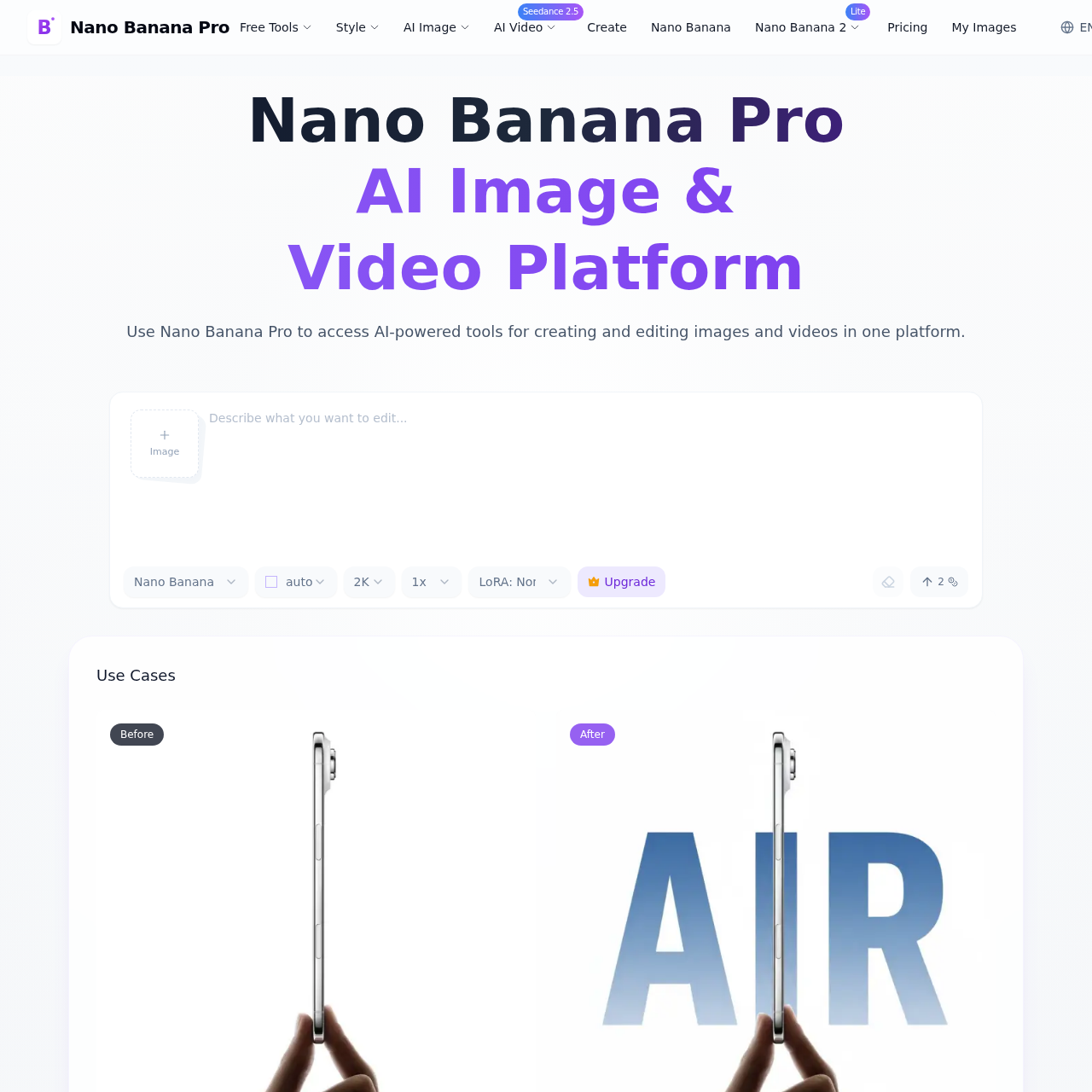
Nano Banana Pro is an AI-powered platform designed for generating and editing high-resolution images and videos with a focus on precise text rendering and studio-level creative controls.

Image GeneratorCharacter consistency across multiple…Masked editingHigh-fidelity upscaling from 2K drafts…Conversion of handwritten notes or…
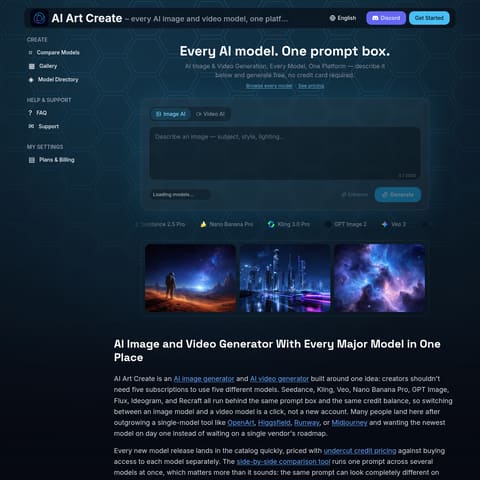
Nano Banana Pro product interface screenshot
Estimated monthly visits
8K
Data period:
Listed on AIToolly

What Is Nano Banana Pro? Product Overview

What the product does and how it is positioned

Nano Banana Pro provides a unified environment for creating visual content from text prompts and reference images. The tool emphasizes typographic accuracy and the ability to maintain character consistency across multiple generated scenes.

The platform integrates generation and editing within a single model, allowing users to perform masked edits and adjust environmental factors like lighting and camera angles without switching tools.

What Can You Use Nano Banana Pro For?

Source-supported ways to use the product

Marketing and Branding

Creating localized posters and logos with legible text in multiple languages while maintaining brand styles.

Data Visualization

Converting raw data or sketches into structured diagrams, infographics, and educational charts using AI reasoning.

How to Use Nano Banana Pro

The documented workflow, where available

  1. 1

    Input Definition

    Users provide a text description or upload up to 14 reference images to guide the generation process.

  2. 2

    Parameter Adjustment

    Selection of aspect ratios, lighting directions, camera angles, and specific areas for masked editing.

  3. 3

    Refinement and Upscaling

    Reviewing initial 2K drafts and upscaling them to 4K resolution for high-fidelity applications.

Studio-Grade Creative Controls

The platform offers a suite of professional-grade adjustments that allow users to direct the visual output with precision. These controls include the ability to modify lighting conditions, such as transitioning a scene from day to night, and adjusting camera parameters like depth of field and angles.

Users can also perform targeted edits using masking techniques. This allows for the modification of specific regions within an image while preserving the integrity of the surrounding elements, facilitating a more controlled creative workflow.

  • Directional lighting adjustments
  • Camera angle and depth of field settings
  • Color grading and masked region editing

Nano Banana Pro Pricing

Human-maintained commercial information

subscriptionfree trial
  • USD 13.9/month

Pricing can change. Confirm the current plan and billing terms on the official site before purchasing.

What to Test Before Choosing Nano Banana Pro

Checks to run with your own material and workflow

  • Verify the legibility of rendered text in specific target languages for marketing materials.
  • Confirm character consistency across different poses and settings for sequential storytelling.
  • Check the accuracy of data-driven diagrams against the provided source information.

Nano Banana Pro Sources and Last Checked

What was checked and when

Last checked

Nano Banana Pro Frequently Asked Questions

Answers based on the source-checked product record

What are the primary functions of Nano Banana Pro?

The platform is designed for creating and editing images and videos using AI, with specific tools for text rendering and data visualization.

How many images can be blended at once?

Users can combine up to 14 reference images in a single composition while maintaining the likeness of up to five individuals.

Does the tool support high-resolution outputs?

Yes, the system generates 2K drafts that can be upscaled to 4K resolution for print-ready detail.

Can characters be kept consistent across different images?

The platform includes features to maintain character recognition across various scenes, outfits, and poses.

What creative controls are available for editing?

Users can adjust lighting, camera angles, and depth of field, as well as perform masked edits on specific image areas.

Explore other recently added tools in the same category.