Dippr
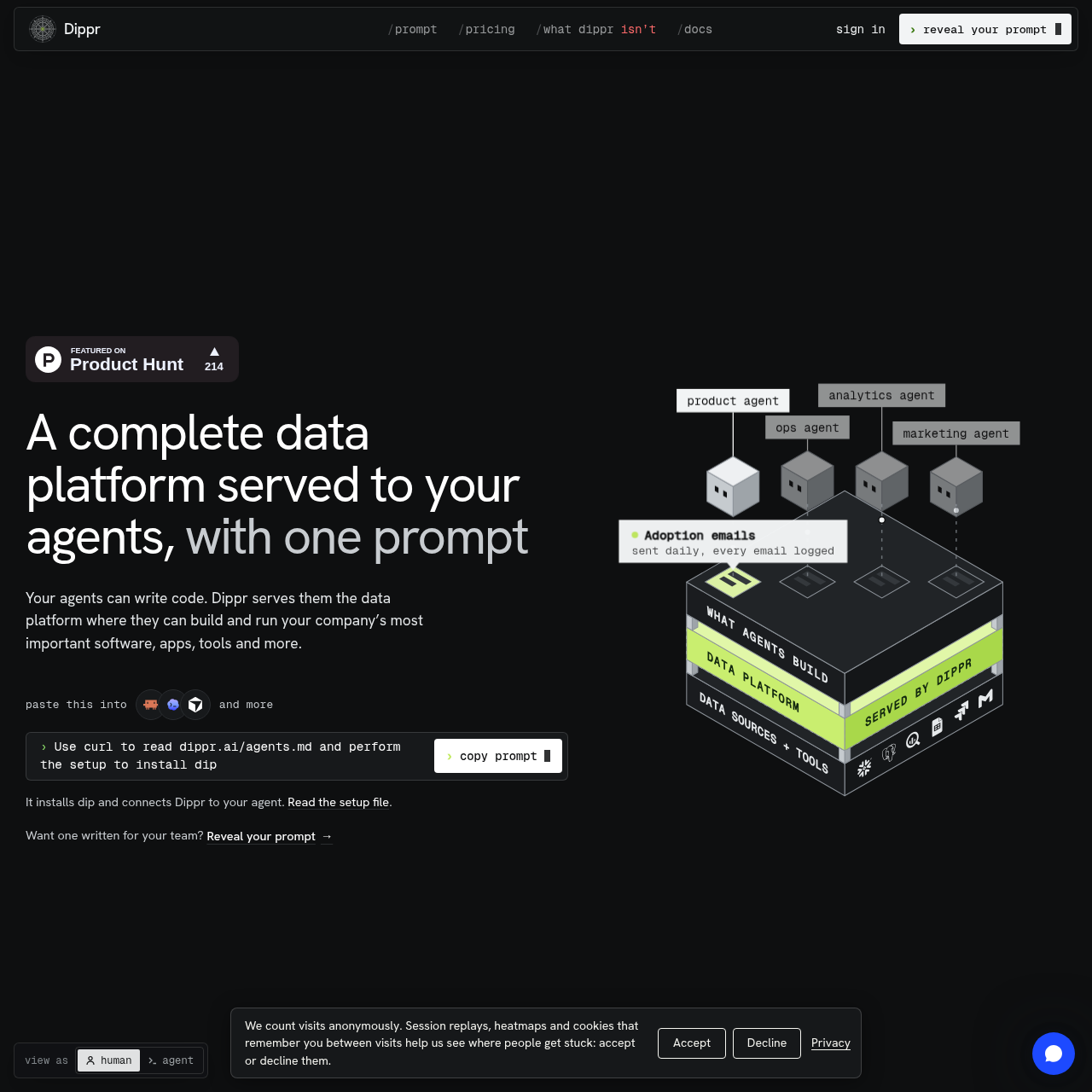
Dippr gives coding agents governed access to live company data and hosts the apps and workflows they build.
Code & ITAgents can run on a schedule and take…Agent-built internal tools can write…Federated queryingShared metric definitions
Dippr gives coding agents governed access to live company data and hosts the apps and workflows they build.
What the product does and how it is positioned
Dippr is a data and hosting platform for coding agents. The agent writes the application code, while Dippr provides access to connected data and hosts what the agent builds.
Teams can define business metrics once for agents to share and set rules for what agents can read or change. Dippr enforces those rules and logs queries from people and agents.
Source-supported ways to use the product
An agent can build a portal where customers sign in to see their own usage data and open support tickets.
An agent can build an internal deal desk that routes discounts above a configured threshold to finance for approval.
A workflow can monitor orders and notify operations when an order has not moved for a set period.
The documented workflow, where available
The user gives the setup prompt to the agent, which follows the setup file to install the command-line tool and connect to Dippr.
The team connects its data sources and sets rules for what each agent can read or change.
The team records business definitions in the semantic layer so agents use the same definitions.
The agent writes the application code, and Dippr hosts what the agent builds.
Dippr separates access to connected data from the code an agent writes. Teams define what agents may read or change, and Dippr enforces those rules.
Shared metric definitions specify what a business term means. Permissions separately determine which data an agent or viewer may see.
Checks to run with your own material and workflow
What was checked and when
Answers based on the source-checked product record
The connected agent writes the application code. Dippr provides access to live company data and hosts the application.
No. Its federated query engine can query across connected sources without copying their data.
Yes. A team can define a metric once in the semantic layer so its agents use the same definition.
An agent can see only what its user is permitted to see. Dippr also enforces team-defined rules for what agents may read or change.
Dippr documents hosted public cloud, self-hosting in a customer cloud account, sovereign cloud, and on-premises deployment. Not every option is available in every configuration.