Browzer
Browzer is an AI-native developer relations studio that automatically generates and maintains documentation, demo videos, and blog posts by syncing directly with GitHub repositories.
What the product does and how it is positioned
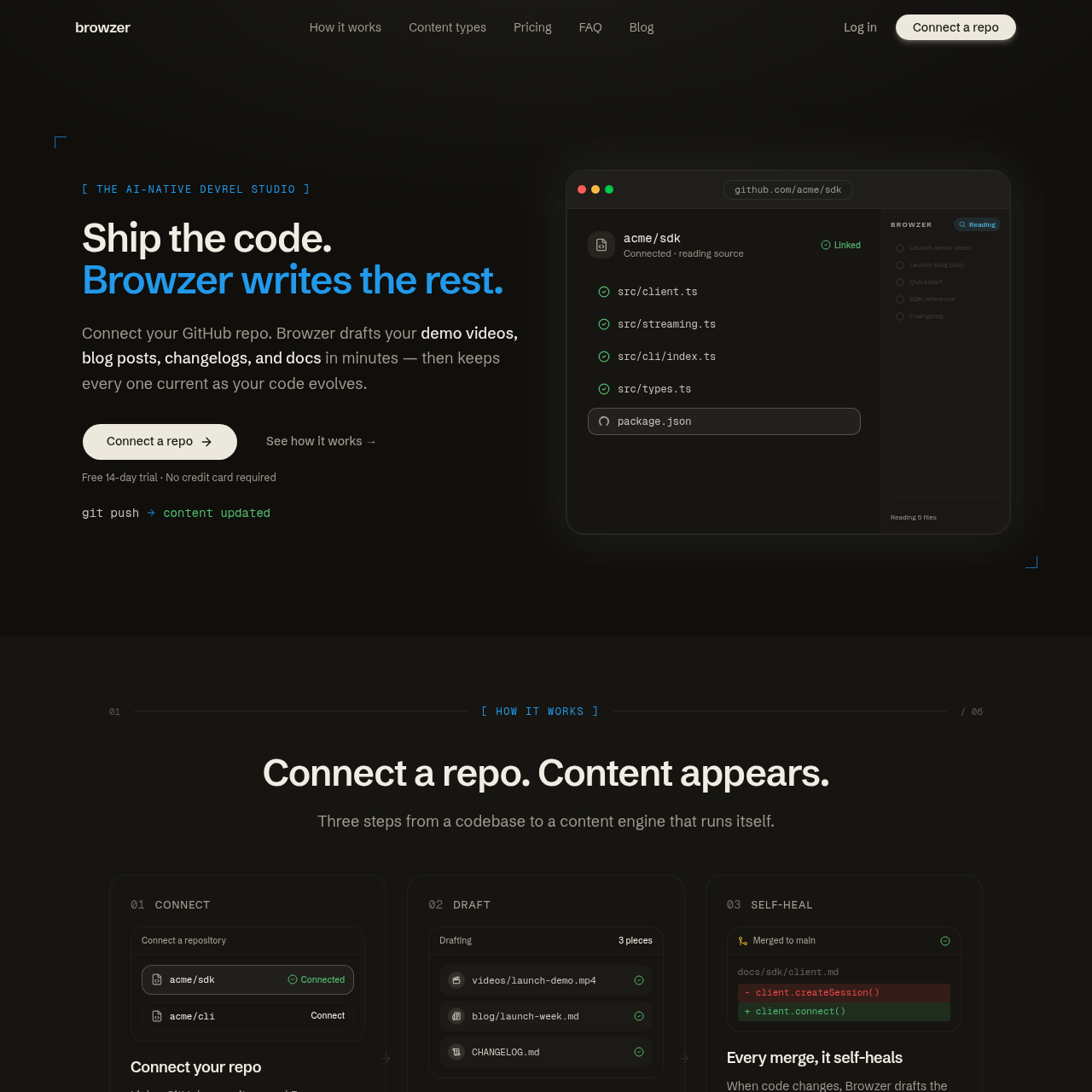
Browzer functions as an automated content engine for technical teams, converting codebase data into various developer-facing materials. By connecting directly to a GitHub repository, the tool analyzes source code, comments, and file structures to draft documentation, narrated walkthroughs, and launch announcements without requiring manual configuration files.
The platform is designed to eliminate documentation rot through a self-healing mechanism. When code is updated or methods are renamed, the system identifies affected content across the library and drafts the necessary fixes. Users can manage these updates through a review inbox or enable automatic publishing for verified changes.
Source-supported ways to use the product
Automatically update SDK references and quickstart guides whenever function signatures or installation steps change in the repository.
Generate a complete set of launch materials, including a narrated demo video, a changelog entry, and an SEO-optimized blog post, immediately after merging new features.
The documented workflow, where available
Link a GitHub repository to allow the system to read and analyze the source code, comments, and structure.
The system automatically drafts various content types, such as API references, videos, and blog posts, based on the codebase.
Users inspect the generated drafts in a review inbox to verify technical accuracy and tone before publishing.
The platform monitors every merge to the main branch, drafting updates or self-healing fixes whenever code changes are detected.
Browzer's self-healing capability is designed to address the problem of documentation drift in fast-moving codebases. Rather than relying on manual updates, the system acts as a continuous observer of the repository's main branch. When a developer renames a method, changes a parameter, or modifies a workflow, the AI identifies every instance where that specific code is referenced in the documentation, tutorials, and even past blog posts.
Once a discrepancy is found, the system generates a corrected version of the affected snippet or text. These updates are presented in a review inbox, allowing developers or DevRel leads to see a side-by-side comparison of the change. This is designed so that even legacy content remains technically accurate as the product evolves, reducing the maintenance burden on engineering teams.
Checks to run with your own material and workflow
What was checked and when
Answers based on the source-checked product record
The platform connects to a GitHub repository and analyzes the source code, comments, and file structure to understand the application's logic and functionality.
Self-healing is the system's ability to detect code changes, such as renamed methods, and automatically draft updates for all related documentation and blog posts to help reduce technical drift.
It can generate narrated demo videos, SEO-ready blog posts, changelogs, cookbooks, sample scripts, quickstart guides, and full SDK or API reference sites.
Browzer renders narrated walkthroughs directly from the repository, which include scene-by-scene scripting, voiceovers, and captions based on the code.
Yes, the platform supports publishing generated documentation and blog posts directly to a user's own custom domain.