BeMusic AI
Sponsored product video
See BeMusic AI in motion
BeMusic AI: Professional AI Music Generator
Create original songs and instrumentals with BeMusic AI. Use the AI music generator to turn text prompts into tracks for videos and podcasts.
2026-08-07
60.0K
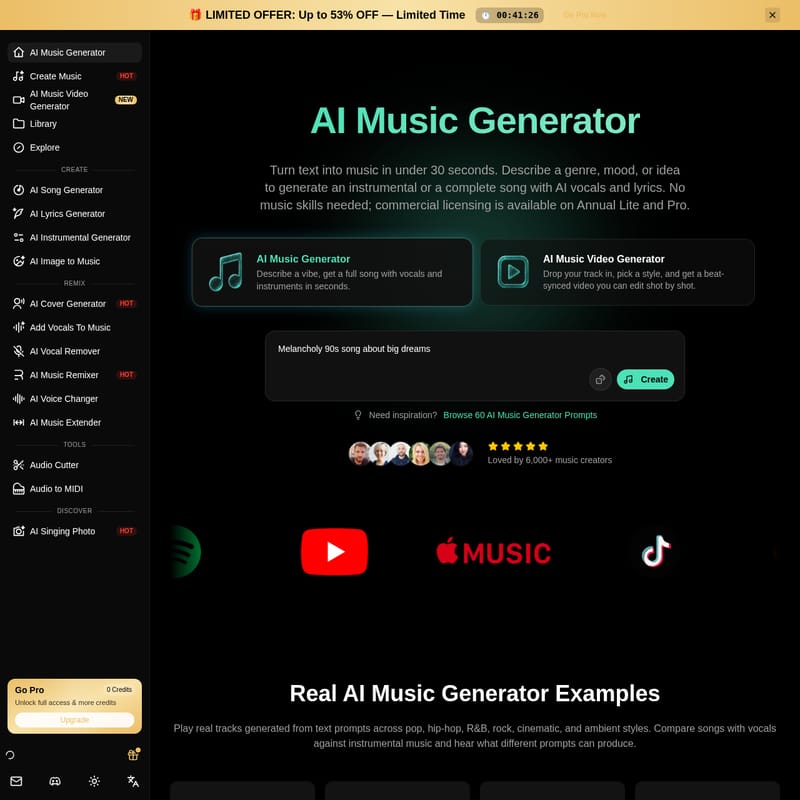
Structured product information
BeMusic AI: At a glance
Last checked: · Official source
Key features
AI Music Generator
Turns text prompts into arranged tracks, allowing users to specify genre, mood, tempo, and instruments for instrumentals or full songs with vocals.
AI Music Video Generator
Creates beat-synced videos from audio tracks with shot-by-shot editing capabilities.
AI Song Generator
Generates complete songs including AI-written lyrics and vocals from a single idea.
AI Vocal Remover & Stem Generator
Separates vocals and instrumentals or splits songs into individual stems like drums, bass, and melody.
AI Singing Photo
Animates photos with realistic lip-syncing to match audio tracks.
AI Music Remixer
Allows users to upload a song and change its genre and tempo to create a new remix.
Best for
- YouTube creators and podcasters needing background music or intros
- TikTok, Reels, and Shorts creators looking for original audio
- Indie game developers requiring soundtracks and sound effects
- Marketers creating custom tracks for ad campaigns
- Filmmakers needing cinematic scores that match specific scenes
Supported platforms
- Web
Pricing
Plan starting price
$14.99
MonthlyLimitations
- Commercial use is restricted to Annual Lite and Pro plans
- Copyright protection for AI-generated music varies by jurisdiction and is not guaranteed
- Platforms may still flag or review AI-generated audio despite licensing
- The commercial license does not clear third-party material uploaded or referenced by the user
Privacy & security
- Prompts and generated tracks are private by default
- User music is not shared publicly or used to train AI models
- Transactions are encrypted and processed through Stripe and PayPal
BeMusic AI Product Information
What BeMusic AI Does
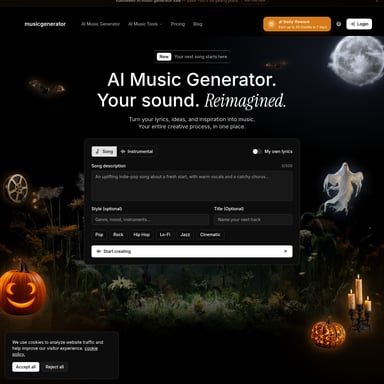
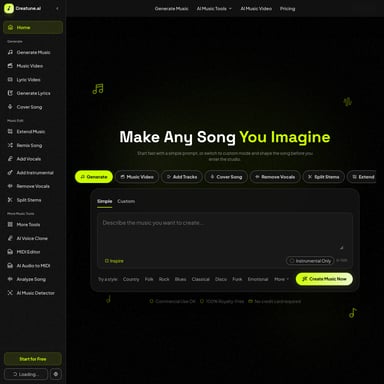
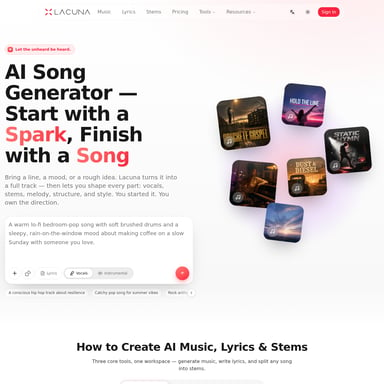
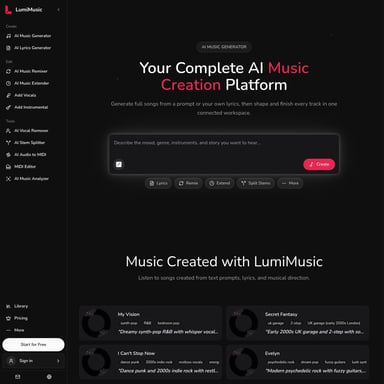
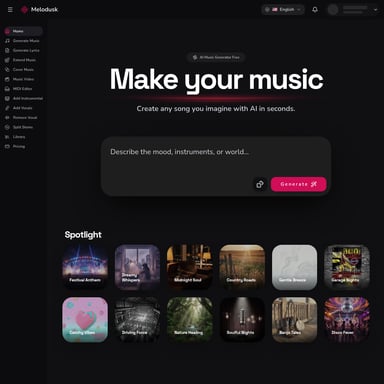
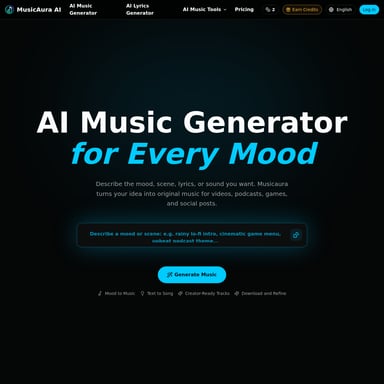
BeMusic AI is a web-based platform designed to turn text prompts into arranged musical tracks. The core AI Music Generator allows users to specify genre, mood, tempo, and instruments to create either instrumentals or full songs complete with vocals and lyrics. By entering a description in plain English, users can generate audio content without needing prior musical training or experience in composition, arrangement, or mixing.
Text-to-Music Generation Workflow
The process begins by entering a text prompt that describes the desired musical direction. Users can specify elements such as genre, mood, tempo, and instrumentation. Once the prompt is submitted, the system generates the track in under 30 seconds. Users can choose between creating an instrumental, which is suitable for background music, or a full song that includes AI-written lyrics and vocals. After generation, the platform provides options to preview, refine, and download the audio in formats like MP3 or WAV, depending on the user's plan.
Verified Features
BeMusic AI offers a suite of tools beyond basic generation to assist with audio production:
- AI Music Generator: Converts text prompts into arranged tracks with customizable genre, mood, and tempo settings.
- AI Song Generator: Produces complete songs, including lyrics and vocals, from a single idea.
- AI Music Video Generator: Creates beat-synced videos from audio tracks, featuring shot-by-shot editing capabilities.
- AI Vocal Remover & Stem Generator: Allows users to separate vocals from instrumentals or split songs into individual stems, such as drums, bass, and melody.
- AI Music Remixer: Enables users to upload an existing song and change its genre and tempo to create a new version.
- AI Singing Photo: Animates photos with realistic lip-syncing to match provided audio tracks.
Practical Use Cases
This tool is designed for a variety of creators who require original audio content. YouTube creators and podcasters use the platform to generate background music, intros, or full songs for their episodes. Filmmakers utilize the AI to create cinematic scores that match the specific emotion of a scene. Additionally, indie game developers can generate soundtracks and sound effects, while marketers use the tool to create custom tracks for ad campaigns. The platform is also used by TikTok, Reels, and Shorts creators looking for original audio to accompany their content.
Frequently Asked Questions
What types of music can BeMusic AI create?
BeMusic AI supports over 50 styles, including pop, rock, hip-hop, R&B, EDM, lo-fi, jazz, country, metal, ambient, and cinematic music. Users can generate either instrumentals or complete songs with AI vocals and lyrics by describing the desired sound in plain English.
Is my generated music kept private?
Yes. Prompts and generated tracks are private by default. BeMusic AI does not share user-created music publicly and does not use it to train its AI models.
Do I need musical experience to use BeMusic AI?
No musical skills or training are required. The platform is designed for all creators; if a user can describe what they want in words, the AI handles the composition, arrangement, and mixing.
What does BeMusic AI do?
AI Music Generator: Turns text prompts into arranged tracks, allowing users to specify genre, mood, tempo, and instruments for instrumentals or full songs with vocals. AI Music Video Generator: Creates beat-synced videos from audio tracks with shot-by-shot editing capabilities. AI Song Generator: Generates complete songs including AI-written lyrics and vocals from a single idea. AI Vocal Remover & Stem Generator: Separates vocals and instrumentals or splits songs into individual stems like drums, bass, and melody. AI Singing Photo: Animates photos with realistic lip-syncing to match audio tracks. AI Music Remixer: Allows users to upload a song and change its genre and tempo to create a new remix.