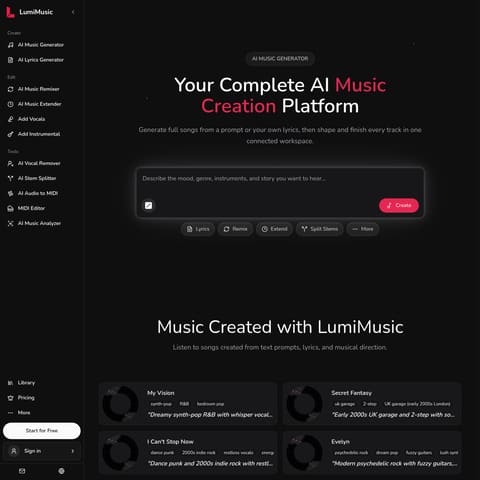
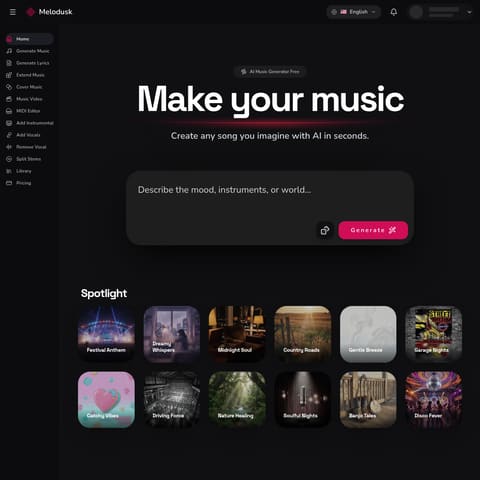
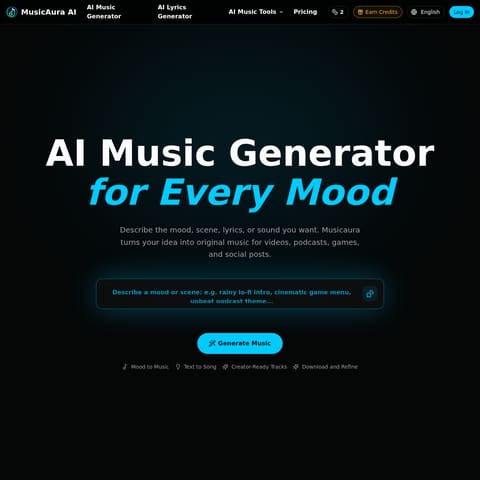
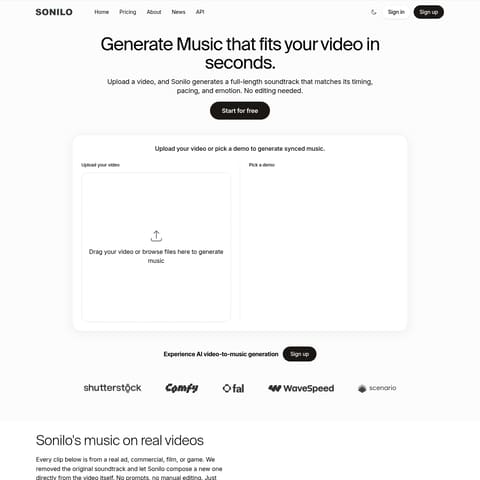
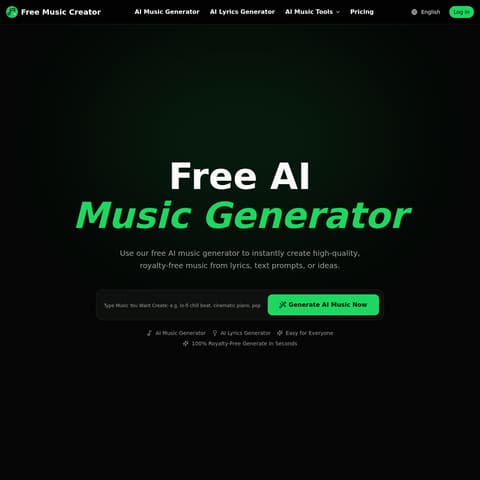
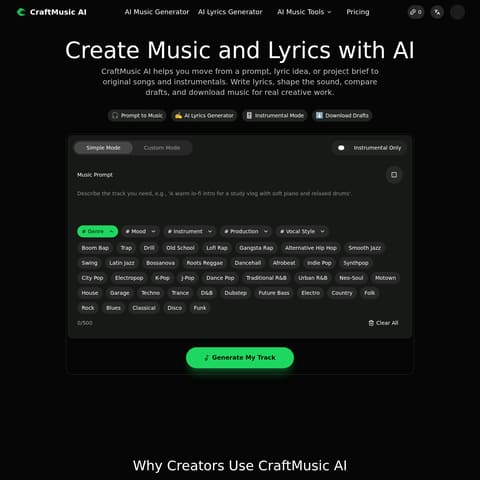
AI Music Generator turns lyrics, descriptions, and style directions into songs or instrumentals, with preview, download, variation, cover, and stem-separation tools.
Music & Audio GenerationGenerate songs from descriptions or…Generate instrumental tracksChoose vocals or instrumental outputPreview generated musicAI music generatorAI song generatorAI song makertext to music
Listed on AIToolly
What Is AI Music Generator? Product Overview
What the product does and how it is positioned
MusicGenerator.so is an AI-powered, in-browser music studio that helps creators generate original, exportable music quickly. Users pick genre, mood, tempo and instrumentation, then the system composes melodies, harmonies and full arrangements that can be refined in a lightweight editor and exported as full tracks, loops or separate stems. The product emphasizes speed, usability and clear licensing so creators can prototype and ship audio without lengthy production cycles.
Who it’s for: video creators, indie game developers, podcasters, advertisers, content producers and independent musicians who need custom, royalty-friendly music fast. It’s also useful for songwriters and producers who want rapid idea generation and starting points for further production in a DAW.
How it works: the platform combines neural composition models with deterministic audio routines to produce coherent, editable tracks across multiple styles. Outputs include rendered audio and multitrack stems; an on-site showcase and presets help users find starting points. The team continuously expands genre coverage, improves export fidelity, and works toward deeper DAW integration and collaboration features.
Business and data notes: MusicGenerator.so typically offers freemium access with higher-quality exports, stem downloads and advanced features behind paid plans. Licensing is designed for creator use—tracks generated via the platform come with clear use rights (check the site for current terms). User content and feedback may be used to improve models; the product team provides options around data usage and follows standard privacy practices.
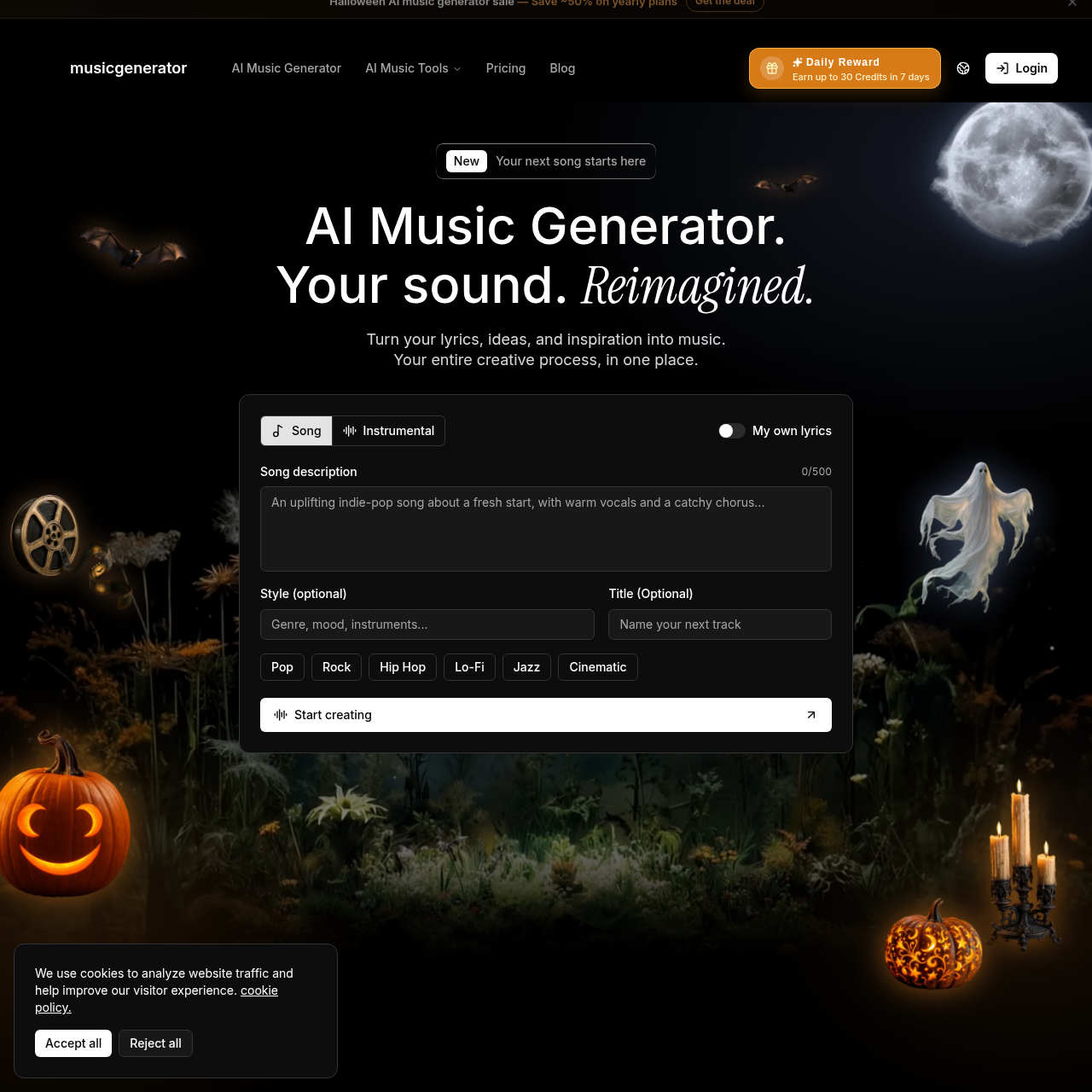
AI Music Generator is a music creation platform centered on text-to-song and text-to-instrumental workflows. Users can start with lyrics, a description, or a mood and specify musical direction.
The platform also presents lyrics, voice covers, existing-audio workflows, and stem separation in the same studio. Generated results can be previewed, varied, and downloaded through the available account options.
What Can You Use AI Music Generator For?
Source-supported ways to use the product
Content and campaign concepts
The official product page identifies videos, podcasts, livestreams, short-form content, presentations, promotional videos, and campaigns as possible contexts.
Music development
Musicians and producers can use the documented workflow to explore lyrics, genres, arrangements, and musical directions before studio work.
Film and game ideation
The company lists scenes, characters, trailers, and interactive experiences as use cases for developing music ideas.
Education and personal projects
The official page describes generated examples for lessons and music for meditation, fitness, personal videos, and celebrations.
How to Use AI Music Generator
The documented workflow, where available
1
Choose a creation mode
Select Text to Song or Text to Instrumental, then provide lyrics or a creative prompt.
2
Describe the musical direction
Specify relevant details such as genre, mood, instruments, or desired song structure.
3
Process the request
The AI processes the input according to the selected mode and musical direction; generation time may vary.
4
Preview and download
Listen to the generated result, explore a variation, and use the download options available for the account.
Creation modes and audio tools
The core workflow separates vocal song creation from instrumental generation. The broader studio also groups lyrics, voice covers, existing-audio work, and stem separation with these creation modes.
Song mode can use a description or the user's own lyrics.
Instrumental mode is available as a separate creation path.
The product page documents previewing and downloading generated tracks.
Stem separation and voice covers are listed as additional tools.
AI Music Generator Pricing
Human-maintained commercial information
subscriptionfreemium
USD 9.9/month
Pricing can change. Confirm the current plan and billing terms on the official site before purchasing.
What to Test Before Choosing AI Music Generator
Checks to run with your own material and workflow
Confirm which download options are available for the intended account before relying on a particular export.
Verify the applicable licensing terms before publishing or using generated music commercially.
Check whether the desired workflow is Song mode, Instrumental mode, stem separation, or voice covers.
Review expected generation timing for the intended request because the source says processing time may vary.