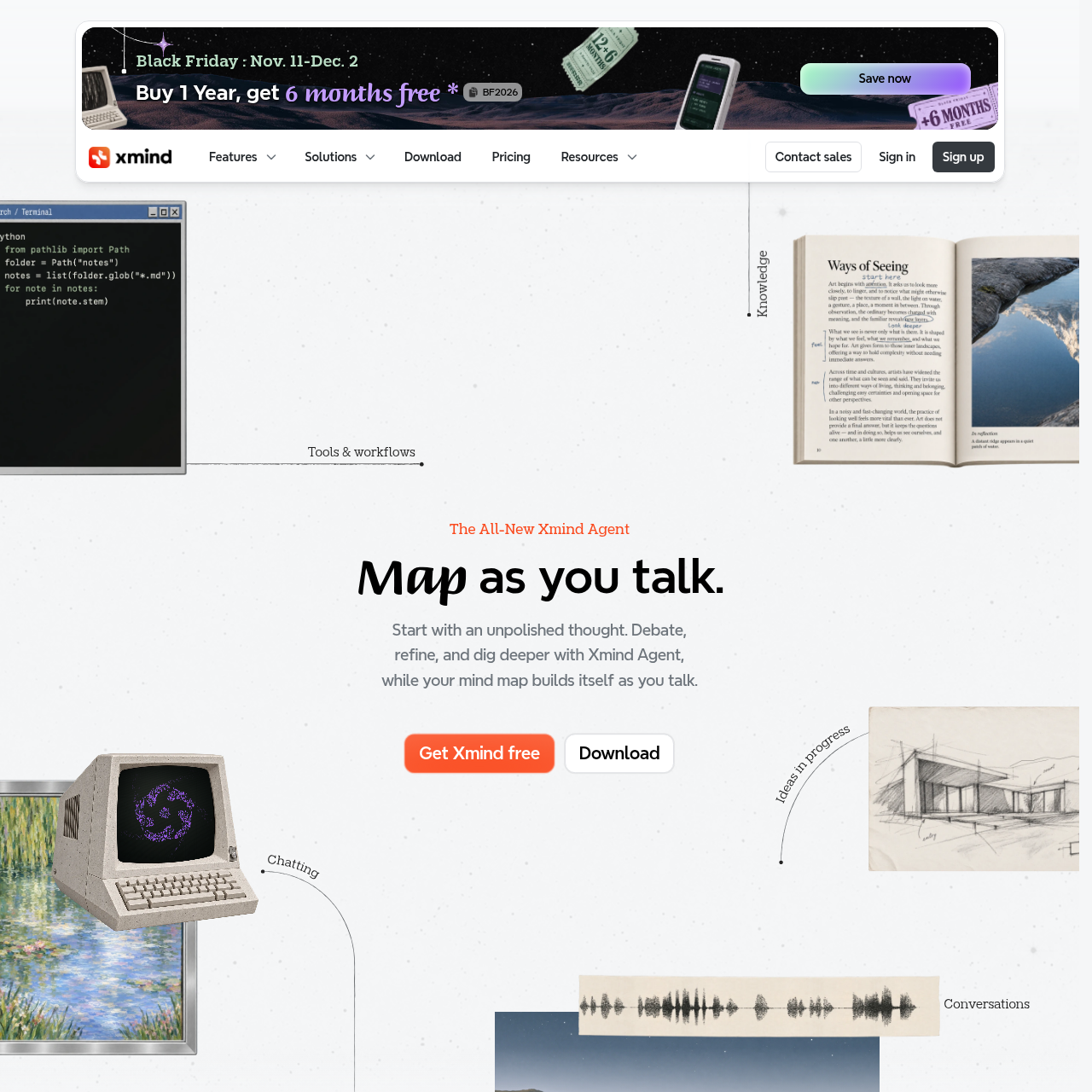
Xmind 2027 combines conversational mind mapping with visual planning, collaboration, task organization, and presentation tools.
ProductivityCreate structured mind maps from…Expand and reshape map contentBreak goals into tasks and set prioritiesPlan with working days
Estimated monthly visits
1.2M
Data period:
Listed on AIToolly
What Is Xmind 2027? Product Overview
What the product does and how it is positioned
Xmind 2027 is presented as a mind-mapping workspace with Xmind Agent for turning sentences, files, links, or conversations into structured maps.
Beyond mind maps, the source documents timelines, matrices, Zones, task planning, Gantt views, collaboration, presentation tools, and export or print options.
What Can You Use Xmind 2027 For?
Source-supported ways to use the product
Idea exploration
Use conversational input to structure an unpolished thought and explore additional angles without relying solely on manual map editing.
Project planning
Organize goals into tasks, set priorities, plan with working days, and connect related work in a Gantt chart.
Team collaboration
Work in shared team spaces, collaborate in real time, and keep maps synchronized across devices.
Presentation preparation
Develop expressive visuals and presentation-ready content directly from a mind map.
How to Use Xmind 2027
The documented workflow, where available
1
Provide starting material
Begin with a sentence, file, link, conversation, or PDF containing the material to organize.
2
Create the map
Xmind Agent creates a structured mind map from the supplied starting material.
3
Refine through conversation
Continue the conversation to expand ideas, explore new directions, and reshape the content or structure.
4
Turn ideas into work
Break goals into tasks, set priorities, plan with working days, and connect tasks in a Gantt chart.
5
Share or present
Collaborate in shared spaces, present from the mind map, or export or print the resulting project view.
Conversational project mapping
The documented Agent workflow links conversational exploration with project organization. It can start from several input types, create a structured map, and support later refinement through conversation before tasks and priorities are arranged.
Starting inputs include sentences, files, links, conversations, and PDFs.
The source describes task breakdown, priority setting, working-day planning, and Gantt-chart connections.
Project views can be exported or printed when needed.
What to Test Before Choosing Xmind 2027
Checks to run with your own material and workflow
Confirm that the required starting materials are available in a supported form such as a file, link, sentence, conversation, or PDF.
Verify which desktop and mobile operating systems are supported before selecting a deployment approach.
Check whether the available map structures meet the project requirement for timelines, matrices, Zones, or Gantt views.
Review the intended collaboration workflow for shared spaces, real-time editing, and cross-device synchronization.
Confirm that local storage, AWS synchronization, and anonymous usage-statistics controls align with organizational requirements.
Answers based on the source-checked product record
What can Xmind Agent use as starting material?+
The source states that Xmind Agent can start with a sentence, file, link, or conversation, and the documented example also shows a PDF being used.
Can Xmind Agent refine an existing mind map?+
Yes. The official description says that Agent understands what is already on the map and can help expand ideas, identify missing pieces, and explore new directions through conversation.
Does Xmind support project planning?+
Yes. The source describes breaking work into tasks, planning with real working days, setting priorities, and connecting tasks with an enhanced Gantt chart.
Can teams collaborate in Xmind?+
The official source says that Xmind supports real-time collaboration, shared team spaces, and synchronization across devices.
How does the source describe data protection?+
The source states that files are stored locally, can be synced with AWS, and are covered by infrastructure described as ISO/IEC 27001 certified and SOC 2 Type II.
More Productivity AI tools
Explore other recently added tools in the same category.