Verse Engine by Ctruh streams interactive 3D scenes through browser links. Creators can publish from a supported 3D editor or upload a file directly.
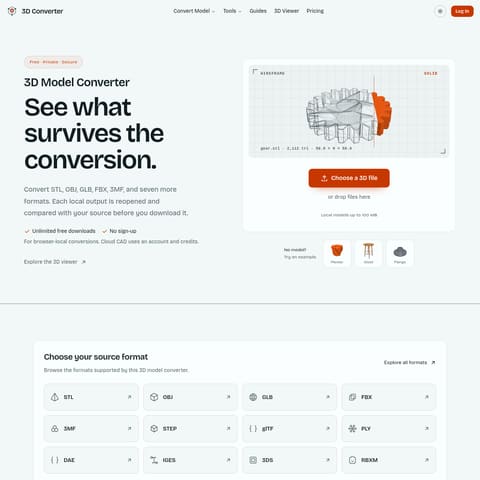
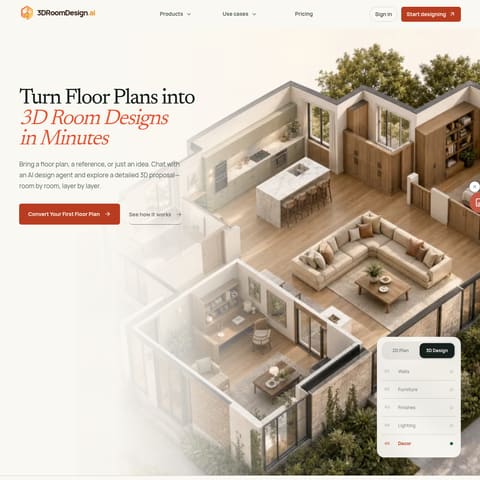
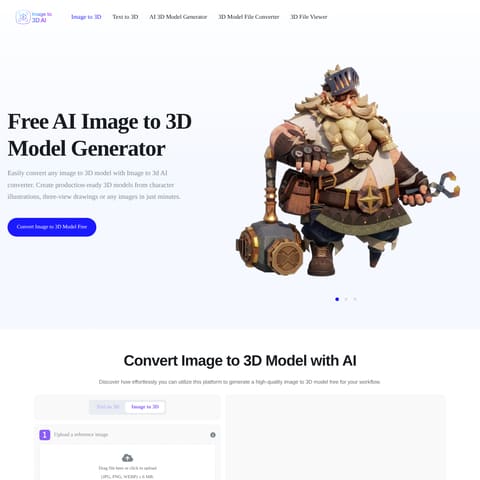
Animation & 3D ModelingVerse automatically prepares and signs…Creators can edit published scenes in…Ctruh Homes turns floor plans into…Commerce viewers can open a product in…
Estimated monthly visits
17K
Data period:
Listed on AIToolly
What Is Verse Engine by Ctruh? Product Overview
What the product does and how it is positioned
Verse Engine by Ctruh is the streaming layer behind Verse. It delivers scene geometry and textures to a modern browser, where the viewer's device renders the scene without a separate app.
Creators can start with a floor plan, a 3D file, or a supported editor. Once Verse prepares the scene, creators can share it as a link or embed it on a website.
What Can You Use Verse Engine by Ctruh For?
Source-supported ways to use the product
Share a property walkthrough
Real estate teams can use Ctruh Homes to turn a floor plan into a furnished walkthrough that prospective buyers open in a browser.
Review a building model
Design teams can publish an IFC model so reviewers can inspect object properties and hide storeys that are not relevant to the review.
Show a product in augmented reality
Retailers can present a 3D product that shoppers open in augmented reality on a handheld device. Desktop shoppers can scan a QR code to continue on a handheld device.
How to Use Verse Engine by Ctruh
The documented workflow, where available
1
Submit the source
Upload a 3D file, submit a floor plan, or publish from Blender, Unity, or Unreal Engine using the Verse plug-in.
2
Let Verse prepare the scene
Verse automatically prepares the scene for streaming and signs the content.
3
Share the published scene
Share the scene link with viewers or embed the scene on a website. The link can also be made private and revoked.
Publishing BIM models through IFC
The documented Revit workflow is to export the model as IFC and upload the file to Verse. A separate one-button Revit plug-in is in beta.
The resulting browser view lets reviewers inspect individual objects and hide storeys to focus on a specific part of the building.
Select an object to view its type, storey, and properties.
Hide individual storeys within the published model.
What to Test Before Choosing Verse Engine by Ctruh
Checks to run with your own material and workflow
Confirm that the source file format or editor plug-in needed for publishing is supported.
Verify that the intended viewing devices have a modern browser with WebGPU or WebGL2 support.
Review whether private, revocable links meet the project's sharing requirements.
Check whether IFC object properties and storey controls cover the model details reviewers need.