Solid favicon

Solid

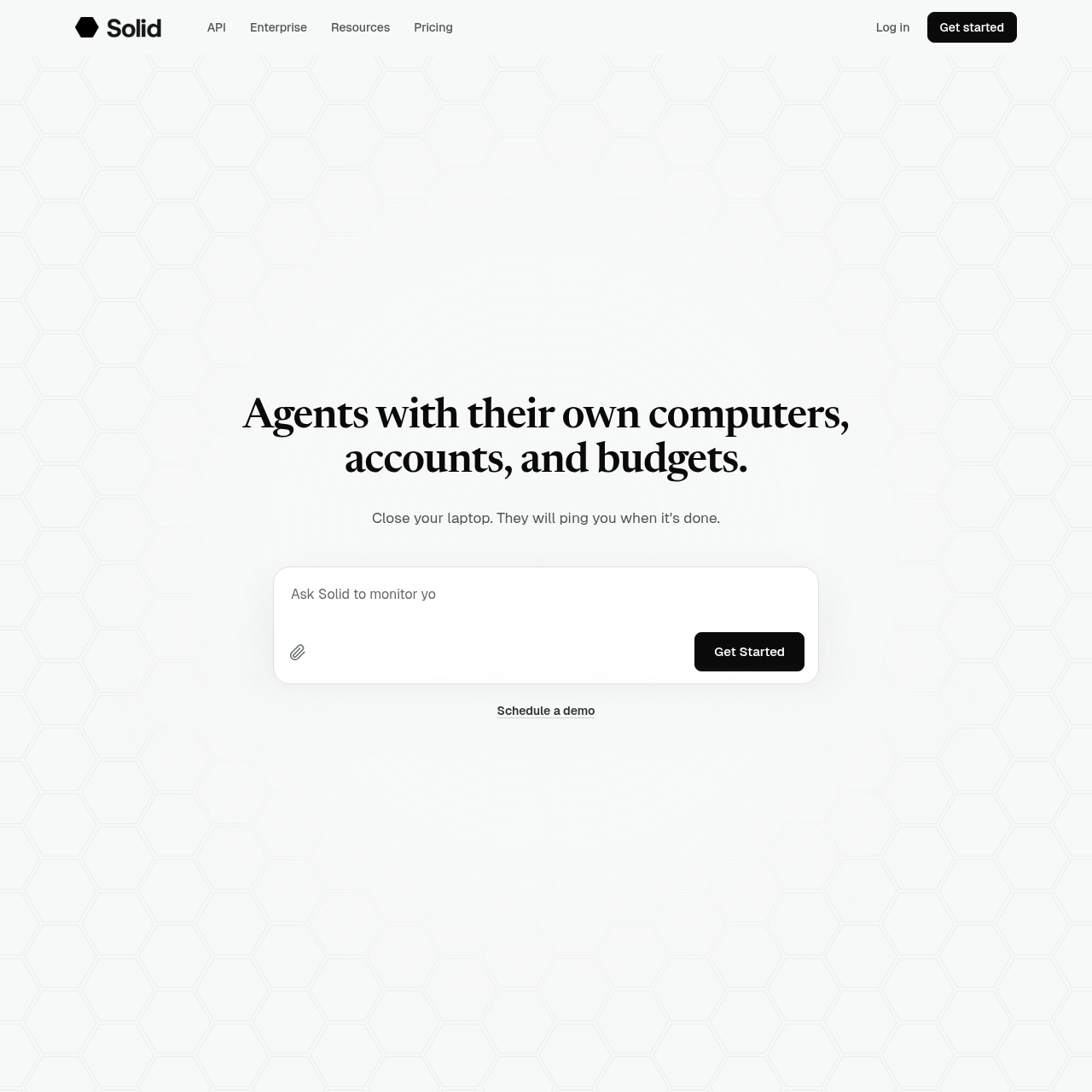
Solid provides autonomous AI agents equipped with their own operating environments, accounts, and budgets to execute long-running digital tasks without requiring prebuilt connectors.

Organization & AutomationExecuting long-running tasks…Purchasing services and registeringInvestigating and resolving technical…Embedding persistent, background agents…
Solid product interface screenshot
Listed on AIToolly

What Is Solid? Product Overview

What the product does and how it is positioned

Solid develops autonomous digital agents capable of carrying out complex operational workflows from plain-language instructions. Rather than depending on pre-engineered API integrations, the system equips agents with dedicated desktop and mobile operating systems, Google and Apple accounts, and discretionary spending limits to interact with software like human operators.

The platform features self-healing capabilities to diagnose and resolve execution bottlenecks, learns from user corrections over time, and can spawn auxiliary agents to scale workloads. Teams can access agents directly, deploy them within enterprise environments such as private VPCs, or integrate them into products using the Solid API.

What Can You Use Solid For?

Source-supported ways to use the product

Sales Demonstration Creation

Agents analyze meeting notes, map prospective buyer workflows, assemble prototypes with sample data, and provide hosted review links.

Lead Generation Research

Agents navigate platforms like LinkedIn to discover prospects, extract relevant contact data, and update sales databases.

Defect Resolution and AI Evaluations

Agents analyze reported production bugs, execute evaluation suites on AI products, and test fixes across connected environments.

How to Use Solid

The documented workflow, where available

  1. 1

    Task Specification

    The user outlines project requirements, ground rules, and spending boundaries through text instructions or attached documents.

  2. 2

    Tool and Environment Acquisition

    Agents select suitable tools, set up required software across their operating systems, and register accounts without prebuilt connectors.

  3. 3

    Execution and Error Recovery

    Agents carry out the planned steps, coordinate sub-agents when necessary, and autonomously diagnose and fix runtime errors.

  4. 4

    Validation and Delivery

    Agents verify the resulting data or application and ping the user with completion details, hosted links, or test reports.

Autonomous Device Provisioning and Self-Healing Systems

Solid equips each agent with distinct execution environments, encompassing Windows, macOS, Linux, iOS, and Android. By operating native device instances alongside Google and Apple user accounts, agents interact directly with graphical interfaces and web services, bypassing the constraints of purpose-built API connectors.

To complete workflows without constant supervision, the platform implements autonomous error recovery and coordination mechanisms. When an operation breaks, agents investigate the failure, test a fix, and store the successful strategy for subsequent runs, escalating to human operators only when progress is fully blocked.

  • Operates across physical and virtual desktop and mobile operating environments.
  • Utilizes independent account credentials to register for and navigate third-party tools.
  • Diagnoses unexpected failures and retains successful troubleshooting fixes across tasks.
  • Delegates complex multi-stage tasks across additional Solid instances or external coding agents.

What to Test Before Choosing Solid

Checks to run with your own material and workflow

  • Check whether the target tools and workflows can be accessed via Windows, macOS, Linux, iOS, or Android environments.
  • Verify the workspace budget and approval thresholds configured for agent-initiated service registrations.
  • Confirm enterprise infrastructure compatibility when deploying Solid within a private VPC or on-premises environment.
  • Review the notification mechanisms used by agents to alert human operators when unexpected blockers occur.

Solid Sources and Last Checked

What was checked and when

Official source
https://solid.tech/
Last checked

Solid Frequently Asked Questions

Answers based on the source-checked product record

How do Solid agents access software without prebuilt connectors?

Solid agents run on their own Windows, macOS, Linux, iOS, or Android environments and use Google or Apple accounts to set up and interact with tools directly.

What occurs if a Solid agent encounters a failure during a task?

The agent investigates the failure, attempts an automated repair, verifies that the task runs again, and notifies the user with details if progress remains blocked.

Can Solid agents spend money or subscribe to external tools?

Agents can sign up for tools and make purchases, provided those actions strictly adhere to the budget limits and approval rules configured by the user.

Where can Solid be deployed for enterprise use?

Solid can run as a managed service on Solid Cloud, directly inside a customer's virtual private cloud (VPC), or in on-premises infrastructure depending on the setup.

Can Solid agents coordinate with external coding tools?

Yes, Solid agents can coordinate multiple sub-agents or bring in external agents such as Codex and Claude Code to distribute tasks and deliver a single verified outcome.

Explore other recently added tools in the same category.