
git-lrc
git-lrc: Free AI Git Hooks for Automated Code Review and Commit Safety
git-lrc is a free, source-available tool that provides automated AI code reviews directly within your Git workflow. By hooking into the git commit process, it analyzes staged diffs using the Gemini API to catch logic errors, leaked credentials, and expensive cloud operations before they land. It offers a 60-second setup, unlimited reviews, and machine-wide installation to ensure every repository on your system is protected. With a GitHub-style UI and seamless integration for AI agents like Cursor or Copilot, git-lrc helps developers maintain code quality by acting as a 'braking system' for GenAI-driven development, providing inline comments and high-level summaries for every change.
2026-02-23
139.0K
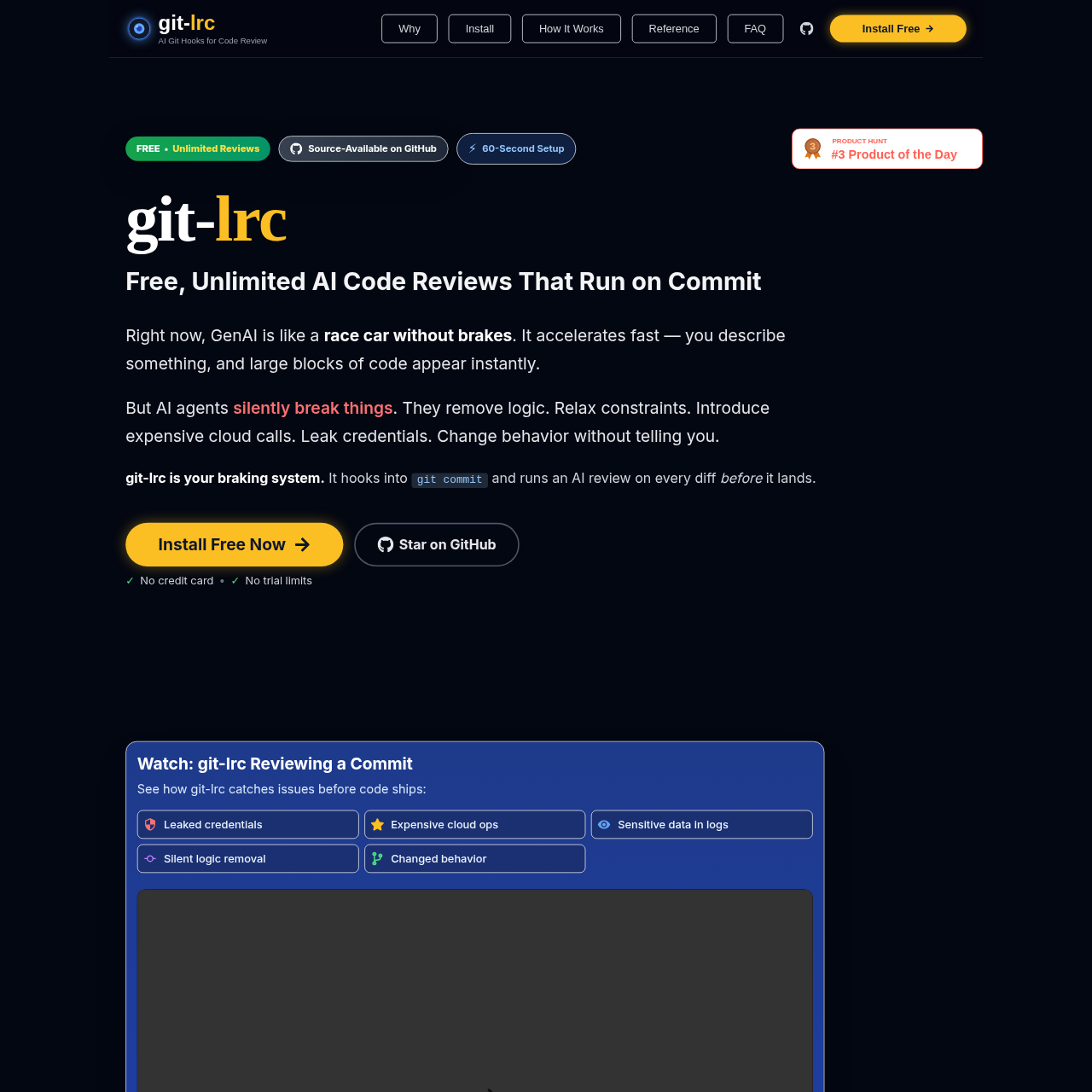
git-lrc Product Information
git-lrc: Free, Unlimited AI Code Reviews That Run on Commit
In the era of rapid development, GenAI is like a race car without brakes. While AI agents allow you to describe features and see large blocks of code appear instantly, they can also silently introduce bugs, remove logic, relax constraints, or leak credentials. git-lrc is your essential braking system, providing automated AI Git hooks for code review to ensure every line of code is safe before it ships.
What's git-lrc?
git-lrc is a source-available tool designed to catch issues before code hits production. It functions as a machine-wide Git hook that triggers an AI code review on every diff during the commit process. By leveraging Google’s Gemini API, git-lrc offers a powerful, free, and unlimited review service that helps developers build a habit of regular review, leading to fewer bugs and more robust codebases.
Because git-lrc integrates directly with Git—a universal tool for every editor and IDE—there is almost no chance of missing a review. It provides a "LiveReview" coordination service that ensures your AI-generated code is thoroughly checked for expensive cloud calls, sensitive data in logs, and silent behavior changes.
Features of git-lrc
git-lrc is packed with features designed to make the AI code review process seamless and effective:
- Automated AI Git Hooks: Automatically launches a review whenever you run
git commit. - Inline AI Comments: Receive feedback at the exact lines that matter, complete with severity badges.
- GitHub-style Diff UI: View changes in a familiar color-coded interface with additions and deletions clearly marked.
- Credential Leak Detection: Automatically flags leaked credentials and sensitive data in logs.
- Logic and Behavior Tracking: Identifies silent logic removal and unintended changes in behavior.
- Machine-Wide Setup: Install once and protect every repository on your machine without per-repo configuration.
- Git Log Tracking: Every commit message includes a status line showing iteration counts and review coverage (e.g.,
ran (iter:3, coverage:85%)). - Free and Unlimited: Bring your own Gemini API key for zero middleman billing and unlimited reviews.
How to Use git-lrc
Setting up git-lrc takes approximately 60 seconds and follows a simple process.
1. Installation
Install the binary globally using the following command for macOS or Linux:
curl -fsSL https://hexmos.com/lrc-install.sh | sudo bash
2. Initial Setup
Run the setup command to configure your keys:
git lrc setup
During this step, you will sign in with Hexmos to get your LiveReview API key and grab a free Gemini API key from Google AI Studio.
3. The Review Workflow
Once installed, you can choose between automatic or manual review workflows:
- Option A: Review on Commit (Automatic)
git add .git commit -m "your message"— The git-lrc review UI will launch automatically.
- Option B: Review Before Commit (Manual)
git add .git lrc review— Manually trigger the AI code review.- Use
git lrc review --vouchif you are ready to take responsibility, orgit lrc review --skipto bypass.
4. Post-Review Actions
After the review UI opens, you can:
- Accept & Commit: Finalize the reviewed changes.
- Commit & Push: Push to your remote repository in one step.
- Abort: Go back and fix the issues flagged by the AI before trying again.
Use Case: Enhancing AI-Agent Workflows
git-lrc is the perfect companion for developers using AI agents like Cursor, Windsurf, or GitHub Copilot.
- Generate: Use your agent to generate code.
- Review: Run git-lrc review to identify any hidden flaws or logic removals.
- Iterate: Feed the AI-flagged issues back into your agent to fix them.
- Confirm: Once the diff is clean, commit with confidence knowing exactly what changed.
This cycle ensures that while the AI acts as your accelerator, git-lrc ensures you never lose control of your code quality.
FAQ
What data is sent during a review?
Only the staged diff is analyzed by the AI. git-lrc does not upload your full repository context, and diffs are not stored after the review is complete.
Can I disable git-lrc for a specific repository?
Yes. If you don't want the hooks to run on a specific project, use the command:
git lrc hooks disable inside that repository. You can re-enable it later with git lrc hooks enable.
How do I review an older commit?
You can review previous work using the commit flag:
- To review the last commit:
git lrc review --commit HEAD - To review a range:
git lrc review --commit HEAD~3..HEAD
Why is git-lrc free?
git-lrc is source-available and utilizes the generous free tier of Google’s Gemini API. Since you provide your own API key, there is no middleman cost, and the LiveReview coordination service is provided for free for unlimited reviews.
How do I update the tool?
To ensure you have the latest features and security updates, simply run:
git lrc self-update







