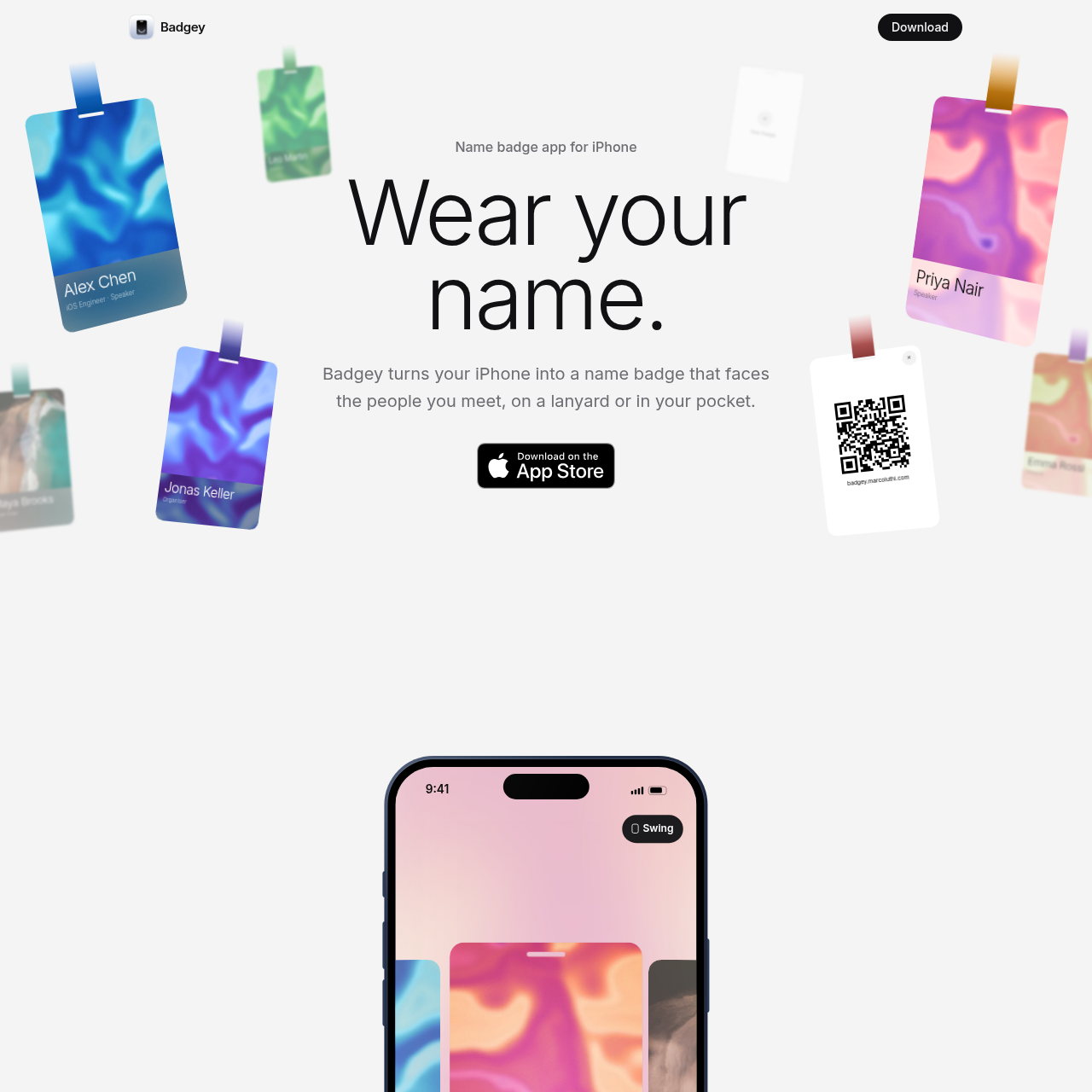
Badgey is an iOS and iPadOS application that transforms an iPhone into a customizable digital name badge for conferences, work, and meetups.
ProductivityDisplay customized name badges on…Configure badge elementsSwipe between multiple distinct badgesShare links via a built-in QR code feature
Estimated monthly visits
396
Data period:
Listed on AIToolly
What Is Badgey? Product Overview
What the product does and how it is positioned
Badgey is a mobile application designed for iPhone and iPad users who want to display a digital name badge while attending conferences, meetups, or work environments. The app allows users to wear their device on a lanyard or keep it in a pocket while presenting a readable card to people they meet.
Users can personalize their digital badges by editing names, photos, roles, and lanyard colors directly within the card interface. The application supports multiple badge profiles, allowing attendees to swipe between different professional roles or social contexts and use a QR code function to share links.
What Can You Use Badgey For?
Source-supported ways to use the product
Conference Networking
Professionals attend conferences and industry meetups while displaying customizable digital name badges on their mobile devices.
Quick Link Sharing
Users tap the QR code button on their digital badge to flip the card and share personal or professional links with contacts.
Badge Management and Customization
Badgey gives users the ability to construct and manage multiple digital name badges from a single mobile interface. Each badge can be tailored with specific personal details such as a photograph, individual name, professional role, and selected lanyard color to match different occasions or events.
Edit names, photos, roles, and lanyard colors directly on the card
Swipe between multiple badges created for work, conferences, or meetups
Access a dedicated QR button to flip the badge over and share a link
What to Test Before Choosing Badgey
Checks to run with your own material and workflow
Confirm whether your mobile device runs iOS 26 or later, as this is the documented system requirement.
Review the available badge editing options to ensure you can input your desired name, role, photo, and lanyard color.