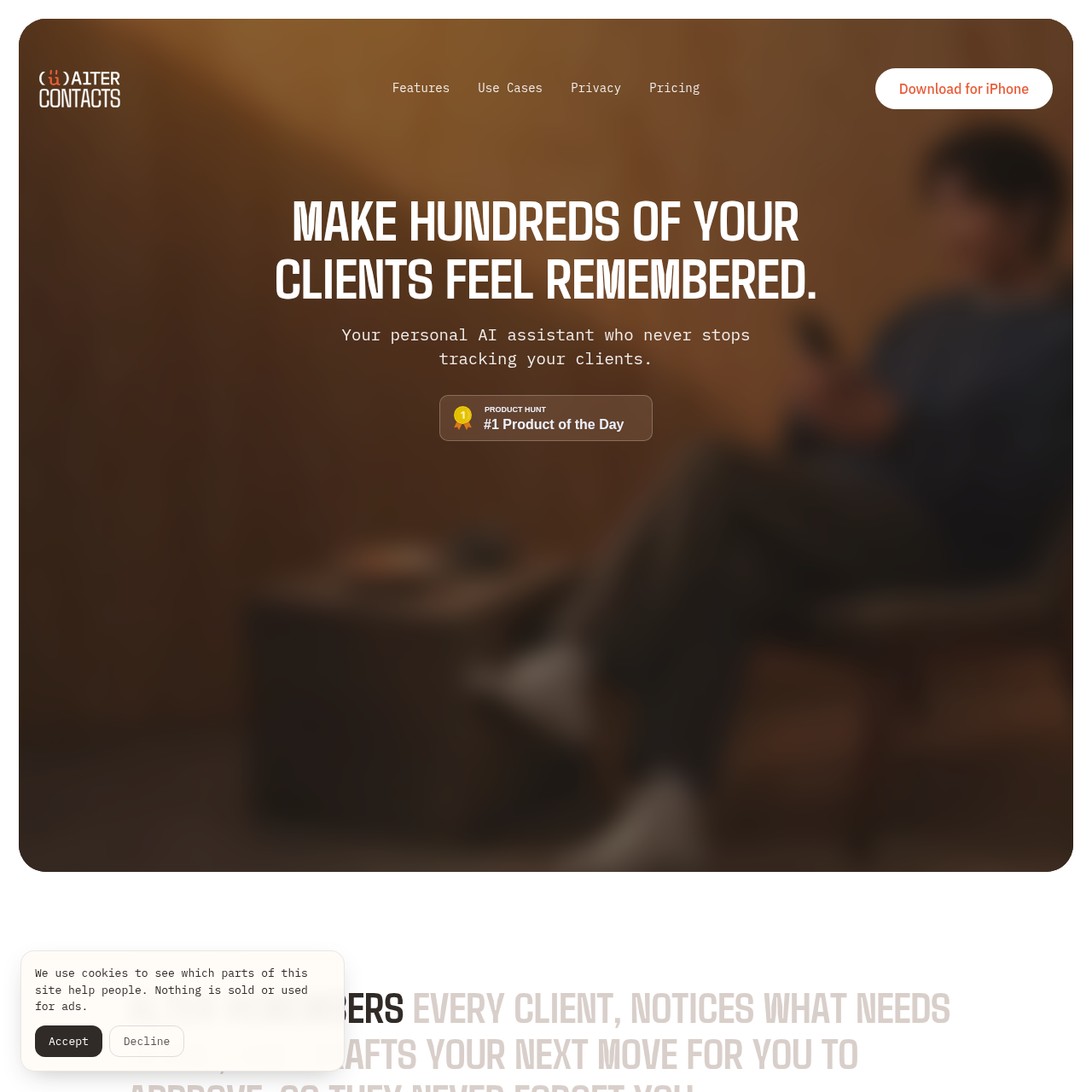
AlterContacts is an iPhone assistant for tracking client commitments, organizing notes, and drafting follow-ups that users review and send themselves.
ProductivityFlags urgent items from the inbox and…Suggests routines based on repeated…Lets users trace remembered details to…Voice notes filed by client
Listed on AIToolly
What Is AlterContacts? Product Overview
What the product does and how it is positioned
AlterContacts brings voice notes, emails, files, and meeting details into searchable profiles for individual clients. Users can ask questions in everyday language to find details from earlier interactions.
The assistant tracks open commitments, looks for evidence of completion in the inbox, and drafts follow-up messages when it is time to reach out. Users decide what gets sent.
What Can You Use AlterContacts For?
Source-supported ways to use the product
Track insurance follow-ups
A financial advisor can record a client commitment as a voice note and review a follow-up draft when AlterContacts flags an issue such as a failed premium payment.
Recap a consulting meeting
A consultant can record a meeting with the client's permission, then use the summary to review what was agreed, what was promised, and what happens next.
How to Use AlterContacts
The documented workflow, where available
1
Capture the conversation
The user records a quick voice note or, with the client's permission, records the full meeting.
2
Organize the details
AlterContacts files voice-note details in the relevant client profile or produces a transcript and summary from a full meeting recording.
3
Review and send the follow-up
When AlterContacts prepares a follow-up draft, the user reviews it, makes any edits, and sends it manually.
Client profile controls
A client profile gathers material from multiple interactions. Users can trace remembered details back to their sources and correct them when needed.
Search profiles using everyday language.
Open, review, correct, or delete account records.
What to Test Before Choosing AlterContacts
Checks to run with your own material and workflow
Confirm that the iPhone app fits the devices used for client work.
Review whether the manual review and sending process fits the team's follow-up workflow.
Check how the app displays the source of a remembered detail and how that detail can be corrected.
Answers based on the source-checked product record
What device is AlterContacts available for?+
The official product page lists AlterContacts for iPhone.
Can AlterContacts record a full client meeting?+
Yes. With the client's permission, the user can record the meeting, and AlterContacts can transcribe it and summarize the discussion, commitments, and next steps.
Does AlterContacts send follow-up messages automatically?+
No. AlterContacts prepares the draft, and the user reviews it, edits it as needed, and sends it manually.
Is client data used to train AI models?+
The company states that neither AlterContacts nor its providers use client data to train AI models.
Can users correct or delete records?+
Yes. Users can open, review, correct, or delete records in their account.
More Productivity AI tools
Explore other recently added tools in the same category.