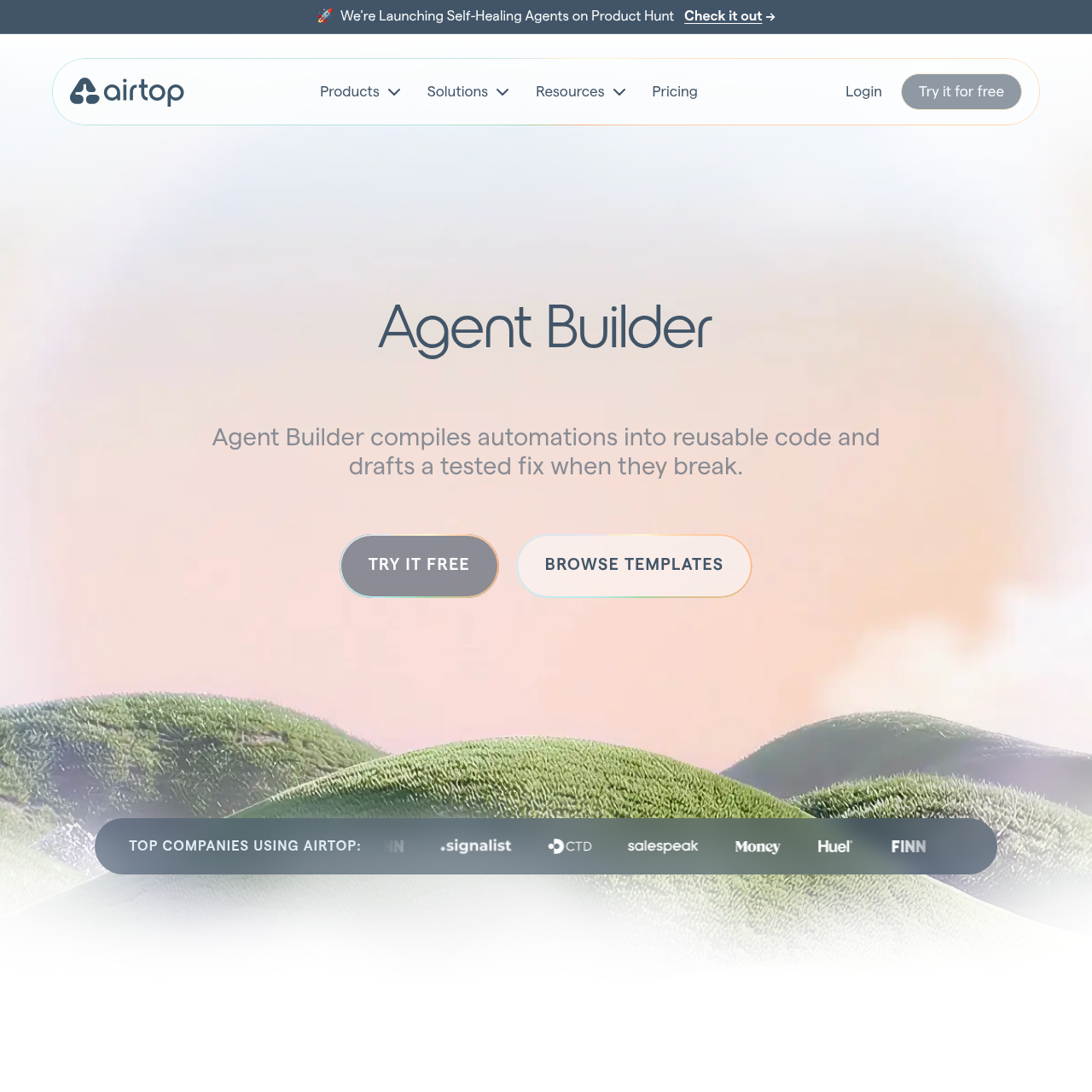
Agent Builder by Airtop converts natural language descriptions into compiled, self-healing web automation agents that run efficiently in the cloud.
Organization & AutomationAutomating web interactions behind…Solving CAPTCHAs and managing proxiesExtracting specific data points from…Executing batch processes across lists…
Estimated monthly visits
31K
Data period:
Listed on AIToolly
What Is Agent Builder by Airtop? Product Overview
What the product does and how it is positioned
Agent Builder by Airtop is a platform designed to create reliable web automation agents using plain English descriptions. Unlike traditional LLM-based agents that reason at every step, this tool compiles workflows into reusable code to improve execution efficiency.
The system focuses on reliability through a self-healing architecture that identifies broken runs and suggests fixes. It is built for enterprise environments, offering high concurrency, secure credential management, and comprehensive observability through logs and video recordings.
What Can You Use Agent Builder by Airtop For?
Source-supported ways to use the product
Invoice Reconciliation
Automates manual browser interactions for invoice reconciliation in scenarios where APIs are unavailable.
Lead Generation
Identifies decision-makers in new roles at specific companies and exports enriched contact lists to Google Sheets.
Automated SEO Audits
Automates on-page SEO audits for various URLs to generate performance scores and receive formatted HTML reports.
How to Use Agent Builder by Airtop
The documented workflow, where available
1
Describe the Automation
Users provide a plain English description of the desired workflow, such as logging into a portal and extracting specific data.
2
Compile and Test
The platform generates a compiled agent and performs a test run to ensure the automation functions as expected.
3
Deploy to Cloud
The agent is deployed to a cloud environment where it can be triggered by schedules, webhooks, or manual requests.
4
Monitor and Repair
The system monitors execution; if a failure occurs, it diagnoses the issue and drafts a repair for the user to approve.
Self-Healing Automation Architecture
The self-healing mechanism is designed to maintain automation uptime even when target websites undergo structural changes. When a run fails, the system automatically initiates a diagnostic process to identify the point of failure, such as a moved button or a changed form field.
Automatic failure detection and notification
Diagnostic analysis of UI changes or execution errors
Drafting of code-based fixes for broken steps
Verification testing of proposed repairs
Manual deployment gate for all agent updates
What to Test Before Choosing Agent Builder by Airtop
Checks to run with your own material and workflow
Confirm the agent can successfully navigate and authenticate behind specific website login portals.
Verify that the self-healing mechanism correctly identifies and drafts fixes for UI changes on target sites.
Check the observability logs and video traces to ensure all automated actions are being recorded accurately.
Review the integration with third-party platforms to ensure data flows correctly between systems.
Agent Builder by Airtop Frequently Asked Questions
Answers based on the source-checked product record
How does Agent Builder handle website logins?+
The tool includes a secure password vault that allows agents to authenticate to websites and portals while keeping credentials protected and encrypted.
What happens if a website's layout changes and breaks the automation?+
The system detects the failure, diagnoses the cause, and creates a repair draft that the user can test and deploy to restore functionality to the agent.
Can agents be integrated with other automation platforms?+
Yes, the platform supports connections with third-party tools including n8n, Zapier, and Make for extended workflow capabilities and data synchronization.
Is user data used to train the underlying AI models?+
No, the official documentation states that user data is never used for AI training and all sessions run in secure, isolated, and encrypted environments.
How many automated sessions can run at the same time?+
The platform is designed for enterprise scale and supports up to 100 simultaneous sessions running in the cloud to facilitate high-volume automation tasks.
More Organization & Automation AI tools
Explore other recently added tools in the same category.