How to Use Gemini to Create Google Sheets and Automate Data Analysis Tasks
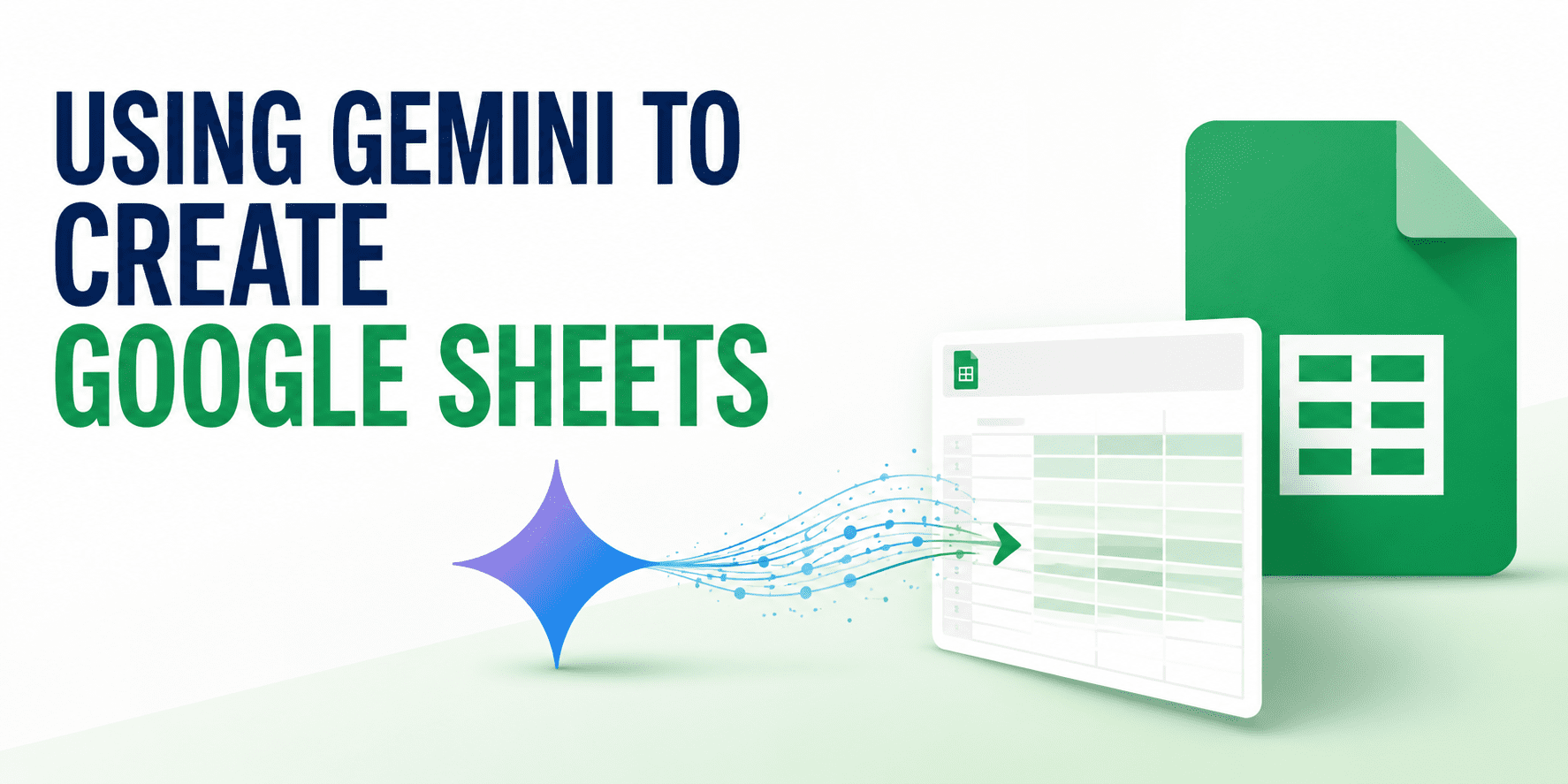
This tutorial explores the integration of Gemini AI within Google Sheets, demonstrating how users can leverage artificial intelligence to streamline spreadsheet management. The guide covers the foundational steps of using Gemini to create new sheets from scratch and building structured tables efficiently. Furthermore, it details the process of generating complex formulas and performing data analysis through AI-driven insights. By utilizing follow-up prompts, users can refine their spreadsheets and improve data accuracy. This integration represents a significant shift in how data is handled within the Google Workspace ecosystem, offering a more intuitive approach to spreadsheet creation and maintenance for professionals across various industries.
Key Takeaways
- Automated Spreadsheet Creation: Gemini facilitates the immediate generation of Google Sheets, reducing the manual effort required to set up new documents.
- Structured Table Building: The AI assists in organizing data into useful, well-structured tables tailored to specific user needs.
- AI-Powered Formula Generation: Users can generate complex spreadsheet formulas through natural language prompts, simplifying mathematical and logical tasks.
- Enhanced Data Analysis: Gemini provides tools to analyze data within the sheet, offering insights that might otherwise require manual calculation.
- Iterative Refinement: The use of follow-up prompts allows users to continuously improve and adjust their spreadsheets for better results.
In-Depth Analysis
Streamlining Spreadsheet Creation and Structure
The integration of Gemini into Google Sheets marks a transition from manual data entry to AI-assisted document architecture. According to the tutorial, the process begins with the fundamental creation of a sheet. Rather than starting with a blank grid and manually defining headers and rows, users can leverage Gemini to build a useful table from the outset. This capability is particularly significant for users who need to organize information quickly but may not have a pre-defined template. By describing the desired structure, the AI can populate the framework of a spreadsheet, ensuring that the data organization is logical and ready for further input.
Logic, Formulas, and Data Insight
Beyond basic structure, the tutorial emphasizes Gemini's role in the more technical aspects of spreadsheet management: formula generation and data analysis. Formulas are the engine of any spreadsheet, yet they often present a barrier to entry for non-technical users. Gemini addresses this by generating formulas based on user descriptions, effectively translating natural language into functional spreadsheet code. Once the data is structured and the logic is applied, Gemini further assists in analyzing that data. This step moves the spreadsheet from a mere storage tool to an analytical platform, where the AI can help interpret the numbers and provide a clearer picture of the information contained within the cells.
Iterative Improvement via Follow-up Prompts
A critical component of the workflow described is the use of follow-up prompts. AI-generated content often requires fine-tuning to meet specific professional standards or unique project requirements. The tutorial highlights that the initial output is not necessarily the final product; users can interact with Gemini to improve the spreadsheet. This iterative process allows for the correction of errors, the addition of new data points, or the restructuring of tables based on evolving needs. This conversational approach to spreadsheet design ensures that the final output is highly customized and accurate, reflecting a more collaborative relationship between the user and the AI tool.
Industry Impact
The ability to use Gemini for Google Sheets creation and analysis signifies a major shift in the productivity software industry. By embedding generative AI directly into spreadsheet tools, the barrier to complex data management is significantly lowered. For the AI industry, this represents a move toward functional integration where AI is not just a standalone chatbot but a core component of professional workflows. This development suggests that future productivity suites will prioritize natural language interfaces, making data literacy more accessible to a broader range of users and reducing the time spent on repetitive formatting and formula-writing tasks.
Frequently Asked Questions
Question: How does Gemini assist in the initial setup of a Google Sheet?
Gemini assists by creating the spreadsheet and building useful tables based on the user's requirements, allowing for a structured start without manual formatting.
Question: Can Gemini help users who are unfamiliar with complex spreadsheet formulas?
Yes, the tutorial demonstrates that Gemini can generate formulas, enabling users to perform complex calculations by simply describing what they need in natural language.
Question: What is the purpose of using follow-up prompts with Gemini in Google Sheets?
Follow-up prompts are used to refine and improve the spreadsheet. They allow the user to iteratively adjust the data, structure, or analysis provided by the AI to ensure the final result is accurate and useful.