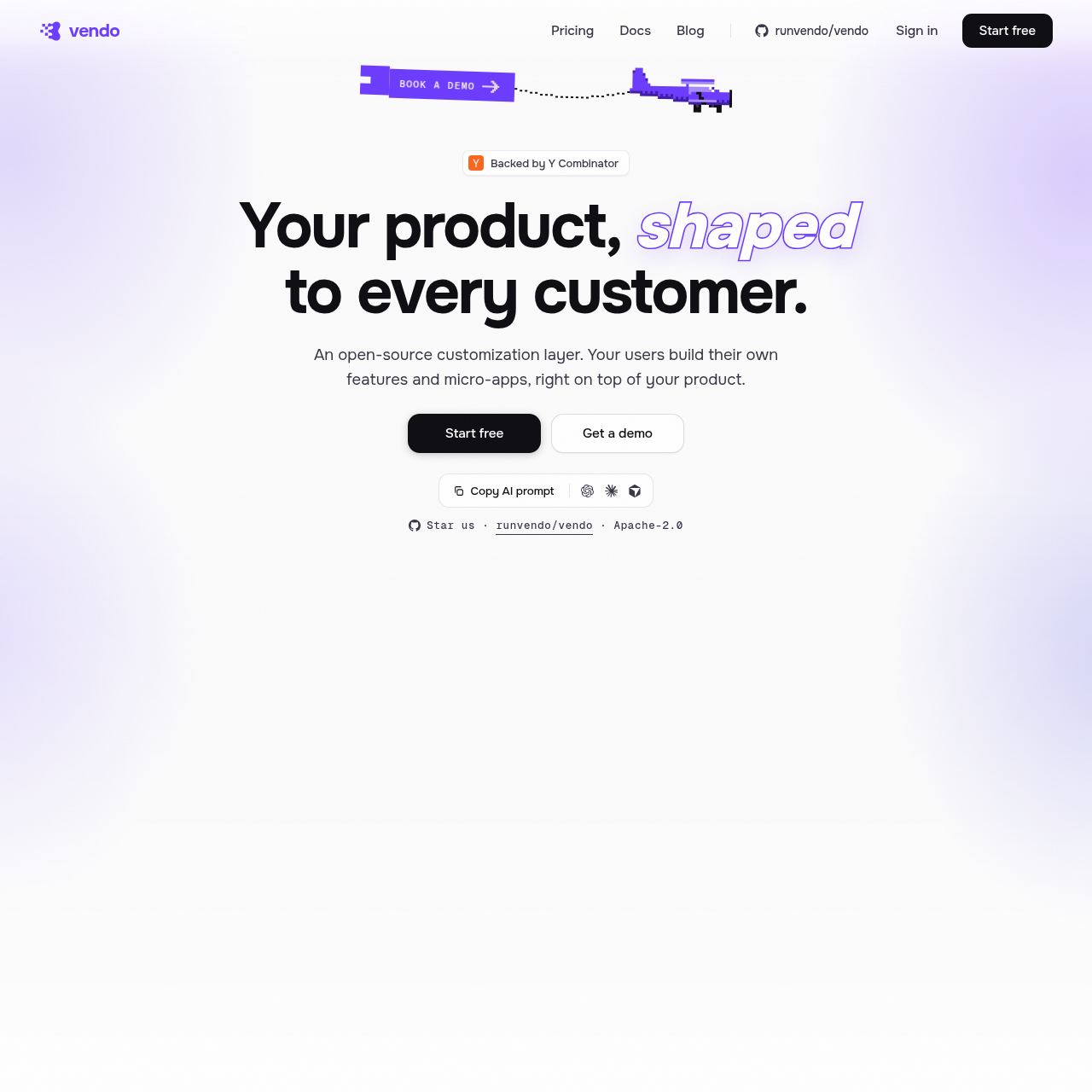
Vendo is an open-source customization layer that enables users to generate personalized micro-apps and automated workflows directly within existing software products.
Vendo functions as an agentic interface that allows end-users to describe their needs, resulting in the live assembly of functional dashboards and applications. By analyzing a product's repository, the system learns specific components, themes, and API tools to ensure that all generated interfaces remain consistent with the host brand.
The platform supports various deployment models, ranging from cloud-based services to air-gapped self-hosted environments for organizations requiring strict security. It integrates with existing user permissions and external tools, enabling the creation of scheduled automations and persistent applications that function across different surfaces, including chat interfaces and embedded panels.
What Can You Use Vendo For?
Source-supported ways to use the product
Personalized Data Dashboards
Users can request specific data slices, such as spending habits or project deadlines, which the system composes into a functional, interactive dashboard.
Automated Task Management
The platform allows for the creation of standing automations that execute recurring tasks, such as sending reminders or chasing documents, on a set schedule.
How to Use Vendo
The documented workflow, where available
1
Initialization
Developers run the initialization command to allow the system to scan routes, components, and themes within the application repository.
2
Tool Configuration
The system identifies and configures available API tools, defining read, write, and destructive capabilities based on existing policy files.
3
Live Composition
Users interact with the agentic interface to describe requirements, triggering the live assembly of UI, data, and logic.
Agentic Interface Architecture
The architecture is designed to bridge the gap between static product interfaces and dynamic user requirements. By treating the product's own API and component library as a set of callable tools, the system can synthesize new functionality on demand.
This approach is designed so that generated micro-apps are not merely throwaway UI, but persistent entities that retain state, memory, and specific user-defined actions.
Learns brand identity from existing theme and component files.
Operates within the security context of the signed-in user.
Supports multi-platform deployment including chat and embedded overlays.
What to Test Before Choosing Vendo
Checks to run with your own material and workflow
Confirm that the initialization process correctly identifies all intended API tools and theme components within the repository.
Verify that permission policies are correctly mapped to help reduce the agent from exceeding the user's existing access rights.
Answers based on the source-checked product record
How does Vendo ensure generated interfaces match my brand?+
The system reads your repository during initialization to learn your specific components, colors, fonts, and design tokens, supporting all generated UI adheres to your established brand guidelines.
Can Vendo perform actions on behalf of the user?+
Yes, the system can execute actions using your API tools. It operates within the permissions of the signed-in user and requires explicit authorization for any destructive operations.
Is it possible to host Vendo in a secure, air-gapped environment?+
Yes, the enterprise tier supports air-gapped self-hosting, which is designed for organizations with the strictest security and compliance requirements.
Does the system work with existing third-party tools?+
The platform can wire in external tools such as Gmail, Slack, and GitHub, allowing the agent to interact with these services using the user's own credentials and permissions.
What happens if a user requests an action that exceeds their permissions?+
The system is designed to obey the permission rules defined in your policy files. It will never step outside the boundaries of the permissions already granted to the signed-in user.
More Organization & Automation AI tools
Explore other recently added tools in the same category.