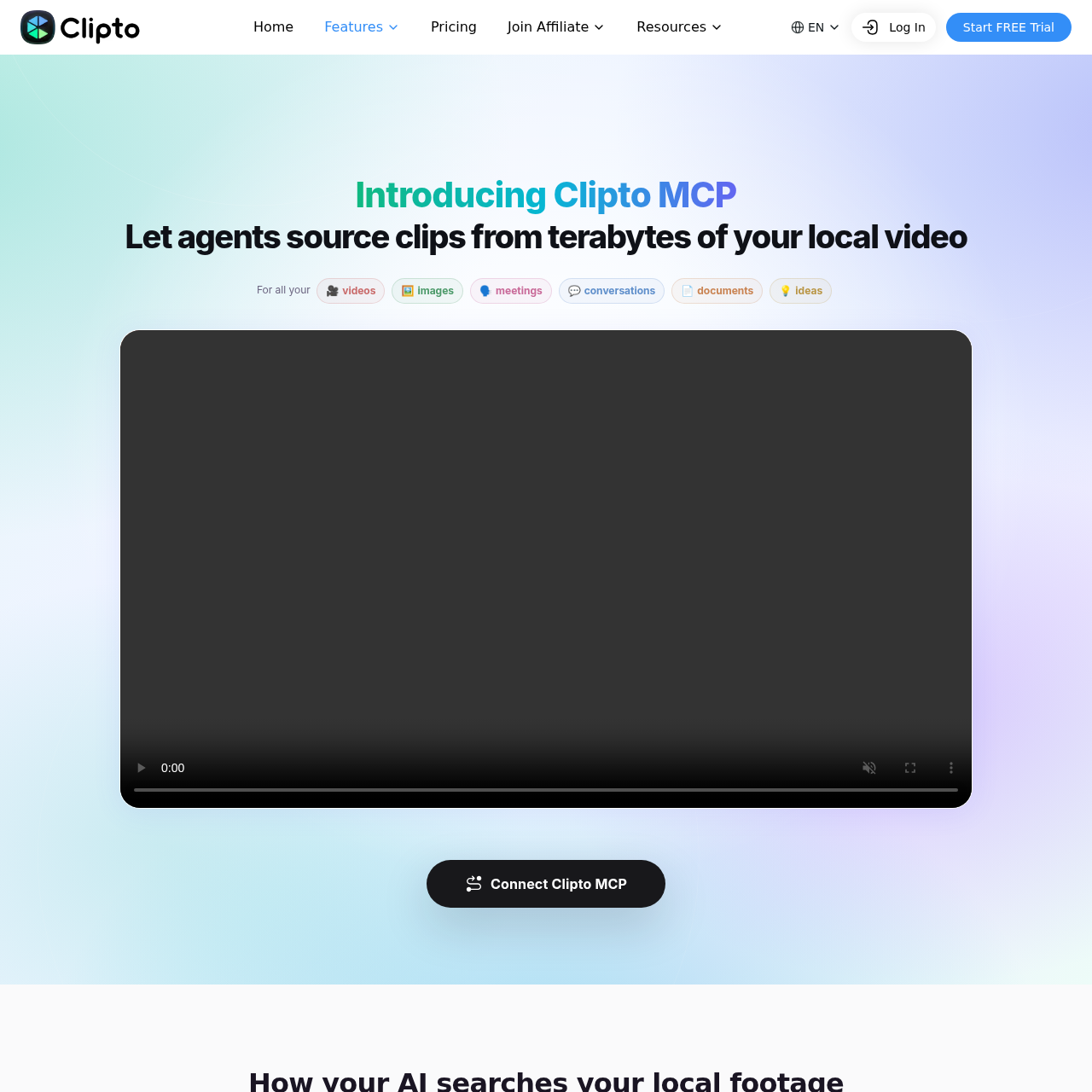
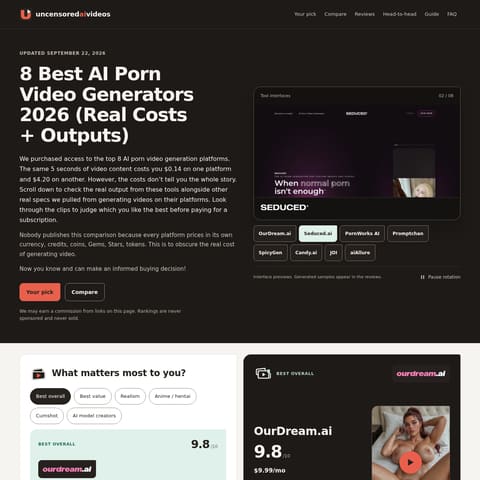
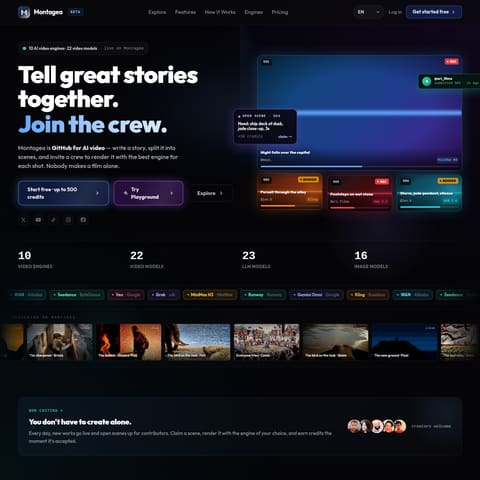
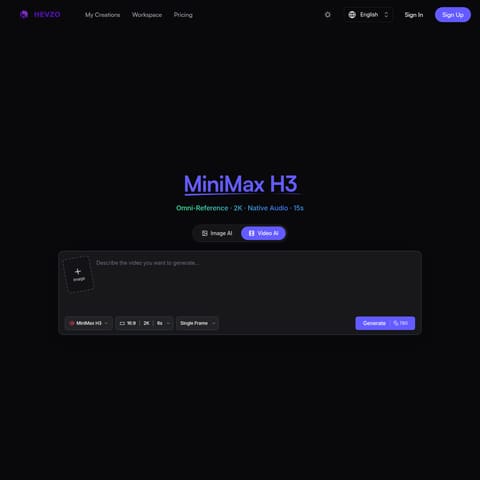
Clipto MCP enables AI agents to interact with local media libraries for tasks like footage logging, B-roll matching, and podcast cleanup.
VideoIdentifying filler words, false starts,…Sequencing local clips into a first-cut…Exporting media logs to Excel files…Matching B-roll footage to specific…
Estimated monthly visits
1.8M
Data period:
Listed on AIToolly
What Is Clipto MCP? Product Overview
What the product does and how it is positioned
Clipto MCP is a tool designed to bridge the gap between local media libraries and AI agents using the Model Context Protocol. It allows users to index their videos, audio files, and documents locally, making them searchable and accessible to AI tools like ChatGPT and Claude.
The system prioritizes privacy by keeping source files on the user's device and only sharing structured results from approved folders. It assists with creative workflows by finding specific moments, generating logs, and preparing rough cuts based on natural language instructions.
What Can You Use Clipto MCP For?
Source-supported ways to use the product
B-roll Matching
Finding relevant clips with timestamps from the local library to match a written script or voiceover.
Podcast Cleanup
Identifying and flagging filler words, false starts, and repetitions in long-form audio or video recordings.
Footage Logging
Generating a detailed Excel log of every usable moment in a library, including durations and topic descriptions.
How to Use Clipto MCP
The documented workflow, where available
1
Application Installation
Download and install the latest version of the Clipto desktop application for Mac or Windows.
2
Agent Connection
Access the MCP tab within the application to link Clipto to a compatible AI agent such as ChatGPT.
3
Natural Language Interaction
Use natural language prompts within the connected AI agent to request specific media searches or organization tasks.
Local-First Media Architecture
Clipto MCP operates on a local-first principle where media indexing and searching occur on the user's device. This approach is designed so that source files remain under the user's control rather than being uploaded to external servers by default.
The AI agents do not receive open-ended access to the computer; instead, they request specific context from Clipto, which returns structured results only from the folders the user has explicitly approved.
On-device indexing and search
Restricted folder permissions
Verifiable results with source timestamps
Manual disconnect options for all connected agents
What to Test Before Choosing Clipto MCP
Checks to run with your own material and workflow
Confirm that the AI agent can only access media within specifically approved local folders.
Verify that the tool provides direct links and timestamps back to the original local source files.
Check the status of the media indexing process to ensure the library is fully searchable.
Review the exported Excel logs for accuracy in timecodes and segment descriptions.