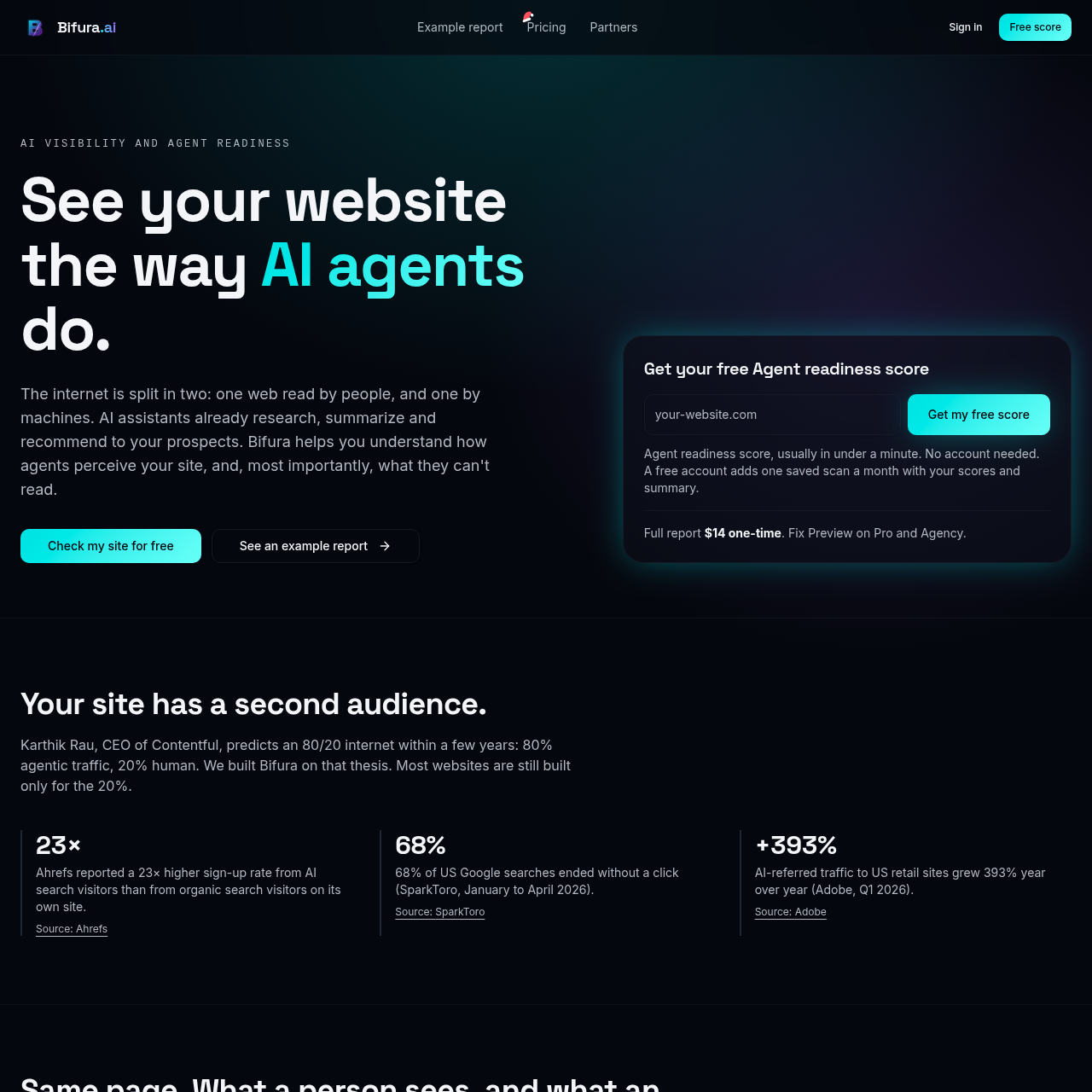
Bifura audits what AI crawlers can reach and read on a website, scores pages for agent readiness, and tracks brand mentions in responses from selected AI models.
SEOCompare a rendered page with captured…Identify site-wide findings such as…Analyze uploaded access logs to show…Access scoring, checks, context,…
Listed on AIToolly
What Is Bifura? Product Overview
What the product does and how it is positioned
Bifura evaluates whether AI crawlers can reach a web page and what content they can read without JavaScript. Its Agent readiness score also considers structured data, answers to customer questions, and whether an agent can act on the page.
A single-page report presents findings with supporting evidence, prioritized fixes, and a 30-, 60-, and 90-day plan. Multi-page audits score selected pages and group findings across the site.
What Can You Use Bifura For?
Source-supported ways to use the product
Audit a page for AI crawler readability
A website team can compare the rendered page with the content and structured data captured by the crawler to see what is available without JavaScript.
Compare readiness with a competitor
A team can compare its page with a competitor's page using checks measured by code and Agent readiness subscores.
Track brand mentions in AI responses
A marketing team can use scheduled prompts to track how often selected OpenAI and Google models name its brand and competitors.
How to Use Bifura
The documented workflow, where available
1
Submit a page for a multi-page audit
The user enters a starting page for the site audit.
2
Identify pages to scan
Bifura selects pages from the starting page's links and the sitemap, prioritizing pricing, product, documentation, about, and contact pages.
3
Score pages and group findings
Bifura scores each selected page and groups findings such as sitemap omissions, canonical problems, and inconsistent organization data.
How AI visibility tracking works
On a daily or weekly schedule, Bifura submits each prompt three times to an OpenAI model and three times to a Google model. It counts how often the responses name the tracked brand and its competitors.
Responses are generated without live web search.
The counts reflect mentions in responses to the supplied prompts.
What to Test Before Choosing Bifura
Checks to run with your own material and workflow
Confirm that the scan shows which content and structured data the crawler captures without JavaScript.
Verify which pages a multi-page audit selects from the submitted page's links and the sitemap.
Review which notification channels are available for scheduled rescan alerts.
Check whether the prompts used for visibility tracking reflect the brand and competitor questions the team wants to monitor.
Answers based on the source-checked product record
What does the Agent readiness score measure?+
It measures crawler access, content readable without JavaScript, how well content and structured data answer customer questions, and whether an agent can act on the page.
Does getting an initial score require an account?+
Bifura provides the initial Agent readiness score without requiring an account.
What does a single-page report include?+
The report includes findings with supporting evidence, prioritized fixes, a 30-, 60-, and 90-day plan, and a basic agent simulator.
Does AI visibility tracking use live web search?+
The OpenAI and Google models answer the tracked prompts without live web search.
How are changes from Fix Preview published?+
Fix Preview applies illustrative edits to a sandbox copy. The site owner or development team publishes changes to the live site.
More SEO AI tools
Explore other recently added tools in the same category.