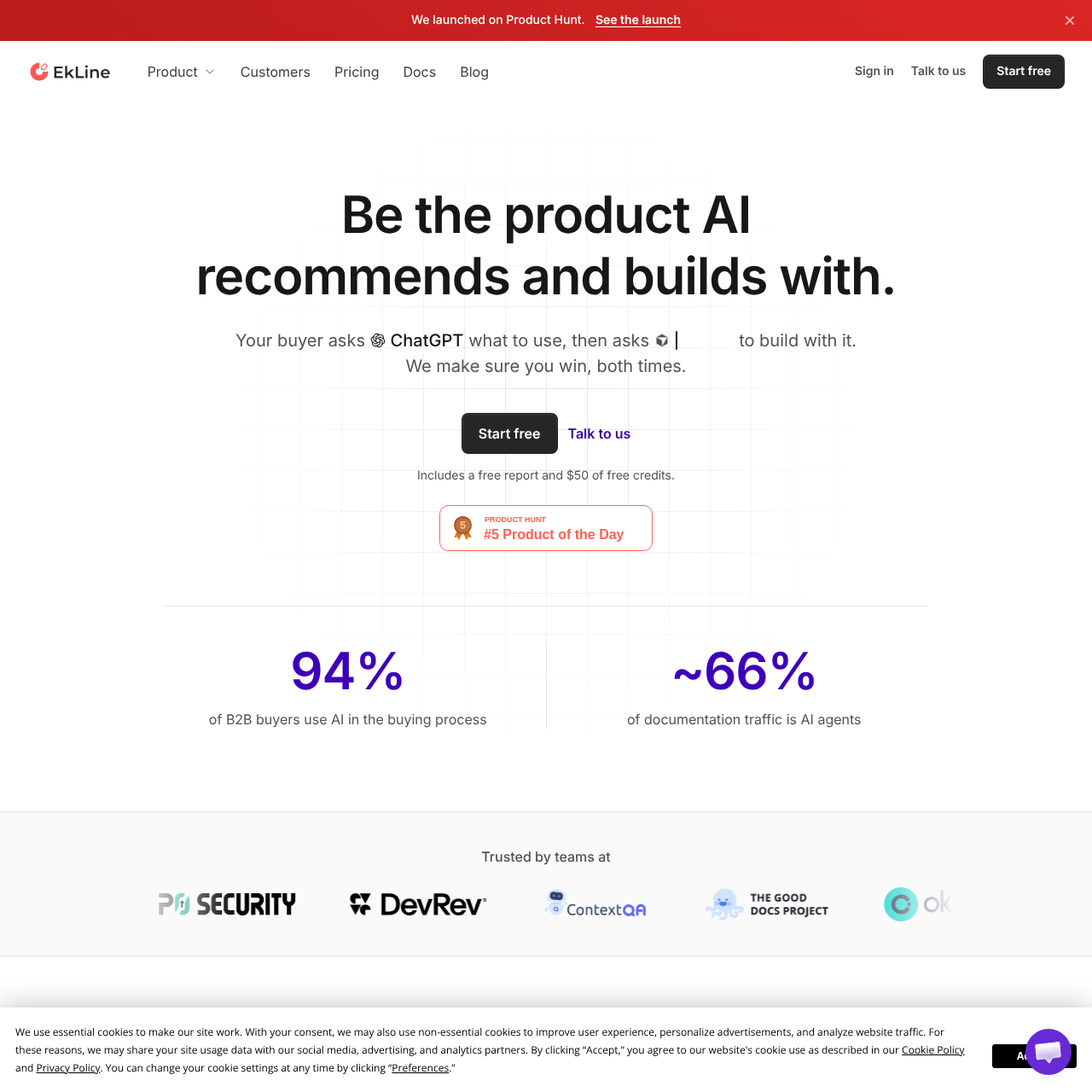
EkLine helps developer tool and API teams track AI recommendations, check whether coding agents can use their products, and draft content updates for team approval.
SEOIdentifies pages cited in AI responses…Shows the source material usedDrafts support answers from recurring…AI recommendation tracking
Listed on AIToolly
What Is EkLine? Product Overview
What the product does and how it is positioned
EkLine measures what AI assistants say about a product and distinguishes a recommendation from a passing mention. It also checks whether coding agents can complete tasks with the product.
For content updates, EkLine uses sources such as code, merged pull requests, existing documentation, and support tickets. It submits changes as pull requests or drafts for the team to review before they go live.
What Can You Use EkLine For?
Source-supported ways to use the product
Keep release documentation current
After a release, EkLine identifies affected pages and drafts updates to documentation, help center articles, or release notes for review.
Compare AI recommendations before and after edits
A team can rerun the same questions after publishing updates and compare whether AI assistants recommend the product or only mention it.
Draft answers to recurring support questions
EkLine uses recurring support tickets as source material for drafted answers that the team can review.
How to Use EkLine
The documented workflow, where available
1
Connect source material
The team connects the repositories and tools EkLine should use and grants the required permissions.
2
Establish a baseline
EkLine records what AI assistants say, which pages they cite, and whether coding agents complete selected tasks.
3
Receive proposed updates
EkLine identifies content gaps or pages affected by a release and prepares pull requests or drafts.
4
Review and compare
The team reviews the changes before they merge or publish, then can rerun the same questions and tasks to compare results.
Recommendations and coding-agent readiness
EkLine separates what an AI assistant says about a product from whether a coding agent can complete a task with it. The baseline captures both so teams can compare the same questions and tasks after publishing changes.
Recommendation tracking separates answers that endorse a product from answers that only name it.
Readiness checks look for barriers in websites and documentation, such as guides that require JavaScript to read.
What to Test Before Choosing EkLine
Checks to run with your own material and workflow
Confirm that the baseline covers the AI assistants and coding-agent tasks relevant to the product.
Verify that drafts show the source material used and reflect the team's style guide and terminology.
Review the permissions required for connected repositories and tools and verify that merge and publication approval fit the team's review process.
Answers based on the source-checked product record
Who is EkLine designed for?+
EkLine is designed for developer tool and API companies that want to track AI recommendations, assess coding-agent readiness, and update content.
Does EkLine publish changes automatically?+
No. EkLine opens pull requests or prepares drafts, and nothing merges or publishes without team approval.
Does EkLine require moving existing documentation?+
No. EkLine works with existing documentation platforms including Mintlify, ReadMe, GitBook, and Docusaurus, as well as Markdown stored in a repository.
What sources does EkLine use to write drafts?+
EkLine can draw on code, merged pull requests, support tickets, and existing documentation. Each draft shows which sources it used.
How can teams compare results after publishing changes?+
Teams can rerun the same questions and coding tasks and compare the answers, cited pages, and task completion with the baseline.
More SEO AI tools
Explore other recently added tools in the same category.