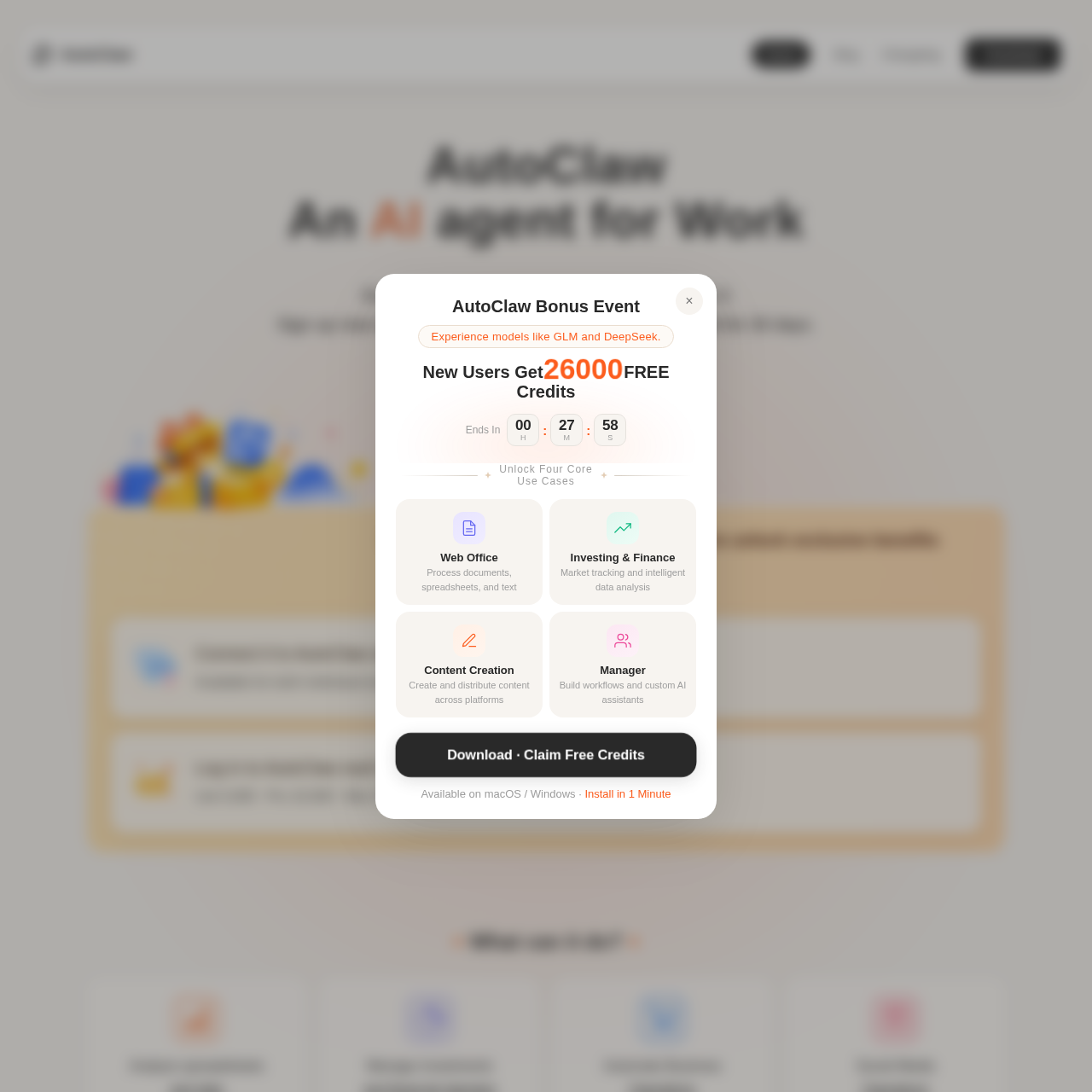
AutoClaw is a desktop-based AI agent that automates office tasks, content creation, and browser workflows through a chat-driven interface integrated with popular messaging platforms.
Organization & AutomationDecomposes high-level chat descriptions…Switches between different AI modelsOperates local tools and browsers…Generates runnable frontend code with…
Estimated monthly visits
20M
Data period:
Listed on AIToolly
What Is AutoClaw? Product Overview
What the product does and how it is positioned
AutoClaw functions as a digital worker capable of executing complex, multi-step tasks by operating local tools, files, and browsers. Users interact with the system via a chat interface, describing goals that the agent then decomposes into actionable steps using built-in skills.
The platform is designed to eliminate manual script writing and complex workflow configuration by allowing the AI to autonomously call professional tools and manage data across different environments, including instant messaging apps and web browsers.
What Can You Use AutoClaw For?
Source-supported ways to use the product
E-commerce Monitoring
The official customer story reports an e-commerce operator using the tool to check competitor pages daily, capture price changes, and generate structured reports.
Investment Analysis
The company presents a use case where a portfolio manager collects market data and filings to generate weekly research reports and run strategy backtests.
Content Repurposing
A creator uses the platform to generate and adapt content across Instagram, TikTok, Substack, and X from a single topic ideation.
How to Use AutoClaw
The documented workflow, where available
1
Goal Description
The user enters a task or goal into the chat interface without needing to configure complex scripts.
2
Task Decomposition
The AI agent breaks the goal down into sequential steps, selecting appropriate tools and skills.
3
Execution
AutoClaw operates browsers, local files, or built-in skills to complete the assigned steps autonomously.
4
Review
Results, including files and context, are delivered back into the chat thread for user review and further action.
Instant Messaging Integration and Automation
AutoClaw integrates directly with communication platforms such as Slack, Telegram, WhatsApp, and Lark, allowing teams to assign tasks via @ mentions. This integration enables results and progress updates to flow directly into existing conversation threads, reducing the need for tool-switching.
Supports Slack, Telegram, WhatsApp, and Lark
Enables task assignment via direct mentions in chat
Delivers files and status updates back to the original thread
What to Test Before Choosing AutoClaw
Checks to run with your own material and workflow
Verify the compatibility of the desktop application with Windows 10 or later versions.
Confirm the availability of the 50+ built-in skills for generating Word, Excel, and PPT documents.
Check the integration process for connecting the agent to Telegram or WhatsApp for remote task assignment.
Review the browser preview functionality when generating frontend code from text descriptions.