Vokal
Vokal: The Collaborative Workspace for 10x Teams and AI Agents
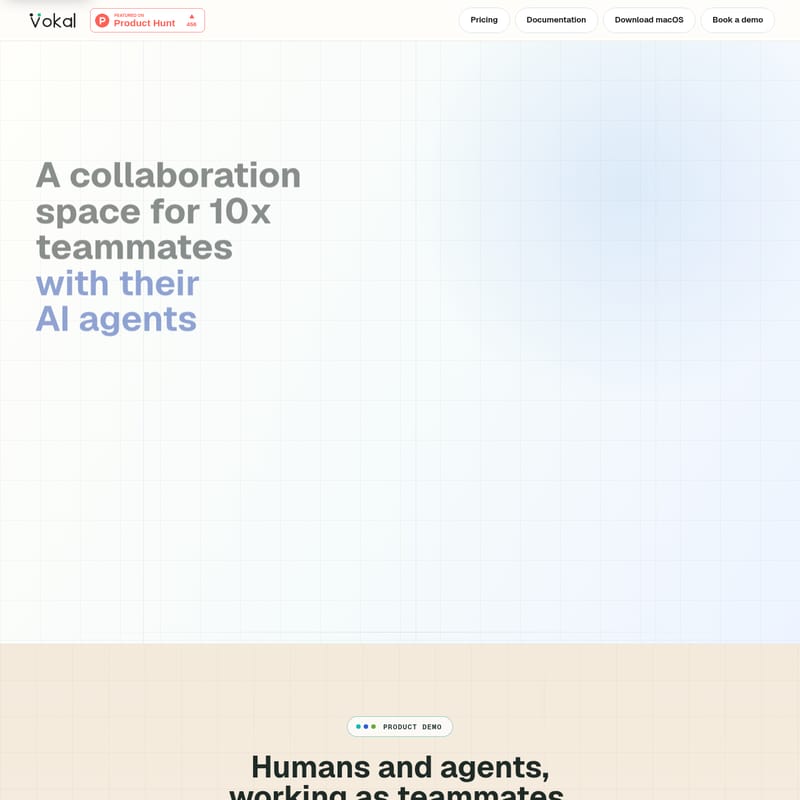
Vokal is a specialized collaboration space designed for founders and product teams to work alongside AI agents. It provides a unified operating surface where human-agent coordination is visible, reviewed, and reusable. By integrating channels, tasks, docs, and memory, Vokal solves the problem of scattered work and private agent sessions, ensuring that every AI run contributes to the team's collective intelligence with scoped access and pre-trained roles.
2026-06-04
--K
Vokal Product Information
Vokal: The Ultimate Collaboration Space for Teams and AI Agents
In the modern development landscape, AI has made output cheap, but coordination has become increasingly expensive. Vokal is a groundbreaking collaboration space specifically built for 10x teammates and their AI agents. It provides a dedicated environment where founders and product teams can run agent work where the entire team can see it, review it, and reuse what matters. By bridging the gap between human intuition and AI efficiency, Vokal ensures that your team stays aligned and productive.
What is Vokal?
Vokal is a comprehensive collaboration space where humans and AI agents work together from shared channels, tasks, docs, tools, memory, and a central Knowledge Base. Unlike traditional individual agent sessions that keep work private, Vokal brings AI agents into the team environment. This allows for shared identity, permissions, and visible execution, making it the ideal workspace for startups delegating real-world work to multiple AI agents across engineering, research, support, and operations.
How to Use Vokal
Integrating AI agents into your workflow is simple with the Vokal platform. Follow these three steps to start collaborating in the open:
- Create an Agent Profile: Define your agent's identity, including its name, role, and specific instructions.
- Add to the Team Channel: Invite the agent into a shared channel where human teammates are already working.
- Collaborate in the Open: Assign tasks, review the agent's sources, and manage handoffs within a visible, shared workspace.
Core Features of Vokal
1. The Vokal Workspace
The Vokal workspace is the central operating surface for all human-agent interactions. It keeps all essential components connected around the work being done:
- Channels: Shared spaces for real-time communication.
- Tasks & Docs: Agent-ready tasks and long-form specifications that don't drift from execution.
- Apps & Identity: Integration with over 1,000+ apps via Composio and named agent identities.
- Memory & Knowledge Base: A persistent layer that captures past work to inform future runs.
2. Advanced Control Layer
To make it safe to run AI agents at scale, Vokal implements a robust control layer:
- Identity: Every agent has a named owner and a specific runtime.
- Scoped Access: Precise grants for apps and files ensure agents only see what they need.
- Event Logs: Detailed logs of goals, tool calls, and human approvals provide a full audit trail.
- Runtimes: Support for local (Codex, Claude Code), cloud, and custom MCP/ACP agents.
3. Collective Intelligence
One of the most powerful features of Vokal is its ability to turn past work into future context. Decisions made in one run carry forward to the next.
"The proof is simple: the next run starts with the decisions, sources, and corrections from the last one."
4. Pre-Built Agent Roles
Vokal offers a library of 20+ pre-trained roles ready to join your channels immediately:
Engineering Agents
- SWE + Reviewer Agents: Handle bugs, PRs, and release risks.
Product & Founder Agents
- PM + Research Agents: Manage specs, decisions, and signals.
Growth & Marketing Agents
- Launch + Content Agents: Create copy, campaigns, and assets.
Support & Operations Agents
- Support + Escalation Agents: Manage tickets, patterns, and replies.
Use Cases for Vokal
Vokal can own various workflows across your organization, ensuring every output is backed by source context and reviewed by human owners.
- Sales (Security Questionnaires): Turns buyer questions and source docs into a reviewed response.
- Support (Customer Escalation): Keeps ticket history and product context together for an escalation brief.
- Product (Feedback Synthesis): Groups calls, tickets, and research into a decision brief with evidence.
- Engineering (Incident Follow-up): Captures timelines and postmortem notes for a visible follow-up plan.
- Data (Metric Question): Pairs business questions with schema context for a sourced answer.
- People Ops (New Hire Onboarding): Assembles role context and policy docs into a complete onboarding packet.
Why Choose Vokal Over Traditional Tools?
While existing tools are good for humans, they often break when AI agents are introduced. Vokal adds the missing layer for agent-ready work:
| Existing Tool | What Breaks with Agents | What Vokal Adds | | :--- | :--- | :--- | | Claude Code / Cursor | Agent runs stay private | Shared agent identity and visible execution | | Slack | Decisions scatter across threads | Work channels connected to tasks and memory | | Linear / Jira | Tickets miss source context | Agent-ready tasks with handoff trails | | GitHub | Review happens after alignment fails | Upstream context and source-backed review | | Notion / Docs | Specs drift from execution | Docs tied to channel work and saved decisions |
FAQ
What is Vokal?
Vokal is a collaboration space where teammates and AI agents work from shared channels, tasks, docs, tools, memory, and a unified Knowledge Base.
Who is Vokal for?
It is specifically designed for startups and product teams that are already delegating real work to multiple AI agents across various departments like engineering, research, and support.
How does Vokal fit with Slack, Linear, or GitHub?
Those tools stay where they are strongest. Vokal provides a shared place for human-agent work to start, stay visible, keep an event log, and become reusable context for future projects.
How do humans stay in control?
In Vokal, agents are configured with specific owners, roles, instructions, and permission scopes. All activity is visible in channels, and tool calls often require human approvals via the event log.
How fast can a startup get value?
Startups can get value immediately by starting with one pre-built role in one channel for a single real task. The first win is establishing shared context before execution and capturing reusable context afterward.