Campus
Campus: The Infinite macOS Workspace for Persistent Tool Integration and AI Agent Collaboration
Campus is an innovative macOS workspace designed as an infinite canvas where every tool—terminals, webviews, notes, and AI agents—functions as an interactive tile. Built on a local-first, custom Flutter engine, Campus provides a persistent spatial environment that remembers your exact layout. It supports real-time multiplayer collaboration with live cursors and integrates AI agents like Claude and Codex as active peers. With a powerful Dart SDK and a dedicated CLI, Campus allows users to build, hack, and orchestrate their entire workflow within a single, unified, and extensible digital environment.
2026-07-17
--K
Campus Product Information
Campus: The Infinite Workspace for Your Tools
In the modern digital landscape, professional workflows are often fragmented across dozens of windows, tabs, and applications. Campus introduces a revolutionary solution for macOS users: a persistent, infinite canvas where every tool you use is represented as a tile. Campus is not just a terminal or a browser; it is a comprehensive workspace that brings your entire stack into a single, cohesive spatial environment.
What is Campus?
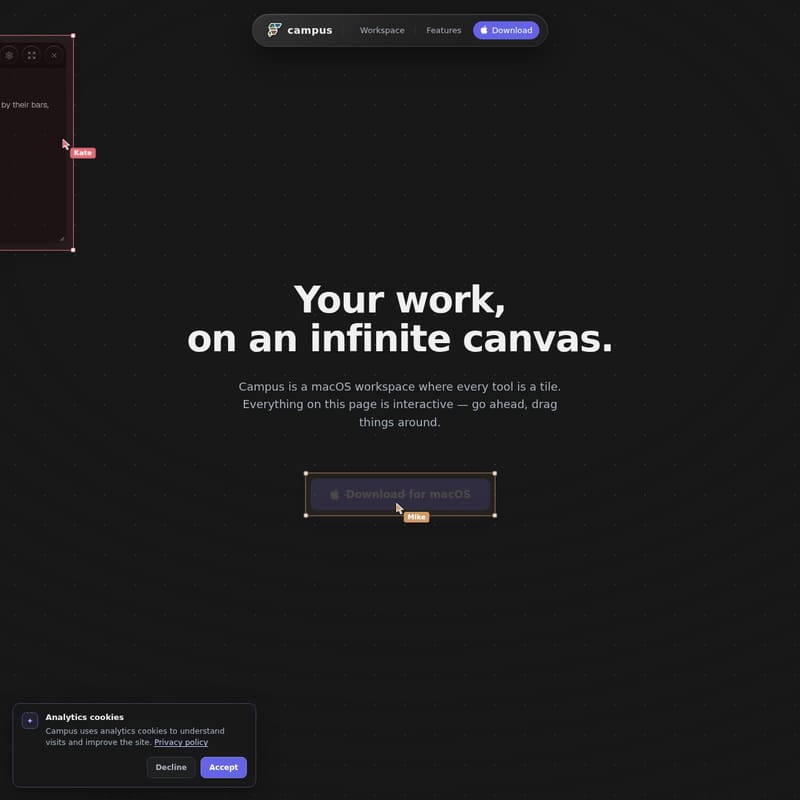
Campus is a macOS-native workspace that reimagines the desktop experience. Built on a local-first philosophy, Campus provides users with an infinite dotted surface where tools are organized spatially rather than buried in overlapping windows. Whether you are managing complex codebases, browsing the web, or collaborating with AI, Campus ensures that everything stays exactly where you left it.
Unlike traditional window managers, Campus treats every element—from a live terminal to a Figma design—as an interactive tile. This local-first environment stores your state in plain files, ensuring that your workspace is fast, private, and entirely yours. With its custom Flutter engine, Campus delivers a high-performance experience tailored specifically for the macOS ecosystem.
Key Features of Campus
Campus is packed with features designed to streamline productivity and enhance the way teams work together with technology.
One Infinite Canvas
At the heart of Campus is the infinite canvas. You can pan, zoom, and arrange every tool spatially on a dotted surface. This layout is persistent, meaning the Campus workspace remembers your configuration and scroll positions across restarts, providing a seamless transition between work sessions.
Real Terminals, Always On
Every terminal in Campus is a live PTY (Pseudo-Teletype). These tiles keep running and maintain their full scrollback history even if you restart the application. This ensures that your development environment remains consistent and active, regardless of how often you switch tasks.
Agents as Peer Collaborators
Campus takes AI integration to the next level. Instead of a sidecar chat, AI agents like Claude and Codex join the canvas as peers. These agents drive real tiles; they can move tiles, type prompts, and even click webviews for you via the Campus CLI. Because they inhabit the same canvas, they have the same context as you and your team.
Multiplayer and Live Collaboration
Campus is built for teams. By simply sharing a link, colleagues can join your canvas in real-time. You will see live cursors, engage in cursor-chat, and share the same context for every tile on the board. This multiplayer functionality extends to AI agents, allowing humans and AI to work side-by-side on the same scratchpad.
Anything is a Tile
Flexibility is a core tenet of the Campus experience. Almost any digital asset can be dropped onto the canvas as a tile, including:
- Webviews: Live web applications and localhost previews.
- Terminals: Full PTY support with persistent scrollback.
- Files and Git Worktrees: Manage your repos and file structures directly.
- Media: Embed demo videos (like .mov files) and images.
- Docs and Notes: Editable text areas for tasks and documentation.
- Designs: Embed tools like Figma directly into your workflow.
- Embedded Apps: Run entire app surfaces as tiles.
Extensibility with the Dart SDK
For those who want to customize their experience, Campus offers a full Dart SDK. This allows you to hack any part of the canvas, define your own custom tiles, create unique commands, and wire in your own orchestration tools. You can even switch to a code view to see exactly what you are building in real-time.
Campus Use Cases
Campus molds itself to the specific needs of your workflow. Here are a few ways professionals utilize the infinite canvas:
Software Development and Engineering
Developers use Campus to arrange their whole stack. You can have your terminal running your dev server in one tile, a webview of localhost:5173 in another, and your git worktrees alongside them. When you need to troubleshoot, an agent like Claude can jump into a terminal tile and arrange the surrounding tiles to help you debug.
Collaborative Team Standups
Teams use the multiplayer features of Campus to conduct standups. With a standup.md file open on the canvas, multiple team members can edit notes simultaneously while live cursors indicate who is focusing on which task. The shared context ensures everyone is literally on the same page.
Cross-Device Portability
Campus isn't restricted to your desk. Your whole canvas flows straight onto an iPad. As you scroll, your tiles fly into the device, providing the same high-performance workspace in your hands that you have on your macOS desktop.
How to Use Campus
Getting started with Campus is intuitive and designed for immediate interaction:
- Arrange the Canvas: Drag tiles by their top bars to move them around the dotted surface. Use pan and zoom to navigate your infinite workspace.
- Interact with Tiles: Notes are editable—simply click and type. Webviews and terminals are live; you can interact with them just as you would in a standalone browser or terminal app.
- Collaborate: Share a link to invite team members. Once they join, you can see their cursors and work together on shared documents or code.
- Engage Agents: Use the terminal to talk to agents. The agent will respond by spawning and updating tiles on the canvas, performing actions like moving elements or typing for you.
- Develop Custom Tools: Utilize the Dart SDK to define custom rendering and protocols, effectively building your own workspace features on top of the Campus engine.
Frequently Asked Questions (FAQ)
Is Campus a browser or a terminal? Neither and both. Campus is a comprehensive workspace where terminals, browsers (webviews), and other tools exist as interactive tiles on a single infinite canvas.
What platforms does Campus support? Campus is a macOS-native application. It also features integration with iPad, allowing your workspace to flow between devices.
Is my data stored in the cloud? Campus is local-first. Your state is stored in plain files on your machine, ensuring your data remains fast and under your control.
How do AI agents interact with the canvas? Agents like Claude and Codex join as peers. Through the Campus CLI, they can perform actions such as creating, moving, and typing within tiles, effectively driving the canvas alongside you.
Can I build my own custom tiles? Yes. Campus provides a full Dart SDK that allows you to define your own tiles, commands, and rendering logic.
Campus is more than just a workspace; it is a spatial evolution of the modern desktop. By combining the power of live terminals, the flexibility of webviews, and the collaborative potential of AI agents, Campus provides a unique environment where your tools work for you.