Tulvo favicon

Tulvo

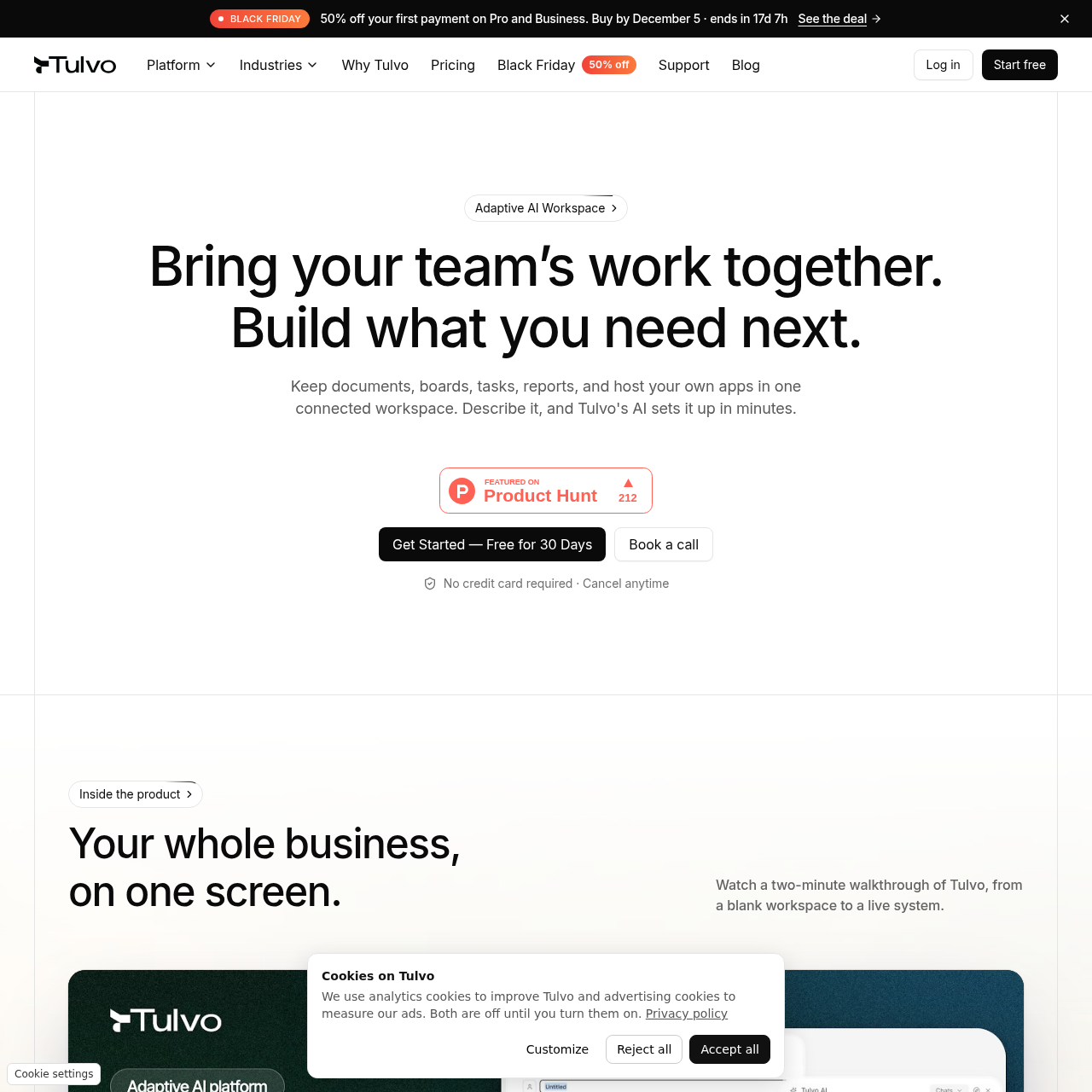
Tulvo is an AI workspace that turns plain-language descriptions into connected boards and documents, and writes reports from workspace data on request.

Organization & AutomationMaps imported columns into a structured…Adds tables, workflow stages, or…Provides API access to the database…AI workspace setup
Tulvo product interface screenshot
Listed on AIToolly

What Is Tulvo? Product Overview

What the product does and how it is positioned

Tulvo AI designs the underlying data model and builds connected boards and documents from a description of how a team works. Document tools include AI writing, public publishing, and readership analytics.

Multiple boards can display records from the same data template. Tulvo also generates reports from live workspace data and can host custom apps connected to that data.

What Can You Use Tulvo For?

Source-supported ways to use the product

Real estate pipeline

Link listings, buyers, and offers, and track viewings and follow-ups on a shared board.

Agency client operations

Keep leads, projects, and invoices linked to each client and share client briefs from the same workspace.

How to Use Tulvo

The documented workflow, where available

  1. 1

    Describe the workflow

    The team describes the system it needs in plain language, such as a hiring pipeline or client tracker.

  2. 2

    Generate the workspace structure

    Tulvo AI designs the data model, builds the boards and documents, and connects them.

  3. 3

    Request a report or a change

    The team can ask Tulvo AI to write a report from workspace data or change the structure by adding a table or workflow stage.

Multiple boards, one data template

Tulvo separates the underlying records from the way a board displays them. In the sales example, one deals template supplies a Kanban pipeline grouped by stage, a grid of deal cards, and a list showing every property.

  • Board views include Kanban, grid, and list.
  • The example deals template uses text, dropdown, contributor, number, and date fields.

What to Test Before Choosing Tulvo

Checks to run with your own material and workflow

  • Verify how Tulvo maps columns from an existing spreadsheet or CSV file into its structured schema.
  • Confirm that the available Kanban, grid, and list views fit the team's reporting and tracking needs.
  • Check what readership information is available for a publicly published document.
  • Review whether the beta Tulvo MCP integration supports the intended workflow in the team's AI client.

Tulvo Sources and Last Checked

What was checked and when

Official source
https://www.tulvo.io/
Last checked

Tulvo Frequently Asked Questions

Answers based on the source-checked product record

How is a workspace set up in Tulvo?

A team describes its workflow in plain language. Tulvo AI designs the data model, builds the boards and documents, and connects them.

Can existing records be imported?

Tulvo supports imports from spreadsheets, CSV files, Notion, and Airtable. It maps the imported columns into a structured schema.

Can the workspace change after setup?

A team can ask Tulvo to adjust the system, for example by adding a table, a workflow stage, or a report.

How does Tulvo generate reports?

A team requests a report in plain language, and Tulvo AI uses live workspace data to write it.

Does Tulvo support API access and data export?

Each workspace has an underlying database with API access, and Tulvo supports exporting workspace data.

Explore other recently added tools in the same category.