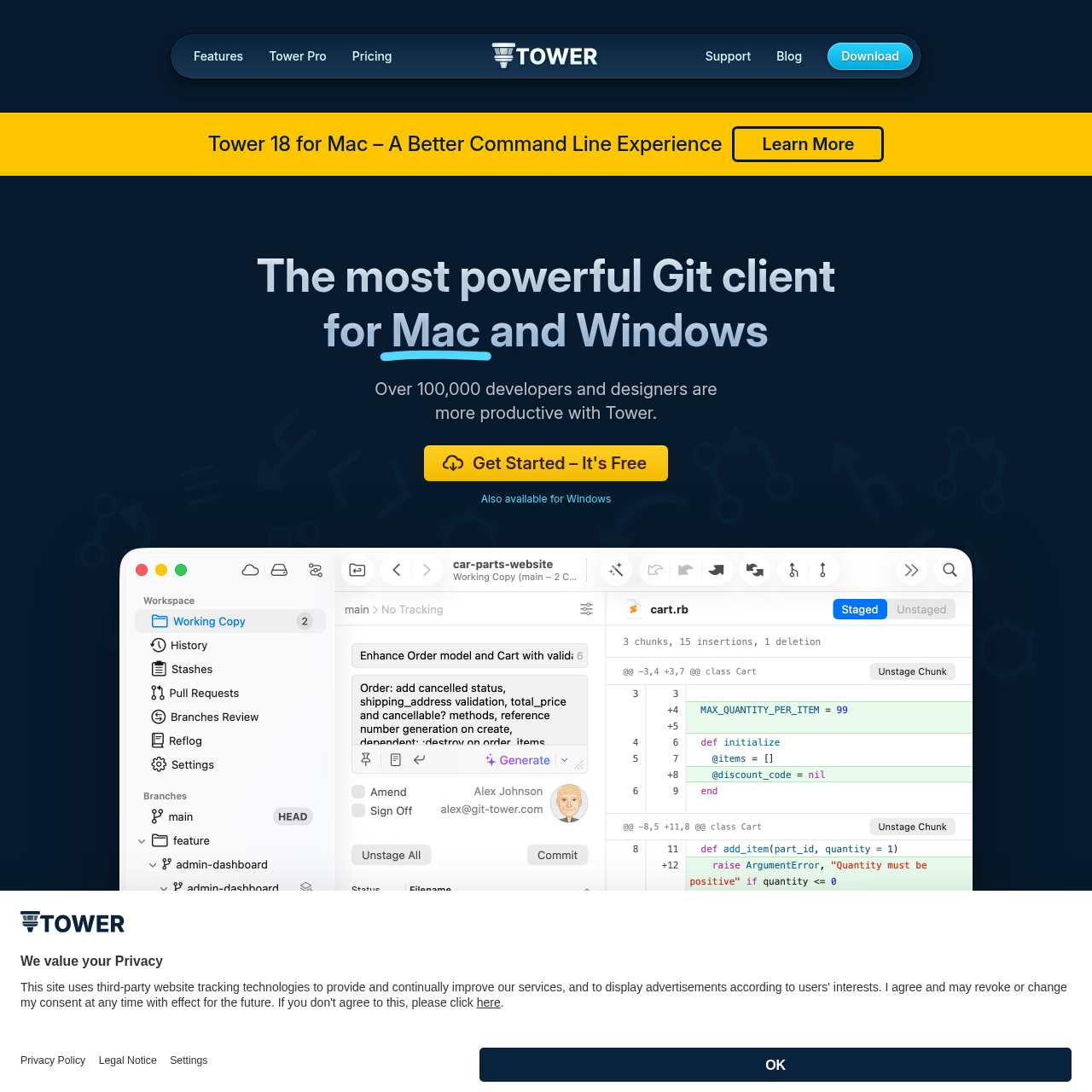
Tower 18 for Mac is a comprehensive Git client designed to simplify command-line workflows with a visual interface, advanced version control features, and productivity tools.
Code & ITSupports drag and drop actionsProvides single-line staging and…Includes a conflict wizard to help…Offers file history tracking, blame…
Estimated monthly visits
148K
Data period:
Listed on AIToolly
What Is Tower 18 for Mac? Product Overview
What the product does and how it is positioned
Tower 18 for Mac serves as a graphical interface for Git, aiming to make version control more accessible for developers and designers alike without losing core functionality.
The software includes specialized tooling for handling branches, staging changes, merging code, and managing remote repositories through a unified desktop workspace.
What Can You Use Tower 18 for Mac For?
Source-supported ways to use the product
Software Development
Developers utilize the tool to manage code repositories, handle complex rebasing, and resolve merge conflicts visually.
Design and Code Work
Designers and engineers integrate the client into multi-disciplinary workflows to handle both design assets and code changes using Git.
Advanced Git Management Capabilities
The platform provides an abstraction layer over standard command-line Git operations, offering visual utilities designed to streamline common and complex source control tasks.
Drag-and-drop operations for quick modifications
Interactive rebase and conflict wizard utilities
Built-in support for submodules, Git LFS, and Git-Flow
What to Test Before Choosing Tower 18 for Mac
Checks to run with your own material and workflow
Verify whether the application supports the specific operating system version installed on the local machine.
Check the documentation to confirm compatibility requirements for managing self-hosted repositories and specialized workflows.