Tiden favicon

Tiden

Tiden is an intent verification platform designed for engineering teams shipping agent-written code, keeping versioned specifications beside code.

Code & ITDetects components and writes…Identifies unverified specifications…Works alongside coding agentsLinks production error signals back to…
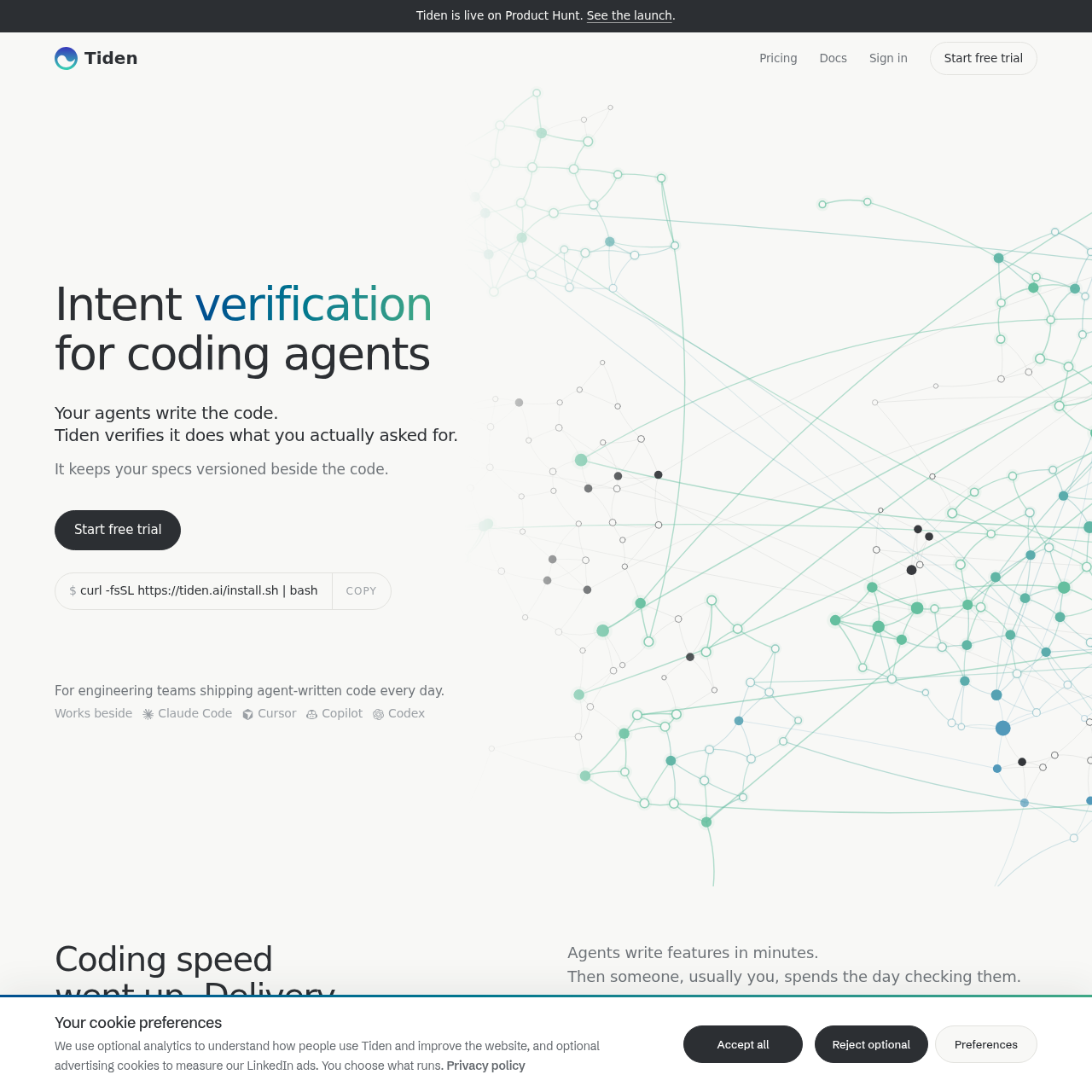
Tiden product interface screenshot
Estimated monthly visits
1K
Data period:
Listed on AIToolly

What Is Tiden? Product Overview

What the product does and how it is positioned

Tiden reads repository codebases to catalog components and functional specifications, highlighting which behaviors remain unproven by tests.

The platform enforces working contracts during coding agent sessions, helping reduce completion until all declared promises pass automated verification.

What Can You Use Tiden For?

Source-supported ways to use the product

Validating Coding Agent Output

Engineering teams using agents like Claude Code or Cursor can enforce test verification against specified intent before closing tasks.

Synchronizing Code with Specifications

Teams can maintain versioned specifications directly alongside code changes, receiving drafted updates automatically on every merge.

How to Use Tiden

The documented workflow, where available

  1. 1

    Repository Mapping

    Connect GitHub to allow Tiden to analyze source files, extract specifications, and flag areas without test coverage.

  2. 2

    Session Contract Definition

    Establish the working contract and specific behavioral promises that the coding agent must fulfill during the session.

  3. 3

    Promise Verification

    Execute automated tests to prove each promise, keeping the coding session open until all requirements are met.

  4. 4

    Branch Review and Merge

    Inspect the branch review screen to verify which lines of code changed and which automated tests prove the updated specification.

  5. 5

    Release Monitoring

    Review release-level coverage verdicts across components and route production errors back to agents for resolution.

Intent Verification and Continuous Specification Tracking

Tiden functions alongside agentic coding tools by separating code generation from intent confirmation. When autonomous agents generate feature code, passing unit tests alone may merely indicate that the code satisfies the agent's internal assumptions rather than the developer's original goals. Tiden addresses this discrepancy by converting requirements into explicit contracts composed of measurable promises.

As development branches proceed toward production, Tiden maintains parity between implementation and behavioral documentation. Every merge triggers drafted specification updates that track Git modifications against existing functional contracts, so that missing test coverage and regression risks are surfaced directly on release dashboards.

  • Maps components across multi-language codebases such as TypeScript and Go
  • Maintains versioned functional specifications directly alongside repository files
  • is intended to reduce agent sessions from closing while unverified promises remain open
  • Traces unhandled production issues back to the originating release and component

What to Test Before Choosing Tiden

Checks to run with your own material and workflow

  • Confirm repository integration compatibility with your team's GitHub organization.
  • Verify that your development workflow supports shell-based installation and command execution.
  • Check compatibility with your current coding agents, such as Cursor, Claude Code, Copilot, or Codex.
  • Review integration points with external project tracking systems such as Jira, Linear, Notion, or Azure DevOps.

Tiden Sources and Last Checked

What was checked and when

Official source
https://tiden.ai/
Last checked
Category
Code & IT

Tiden Frequently Asked Questions

Answers based on the source-checked product record

What is the primary function of Tiden?

Tiden verifies that agent-written code fulfills requested specifications and maintains versioned behavioral contracts alongside codebase changes.

Which coding agents can Tiden work beside?

Tiden is documented to work beside coding agents including Claude Code, Cursor, GitHub Copilot, and Codex.

What developer tools and platforms does Tiden integrate with?

Tiden connects with GitHub, Jira, Linear, Notion, and Azure DevOps to incorporate project context and code history.

What occurs when an agent fails to fulfill a documented promise?

The active coding session remains blocked and cannot close until the remaining open promise is proven by a passing test.

How does Tiden handle merges that occur outside its interface?

Tiden drafts updates to the functional specification on every merge, including merges that bypassed the Tiden platform directly.

Explore other recently added tools in the same category.