Slackbot’s MCP Client
Slackbot MCP Client: A Revolutionary Model Context Protocol Integration for Seamless, Multiplayer Enterprise AI Collaboration
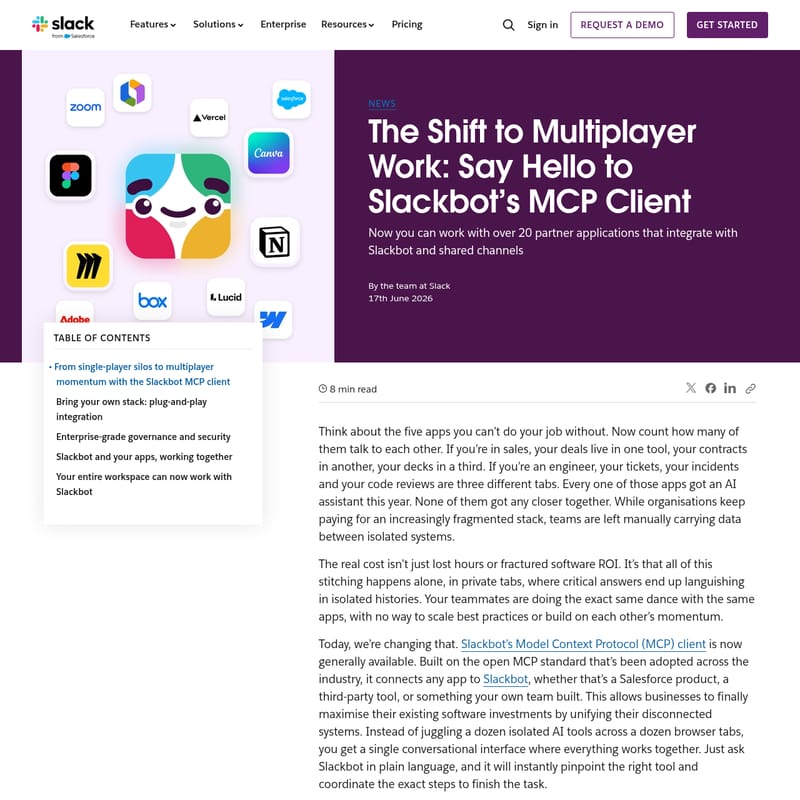
The Slackbot MCP client transforms fragmented workflows by unifying disconnected applications into a single conversational interface. Leveraging the open Model Context Protocol (MCP) standard, Slackbot now connects with over 20 industry-leading apps like Salesforce, Atlassian, and Canva. This enables teams to transition from isolated, "single-player" tasks to collaborative "multiplayer" momentum directly within Slack channels. With enterprise-grade security, real-time data interaction via Block Kit, and streamlined task execution, the Slackbot MCP client maximizes software ROI and accelerates organizational productivity.
2026-06-22
--K
Slackbot’s MCP Client Product Information
Transforming Productivity with the Slackbot MCP Client: The Future of Multiplayer Work
In the modern workplace, teams often find themselves trapped in "single-player silos." While the average professional relies on a multitude of specialized applications to perform their duties—ranging from CRM tools for sales to ticket management for engineering—these systems rarely communicate effectively. This fragmentation forces employees to manually transfer data between isolated browser tabs, leading to lost hours and fractured software ROI.
Today, the introduction of the Slackbot MCP client marks a paradigm shift. Built on the open Model Context Protocol (MCP), this new integration layer connects your entire software stack to Slackbot, turning a fragmented ecosystem into a unified, conversational workspace. By moving work out of private tabs and into shared channels, the Slackbot MCP client enables true multiplayer momentum.
What is the Slackbot MCP Client?
The Slackbot MCP client is a universal connection point that allows Slackbot to communicate with any application—whether it is a Salesforce product, a third-party tool, or a bespoke internal system—using natural language. By standardizing on the Model Context Protocol, Slack has eliminated the need for brittle, custom-coded integrations.
Instead of acting as a single-purpose agent, the Slackbot MCP client serves as the ultimate AI teammate. It consolidates your entire AI ecosystem into one chat interface. Users can simply ask Slackbot questions in plain English, and the client handles the background coordination, routing requests to the correct specialized app and delivering results instantly.
Key Features of the Slackbot MCP Client
1. Actions, Not Just Answers
With the power of the Model Context Protocol, the Slackbot MCP client goes beyond simple text-based responses. Users can now execute complex tasks such as signing documents, updating project tickets, or reviewing live dashboards directly within the Slackbot conversation.
2. Native Block Kit Support
Coming soon, the Slackbot MCP client will fully integrate with Slack’s Block Kit framework. This allows partner tools to render rich visual components like data tables, interactive carousels, and real-time dashboards directly inside threads. Because the data updates in real time with zero layout latency, teams can make informed decisions without ever leaving the app.
3. Multiplayer Execution
The true strength of the Slackbot MCP client lies in its "multiplayer" nature. When a Slackbot response is shared into a team channel, individual tasks become shared advantages. Everyone in the channel can see real-time data, validate sources, and steer outcomes together, transforming isolated work into a collaborative effort.
4. Plug-and-Play Integration
For developers, the Slackbot MCP client removes the burden of maintaining heavy technical debt. By utilizing an MCP server, teams can bring internal databases and legacy systems to life inside Slackbot in minutes rather than months.
Use Cases: How the Slackbot MCP Client Powers Your Stack
The Slackbot MCP client is launching with a robust partner ecosystem of more than 20 apps. Here is how different departments can leverage this technology:
Product and Development
Engineering leads can use the Slackbot MCP client to centralize system logs and manage incident responses. For instance, a lead can ask, "What Linear tickets are blocking our release?" and Slackbot will pull a unified view of those tickets alongside active PagerDuty incidents, allowing for immediate reassignment via interactive buttons.
- Available Apps: Atlassian Rovo, Linear, MuleSoft, Replit, Vercel, and PagerDuty (coming soon).
Document and Content Management
Locating files across fragmented cloud storage is a common pain point. With the Slackbot MCP client, a user can ask to find the latest marketing pitch deck across all corporate files. Slackbot searches connected platforms like Box or Notion simultaneously and renders the assets as interactive visual thumbnails.
- Available Apps: Box, Gamma, Webflow, and Notion (coming soon).
Creative and Design Collaboration
Marketers and designers can pull creative assets into public channels for instant feedback. By asking the Slackbot MCP client to retrieve layouts from Canva or mood boards from Miro, teams can view designs side-by-side as interactive blocks for rapid approval.
- Available Apps: Canva, Figma, Miro, and Adobe (coming soon).
Business Operations and Agreements
Sales and HR workflows are streamlined through the integration of transactional tools. A sales rep can ask Docusign via Slackbot to draft an agreement. Key terms and signature lines appear immediately in the channel, allowing stakeholders to modify details using interactive buttons.
- Available Apps: Brex, Docusign, HiBob, Ironclad, Reclaim.ai, and Zoom.
Visual Collaboration and Data Analytics
Bridge the gap between raw data and strategy. A product manager can ask the Slackbot MCP client to show checkout conversion trends from Tableau Next alongside a Lucidchart user flow. This allows the team to diagnose problems and brainstorm solutions collectively.
- Available Apps: Amplitude, Lucidchart, Lucidspark, and Tableau Next (coming soon).
Enterprise-Grade Governance and Security
Security is paramount when deploying AI across an enterprise. The Slackbot MCP client respects Slack’s native compliance and security infrastructure right out of the box.
- User-Specific Data Boundaries: The system applies real-time permissions. If a user lacks credentials for a specific database, Slackbot automatically blocks the request.
- Centralized Administration: IT administrators can use the application console to discover, install, and audit user access approvals with total confidence.
How to Use the Slackbot MCP Client
Getting started with the Slackbot MCP client is designed to be intuitive for both users and administrators:
- Visit the Marketplace: Navigate to the new MCP registry in the Slack Marketplace to browse available servers.
- Connect Your Apps: Select the tools that fit your stack (e.g., Salesforce, Zoom, or Box) and grant Slackbot secure access.
- Engage in Conversation: Use plain language to make requests. For example, type "Slackbot, show me the latest project updates from Atlassian Rovo" to trigger the integration.
- Share to Channels: To move from single-player to multiplayer work, share Slackbot's output directly into your team's shared channels for collective action.
FAQ
Q: What is the Model Context Protocol (MCP)? A: MCP is an open standard adopted across the industry that allows different applications and AI models to communicate seamlessly without the need for custom, brittle API code.
Q: Does the Slackbot MCP client require coding to set up? A: For many partner apps, it is a plug-and-play experience available via the Slack Marketplace. For internal or legacy systems, developers can use the MCP server documentation to connect tools in minutes.
Q: How does the Slackbot MCP client handle data privacy? A: It adheres to Slack’s enterprise-grade security protocols. It respects existing user permissions, ensuring that sensitive data is only accessible to those with the proper credentials.
Q: Can I use the Slackbot MCP client in shared channels? A: Yes. One of the primary benefits of the Slackbot MCP client is its multiplayer functionality, allowing results to be shared and acted upon within team channels to build collective momentum.