Pomerado favicon

Pomerado

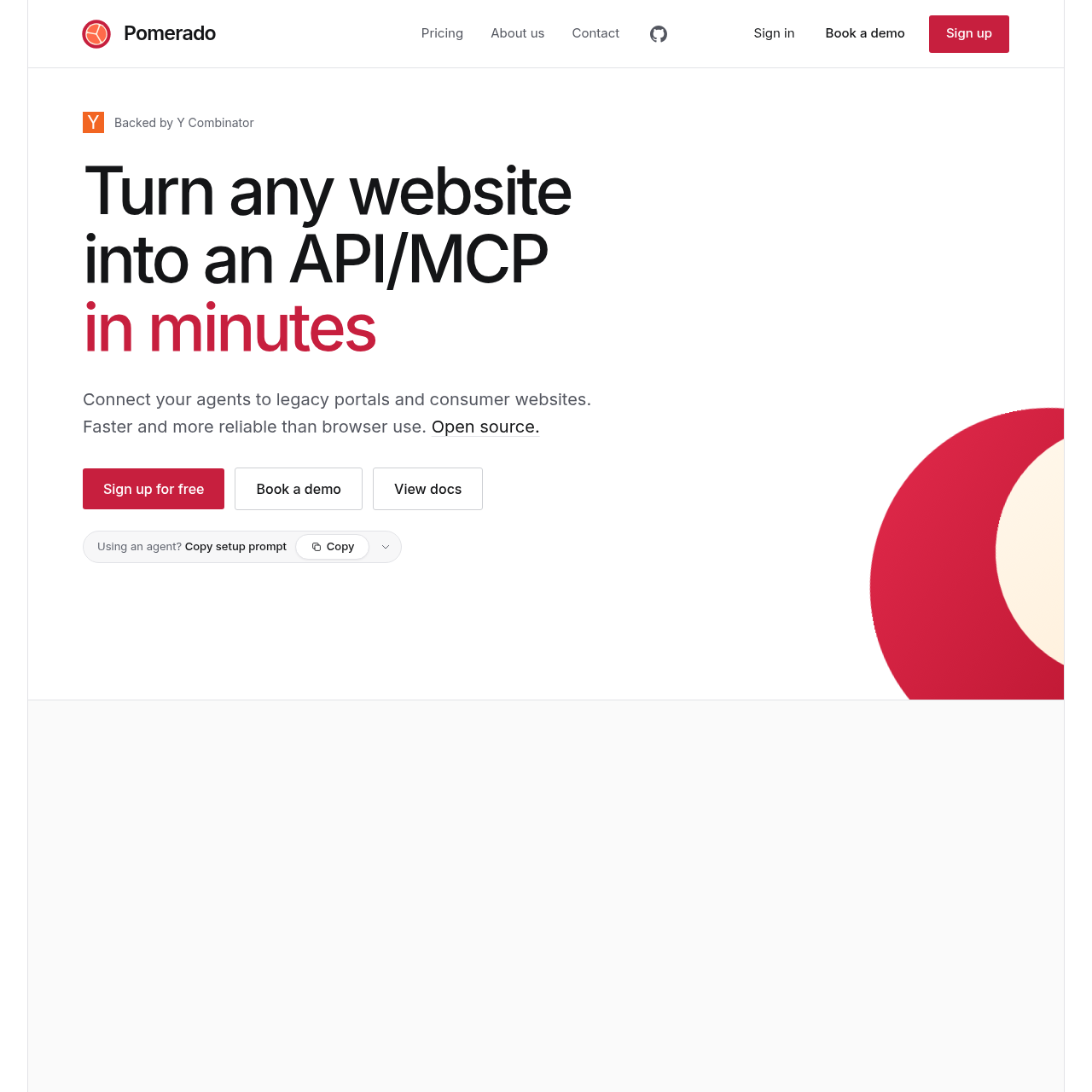
Pomerado turns websites and legacy portals into deterministic APIs and MCP tools for AI agents with self-healing maintenance.

Code & ITTurns public, authenticated, or…Executes data extraction and multi-step…Maintains persistent or per-request…Runs dual browser and HTTP verification…
Pomerado product interface screenshot
Listed on AIToolly

What Is Pomerado? Product Overview

What the product does and how it is positioned

Pomerado is an open-source platform that converts consumer websites, legacy portals, and internal enterprise applications into deterministic API and Model Context Protocol endpoints. Instead of requiring browser agents to interpret and navigate web pages during every execution, it generates, tests, and deploys reusable tools that AI agents call directly.

The system handles full authentication workflows, including two-factor verification codes, and provides hosted execution environments that eliminate the need for custom infrastructure. It also includes automated maintenance routines that detect interface updates and patch failing workflow steps.

What Can You Use Pomerado For?

Source-supported ways to use the product

Healthcare and Payer Portal Automation

Connecting AI agents to healthcare provider portals and claims systems to inspect claim statuses, dates of service, and authorization outcomes without manual portal navigation.

Procurement and Invoice Retrieval

Extracting vendor invoices, purchase orders, payment statuses, and dispute notes from legacy supplier portals directly into accounting and finance agent workflows.

Travel and Consumer Data Aggregation

Enabling personal assistants to search accommodations, compare airline fares, and inspect retail listings via deterministic HTTP and MCP queries.

How to Use Pomerado

The documented workflow, where available

  1. 1

    Connect the MCP Server

    Add the hosted MCP server configuration to your AI agent or coding assistant environment using the standard setup command.

  2. 2

    Define the Integration

    Instruct your agent to search for an existing website tool or initiate the creation of a new one by specifying the target site, required parameters, and desired outputs.

  3. 3

    Provide Authentication Details

    Authenticate via the provided sign-in link or configure credentials and two-factor routing if the target site operates behind a login.

  4. 4

    Build and Verify

    Pomerado maps the interface elements, handles form workflows, and runs both browser and HTTP test passes to validate returned data.

  5. 5

    Execute Deterministic Tool Calls

    Run the published tool as a deterministic MCP or API call from your automated workflows, receiving structured data responses.

Self-Healing Architecture and Anti-Bot Infrastructure

Web automation often fails when external platforms adjust form structures, shift navigation elements, or introduce updated search interfaces. Rather than surfacing unexpected errors to downstream agent workflows, Pomerado incorporates active monitoring that catches execution failures and triggers maintenance cycles.

When a failure occurs, the platform re-evaluates the target page layout, identifies the relocated elements or altered filter selectors, updates the execution logic, and validates the repair with fresh test passes before publishing the fix back to the live integration.

To maintain reliable communication with complex sites, Pomerado incorporates built-in rate limit management and anti-bot mitigation strategies, including the use of residential proxies, supporting consistent agent access across consumer and legacy web environments.

  • Automated detection of missing fields, layout shifts, and altered selector paths.
  • Targeted regeneration and patching of broken steps without requiring infrastructure rebuilds.
  • Integrated proxy routing and request pacing to help reduce automated blocking.

What to Test Before Choosing Pomerado

Checks to run with your own material and workflow

  • Confirm that required target websites allow access through residential proxies and do not require unsupported physical security keys.
  • Verify whether the specific integration workflow requires read-only data extraction or authenticated state-changing actions.
  • Check credential retention requirements to decide between per-request credential passing and secure hosted storage.
  • Review organizational compliance policies regarding the 60-minute retention window for unread task results and automated PII redaction.

Pomerado Sources and Last Checked

What was checked and when

Official source
https://pomerado.ai/
Last checked
Category
Code & IT

Pomerado Frequently Asked Questions

Answers based on the source-checked product record

Can Pomerado interact with services that require a user login?

Yes. Integrations can authenticate into web portals, dashboards, and internal business tools to retrieve data and perform automated actions behind logins.

Are users required to store their login credentials with the service?

No. Users can supply credentials directly within each API request, though optional secure credential storage with two-factor support is also available.

How does the platform handle captchas and anti-bot protections?

The platform enforces native rate limits and handles anti-bot measures through techniques such as residential proxies to avoid blocking.

How long does Pomerado keep task execution data?

Execution results are removed once delivered to the caller, or deleted automatically within 60 minutes if the results remain unread.

What measures are taken to protect sensitive personal data?

Machine learning models are used to identify, redact, and remove personally identifiable information so sensitive details are not retained after a task finishes.

Explore other recently added tools in the same category.