Omni Flash
Omni Flash AI: Transform References into Professional Short-Form AI Videos Effortlessly
Omni Flash AI is a cutting-edge, browser-based video generation tool designed for creators who need to turn references—including videos, images, and frames—into high-quality short clips. By focusing on reference-driven workflows, Omni Flash AI allows users to inherit motion language, style, and camera direction directly from source material, ensuring creative consistency. Whether you are an e-commerce marketer building cinematic product ads, an educator creating complex explainers, or a social media influencer looking for vertical hooks, Omni Flash AI provides a credit-safe environment with downloadable outputs and an integrated asset library. With support for 720p and 1080p resolutions and multiple aspect ratios, it bridges the gap between raw concept and social-ready content.
2026-05-21
--K
Omni Flash Product Information
Omni Flash AI: The Ultimate Reference-First Short Video Generation Platform
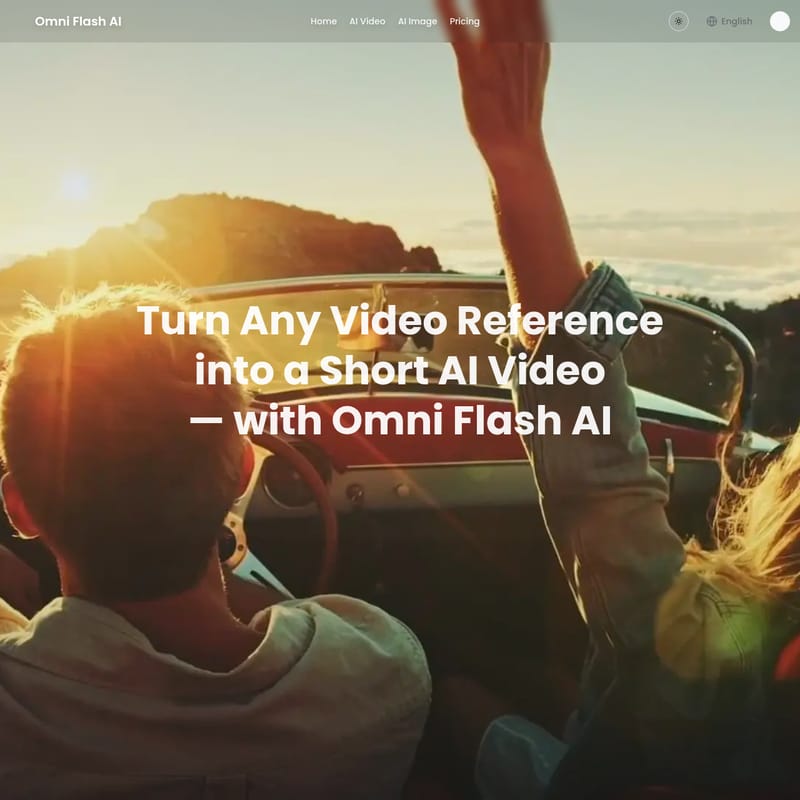
In the rapidly evolving landscape of digital content, Omni Flash AI emerges as a specialized tool designed to transform any video reference, image, or text prompt into a professional-grade short AI video. By prioritizing a "reference-first" approach, Omni Flash AI eliminates the guesswork often associated with generative AI, allowing users to lock in styles, motion patterns, and camera directions with unparalleled precision. This browser-based platform is engineered for speed, consistency, and practical output, making it the go-to solution for modern content creators.
What's Omni Flash AI?
Omni Flash AI is a comprehensive video generation suite that allows users to drop in a reference video, an image, or a set of frames to guide the AI in creating new content. Unlike traditional text-to-video tools that require complex prompting to achieve a specific look, Omni Flash AI inherits the visual DNA of your provided reference.
Starting directly in your browser, Omni Flash AI enables you to generate cinematic shorts, product advertisements, and educational explainers. Every clip generated is downloadable and ready for social media platforms like TikTok, Instagram Reels, and YouTube Shorts. The platform operates on a transparent credit system, where users can preview costs before submitting a task, ensuring a risk-free creative process.
Key Features of Omni Flash AI
Omni Flash AI is packed with features that cater to professional workflows, focusing on high-fidelity output and ease of use.
Reference-Driven Generation Workflows
Omni Flash AI offers four distinct workflows to suit different creative needs:
- Video-Reference-to-Video: Upload a clip and let Omni Flash AI replicate its style and motion in a new generation. This is the fastest way to maintain brand consistency.
- Reference-Image-to-Video: Use one to three images (product shots or moodboards) as visual anchors. Omni Flash AI uses these as a base while you define the camera moves and lighting.
- Frames-to-Video: Start from a specific first or last frame to plan transitions and maintain continuity between scenes.
- Text-to-Video: For those starting from scratch, high-quality text prompts can define subjects, lighting, and mood.
Asset Library & Reference Reuse
Efficiency is central to Omni Flash AI. Every clip you generate is saved within your personal workspace. This allows you to pick a successful generation and use it as a reference for your next variation, keeping entire campaigns anchored to a single visual source.
Credit-Safe Generation Policy
To protect your budget, Omni Flash AI shows the credit cost before you hit submit. If a generation fails or times out, the credits are automatically refunded to your pool, allowing you to iterate without financial stress.
High-Quality Output Options
Users can generate videos in 720p or 1080p resolution with native audio. The platform supports various aspect ratios, ensuring your Omni Flash AI video is perfectly framed for its intended platform, whether it is a vertical social hook or a horizontal cinematic B-roll.
How to Use Omni Flash AI
Creating a video with Omni Flash AI is a streamlined three-step process designed for both beginners and professionals.
Step 1: Pick the Scene Type
Log into the Omni Flash AI dashboard and choose your starting point. Select text-to-video for conceptual ideas, frames-to-video for planned transitions, or reference-to-video when consistency is your top priority. The interface will adapt based on your chosen input.
Step 2: Describe the Result and Confirm Settings
Provide a detailed prompt including the subject, motion, camera direction, and mood. Select your desired aspect ratio and resolution. Review the credit cost on the screen before confirming the submission. Tip: Vague prompts lead to vague clips; be specific for the best results.
Step 3: Preview, Download, and Iterate
The generation runs in the background. Once complete, you can preview the result and download it directly. If the clip isn't perfect, you can change one variable at a time to refine the output.
Use Cases for Omni Flash AI
Omni Flash AI is utilized across various industries to speed up production and reduce costs.
Short-Form Content Creators
Creators for TikTok, Reels, and YouTube Shorts use Omni Flash AI to generate vertical intro hooks and cinematic B-roll. By turning still images into animated posts, they can maintain a high posting frequency without constant filming.
E-commerce & Ad Teams
Marketing teams leverage the Cinematic Product Ad workflow. For example, a surreal zero-gravity video of a soda can with glossy lighting can be generated from a simple product reference, allowing for rapid A/B testing of ad creatives.
Founders & Product Marketers
Founders use Omni Flash AI for launch teasers and landing page backgrounds. A SaaS founder might create a quick visual draft for a product announcement without hiring an external agency.
Educators & Knowledge Creators
For those creating tutorials, Omni Flash AI can generate specific scenes like a Math Chalkboard Explainer or a V8 Engine Explanation. These short instructional clips help visualize complex concepts with realistic motion and clear focus.
Comparison: Omni Flash AI vs Veo 3.1 vs Sora 2
| Feature | Omni Flash AI | Veo 3.1 | Sora 2 | | :--- | :--- | :--- | :--- | | Clip Duration | Up to 8s (multi-clip workflow supported) | 8s native clips | Up to 20s (Pro tier) | | Reference Inputs | Video, Images, Frames, and Text | Images and Text only | Text and single Image only | | Style Inheritance | Inherits style/motion from reference clips | Limited reference-driven motion | No clip-as-reference inheritance | | Best For | Brand-consistent clips & ads | Vertical narrative clips | Long-form multi-shot scenes |
FAQ: Omni Flash AI Frequently Asked Questions
What kinds of references can I upload to Omni Flash AI? You can upload video clips, still images (up to three), or first/last frames to guide the AI's motion and style.
What is Omni Flash AI and how does it work? It is a browser-based AI video generator that uses existing visual data (references) to influence the generation of new short-form videos.
Can I try Omni Flash AI for free? Yes, there are free starter credits available upon signup with no credit card required.
What output quality can I expect? Omni Flash AI produces 720p or 1080p videos with native audio and customizable aspect ratios.
Ready to elevate your video production? Start your journey with Omni Flash AI today and turn your creative references into reality.