NitroStack favicon

NitroStack

NitroStack is a TypeScript-first Model Context Protocol platform providing an open-source SDK, visual desktop studio, and serverless cloud deployment.

Code & ITDefine type-safe tools, resources,…Inspect, trace, and debug MCP workflows…Deploy MCP applications to managed…Integrate conversational clients with…
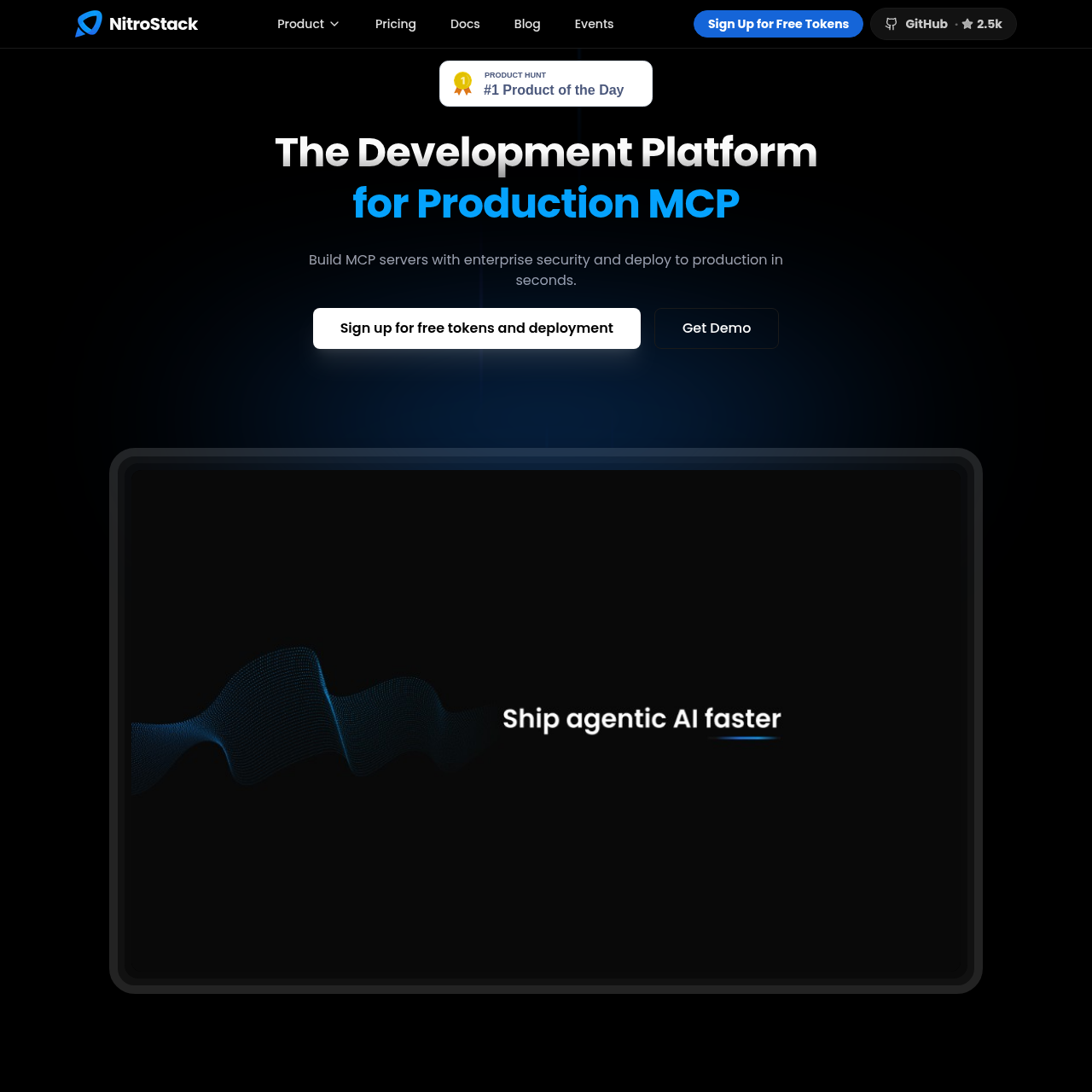
NitroStack product interface screenshot
Estimated monthly visits
13K
Data period:
Listed on AIToolly

What Is NitroStack? Product Overview

What the product does and how it is positioned

NitroStack provides a comprehensive development suite tailored for building, testing, and operating custom Model Context Protocol (MCP) servers. Rather than serving as an aggregator of prebuilt third-party connectors, the platform is oriented toward software teams exposing their own internal APIs, custom business logic, and security constraints through standard MCP interfaces.

The ecosystem consists of the open-source NitroStack SDK and CLI, the NitroStudio desktop IDE for local inspection and workflow debugging, and NitroCloud for serverless hosting. Additionally, NitroChat offers a configurable white-label chat client that allows organizations to provide agentic conversational frontends backed by multi-provider AI infrastructure.

What Can You Use NitroStack For?

Source-supported ways to use the product

API Modernization for Model Context Protocol

Engineering teams wrap existing backend services and business logic into structured, type-safe MCP servers with declarative decorators and Zod validation schemas.

Interactive Pipeline Tracing and Debugging

Developers use NitroStudio to visually inspect agent tool selections, monitor execution flows on the Ops Canvas, and verify responses before deploying code.

Zero-DevOps Serverless MCP Deployment

Teams push code to GitHub to trigger automated container builds and serverless rollout on NitroCloud with scale-to-zero capabilities and automatic SSL configuration.

How to Use NitroStack

The documented workflow, where available

  1. 1

    Scaffold and Define Tools

    Developers install the NitroStack SDK from npm and define tools, resources, or prompts using TypeScript classes and declarative decorators.

  2. 2

    Inspect and Test in NitroStudio

    Teams run the desktop IDE to visually inspect tool schemas, test calls, observe AI reasoning paths, and verify pipeline flow on the Ops Canvas.

  3. 3

    Deploy to NitroCloud

    Code is pushed to Git, triggering automatic container builds, Knative-based rollouts, SSL certificate provisioning, and scaling management.

Full-Stack Architecture: SDK, Studio, and Cloud

NitroStack organizes MCP tool production across three modular tiers: local development via the open-source SDK, debugging via NitroStudio, and production operation via NitroCloud.

The core SDK brings standard software engineering patterns, such as declarative decorators and strict type validation via Zod, to the Model Context Protocol. Rather than relying on boilerplate server code, developers declare tool methods, schema properties, and access constraints directly in TypeScript classes.

For testing and deployment, NitroStudio supplies visual debugging facilities, while NitroCloud runs containerized MCP applications on serverless infrastructure with fast boot times and automatic scaling.

  • Open-source TypeScript framework available via npm (@nitrostack/cli, @nitrostack/core, @nitrostack/widgets)
  • Visual inspection environment with Ops Canvas, AI reasoning views, and voice-assisted testing
  • Automated Knative deployment infrastructure with scale-to-zero serverless mechanics

What to Test Before Choosing NitroStack

Checks to run with your own material and workflow

  • Confirm that TypeScript and Node.js-based tooling match your team's development stack requirements.
  • Verify that your deployment architecture accommodates serverless hosting on NitroCloud or running self-managed SDK instances.
  • Review the authentication patterns and JWT handling to ensure alignment with existing enterprise identity providers.
  • Check whether your AI agents and MCP client applications support standard Model Context Protocol schemas.

NitroStack Sources and Last Checked

What was checked and when

Official source
https://nitrostack.ai/
Last checked
Category
Code & IT

NitroStack Frequently Asked Questions

Answers based on the source-checked product record

What is NitroStack?

NitroStack is a full-stack platform for developing, testing, and hosting custom Model Context Protocol (MCP) servers using an open-source TypeScript SDK, the NitroStudio desktop IDE, and NitroCloud hosting.

Which components of NitroStack are open source?

The NitroStack SDK, CLI, and UI widgets are open source on GitHub and published on npm as @nitrostack/cli, @nitrostack/core, and @nitrostack/widgets. NitroStudio and NitroCloud are commercial products.

How does NitroStack differ from connector marketplaces?

Rather than selling a catalog of prebuilt third-party connectors, NitroStack provides developer tooling to write, secure, and deploy custom MCP servers directly against internal APIs and proprietary logic.

What deployment features does NitroCloud provide?

NitroCloud provides serverless hosting for MCP servers featuring scale-to-zero operations, sub-two-second boot times, automatic SSL certificate provisioning, custom domain routing, and automated container rollouts.

What capabilities does NitroStudio provide for testing?

NitroStudio serves as a desktop development environment offering visual tool testing, an Ops Canvas for pipeline visualization, AI reasoning tracing, chat testing, voice mode, and API-to-MCP conversion tools.

Explore other recently added tools in the same category.