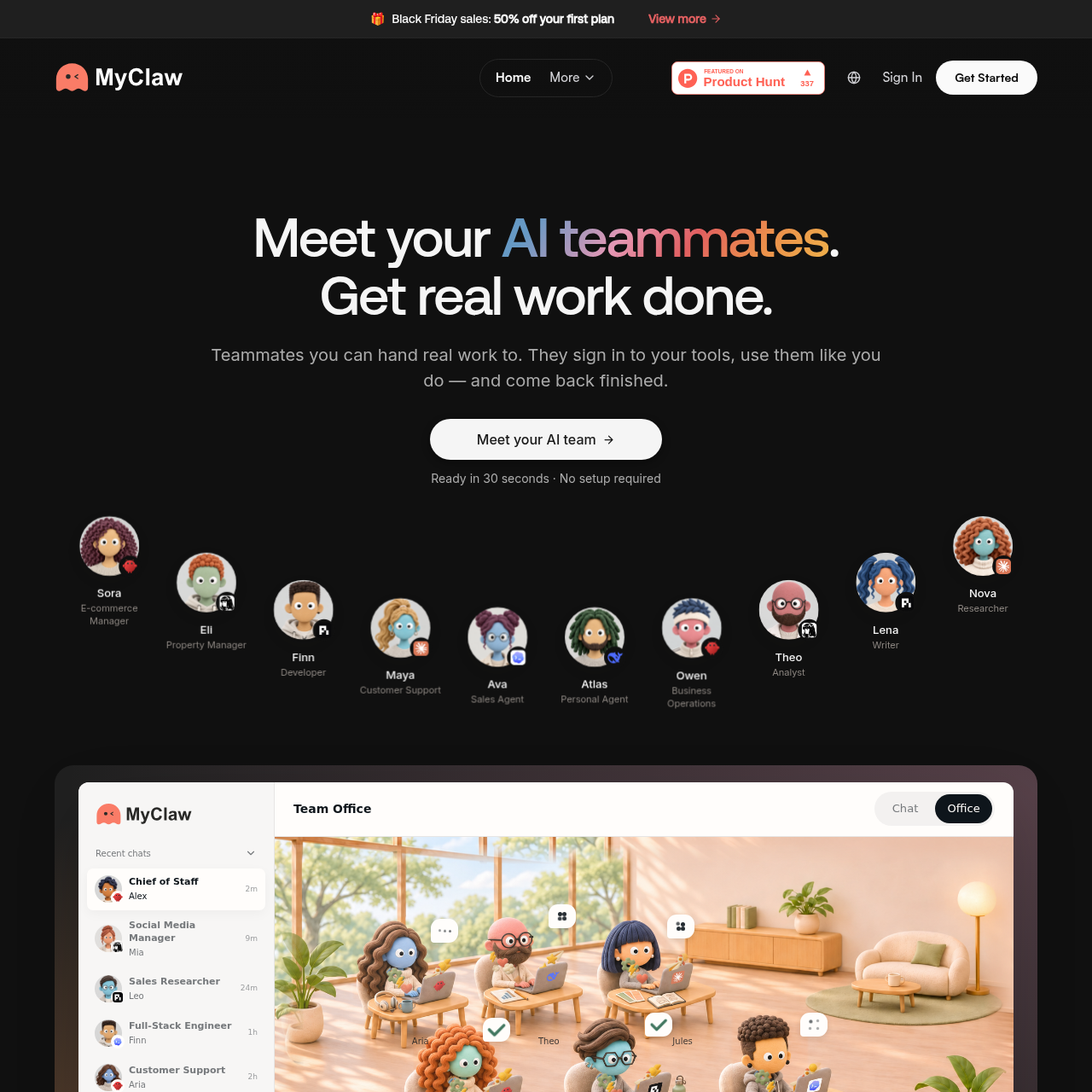
MyClaw 3.0 runs configurable AI agents on cloud computers for one-off and recurring tasks, with task assignment and progress tracking available in Slack.
Organization & AutomationAgents can browse the web and work with…Agents can research markets, analyze…Agents can use connected services to…Configurable agent roles
Estimated monthly visits
1.3M
Data period:
Listed on AIToolly
What Is MyClaw 3.0? Product Overview
What the product does and how it is positioned
MyClaw 3.0 lets users create specialized agents for roles such as research, writing, and software development. Each agent has a selected Agent Engine and can be configured with tools and skills for its role.
Users give an agent a goal and the context it needs, then review the work it produces. Agents can continue working after the user disconnects because the tasks run on cloud computers.
What Can You Use MyClaw 3.0 For?
Source-supported ways to use the product
Market research
A research agent can investigate a market using a goal and background context supplied by the user.
Daily report updates
Users can set up recurring work for an agent to update daily reports and return later to review the results.
Email drafting
An agent can draft emails using connected tools, subject to the access configured for the agent.
How to Use MyClaw 3.0
The documented workflow, where available
1
Agent setup
The user starts with a ready-made template or creates an agent with a custom role and instructions.
2
Engine and tool selection
The user selects an Agent Engine and configures the tools and skills relevant to the role.
3
Task assignment
The user gives the agent a goal and provides relevant context and files as needed.
4
Progress and result review
The user can return to check progress and review the work the agent produces.
Agent Engines and models
An agent is the teammate the user configures. Its Agent Engine determines how it operates, and its model powers its responses.
Supported engines include OpenClaw, Hermes Agent, Pi, Claude Code, Codex, and DeepSeek Harness.
The model choices available for an agent depend on its engine.
What to Test Before Choosing MyClaw 3.0
Checks to run with your own material and workflow
Confirm that the chosen Agent Engine supports the model required for the intended work.
Verify that the configured connections and permissions give the agent access to the services and files required for the task.
Check whether Slack supports the intended process for assigning tasks, following progress, and reviewing results.