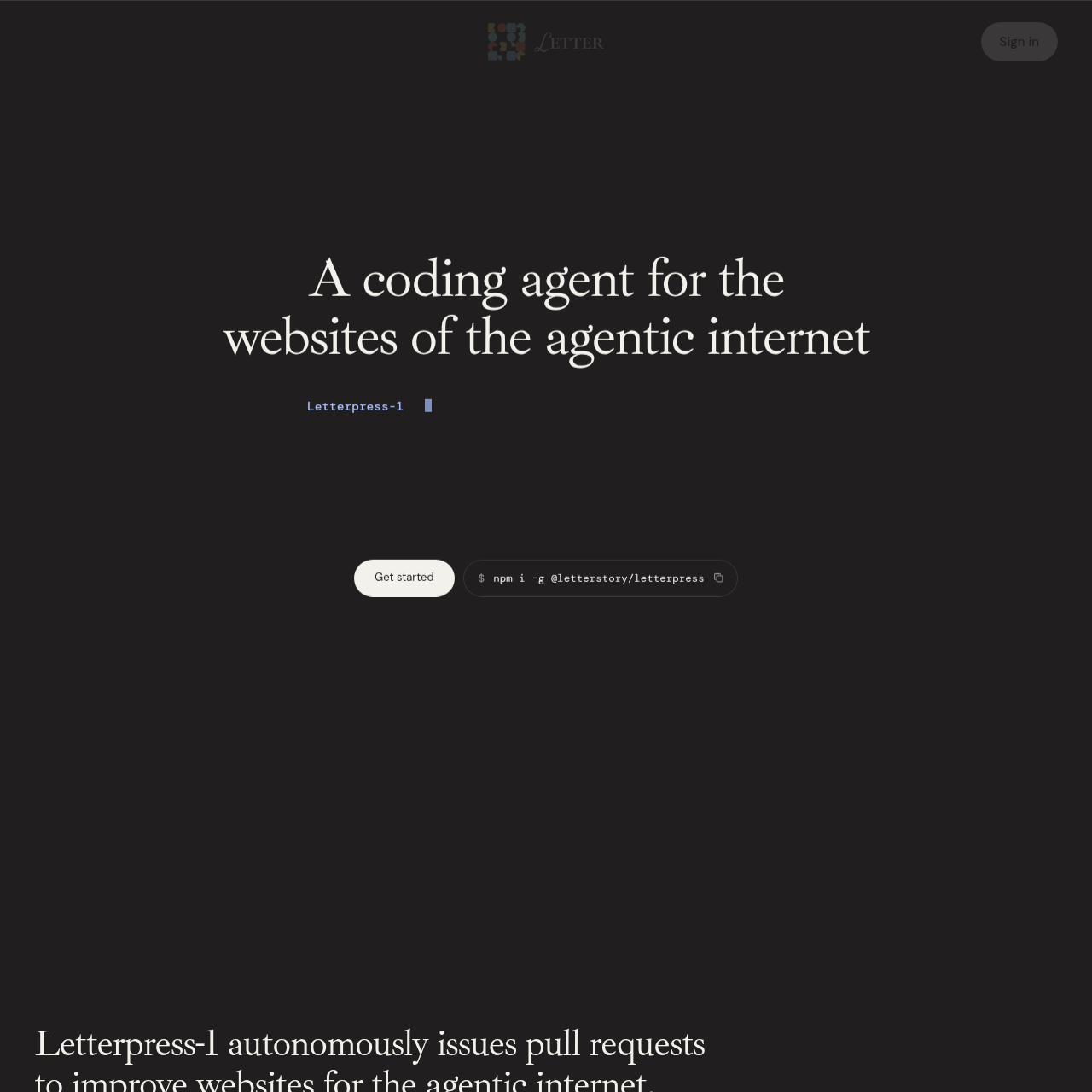
Letterpress-1 is an autonomous coding agent designed to assist software teams with growth engineering by generating and submitting pull requests to improve website content, functionality, and search visibility.
Code & ITGenerating and submitting code changesAnalyzing website growth opportunitiesResolving common website bugsCreating site benchmarks and usage proofs
Listed on AIToolly
What Is ⌘+L? Product Overview
What the product does and how it is positioned
Letterpress-1 is a coding agent built for teams using git, focused on automating website growth tasks. It identifies opportunities to improve site performance, search rankings, and inbound conversion, then translates these insights into proposed code changes.
The system operates through multiple interfaces, including a command-line utility, a Slack application, and a centralized web dashboard. It generates pull requests for changes, which users review and merge, supporting code control remains with the development team.
What Can You Use ⌘+L For?
Source-supported ways to use the product
Website Growth Engineering
Generating new content pages, landing pages, or benchmarks to improve search visibility and inbound conversion.
Automated Bug Fixes
Identifying and dispatching pull requests to resolve common issues across public websites.
How to Use ⌘+L
The documented workflow, where available
1
Integration
The user installs the Letterpress CLI into the local website repository.
2
Command Input
The user inputs requests in natural language via terminal, Slack, or the web app.
3
Analysis and Planning
The agent reads the repository, plans the implementation, and builds the solution in a sandbox environment.
4
Review
The agent opens a pull request and provides a live preview link for user evaluation.
5
Deployment
The user reviews and merges the pull request to finalize the changes in the production site.
Growth Engineering Automation
Letterpress-1 automates the identification and implementation of growth-oriented website tasks. By scanning the repository and current site performance, the agent suggests actions to improve conversion rates, SEO rankings, and inbound data capture. It assists teams in executing these tasks by handling the initial coding work and submitting the resulting changes as pull requests.
Automated identification of site improvements and growth strategies.
Generation of pull requests for landing pages, documentation updates, and SEO-focused content.
Support for de-anonymization and inbound conversion workflows.
What to Test Before Choosing ⌘+L
Checks to run with your own material and workflow
Verify the integration process for connecting Letterpress-1 to a specific Git repository and build environment.
Confirm the manual review process for pull requests generated by the agent before code is merged into the production branch.
Answers based on the source-checked product record
What platforms does Letterpress-1 support?+
It is designed for teams using Git, and can be accessed via a command-line interface, a Slack app, or the web portal.
How does the agent implement changes?+
It autonomously generates and submits pull requests to the user's repository, which must be reviewed and merged by the user.
What types of tasks can the agent perform?+
It can handle tasks related to building site features, identifying growth strategies, and fixing common website issues.
Does the agent deploy changes automatically?+
No, all proposed changes are submitted as pull requests and require user approval before merging.
How can teams interact with the agent?+
Teams can interact with the agent through the command-line interface in their repository, via Slack integrations, or through the web-based app interface.
More Code & IT AI tools
Explore other recently added tools in the same category.