KiwiDesk
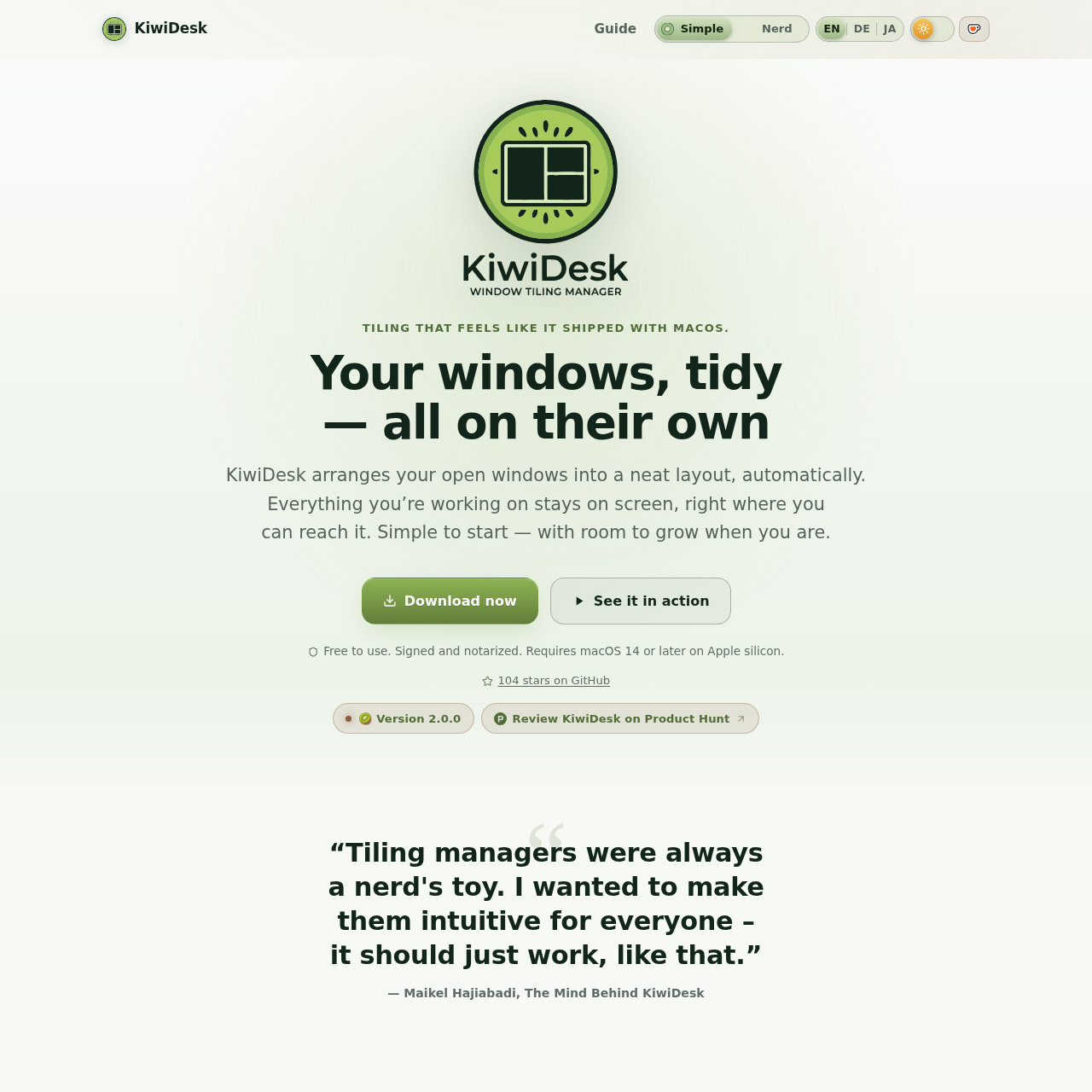
KiwiDesk is an automated macOS tiling window manager for Apple silicon that organizes open windows into edge-to-edge layouts without manual resizing or configuration files.
What the product does and how it is positioned
KiwiDesk is a native macOS window manager designed to arrange open application windows automatically into tidy, edge-to-edge layouts. It removes the need to manually drag and adjust window borders when working across multiple applications.
Built with SwiftUI settings and spring animations, KiwiDesk supports both keyboard shortcuts and visual mouse overlays such as the Space Bar and App Bar, requiring no text configuration files to operate.
Source-supported ways to use the product
Users managing multiple open apps can keep all active windows visible edge to edge on a single screen without manual layout adjustments.
Users can pin music players, communication tools, or notes so the windows remain in view when switching between macOS Desktops.
Users can establish separate window profiles and arrangement rules tailored to individual macOS Desktops.
The documented workflow, where available
Open apps, documents, and browser windows normally during standard work tasks without pre-configuration.
KiwiDesk automatically positions and sizes each window into an edge-to-edge tiled layout on screen.
Nudge the layout with a key tap, summon apps using dedicated shortcuts, or navigate via mouse overlays.
KiwiDesk functions as an automated tiling window manager designed for macOS systems on Apple silicon. The software monitors open and moved windows, automatically fitting them beside existing windows edge to edge without manual border dragging or text-based configuration files.
Alongside keyboard navigation, the application provides visual mouse-driven controls through Space Bar and App Bar overlays. It integrates with macOS Desktops, allowing users to maintain distinct setup profiles on different spaces and assign sticky behavior to specific windows so they follow across spaces.
Checks to run with your own material and workflow
What was checked and when
Answers based on the source-checked product record
KiwiDesk requires macOS 14 or later running on Apple silicon hardware.
No, KiwiDesk operates without configuration files and provides settings built in SwiftUI.
Yes, KiwiDesk works alongside macOS Desktops and supports distinct layout profiles for each desktop.
Yes, KiwiDesk includes a sticky window feature that allows designated windows to follow you across desktops.
KiwiDesk can be downloaded directly as a signed and notarized application or installed via Homebrew.