Kilo Code for JetBrains
Kilo Code for JetBrains adds native multi-agent worktree management, remote-development support, model selection, and code review tools to JetBrains IDE workflows.
What the product does and how it is positioned
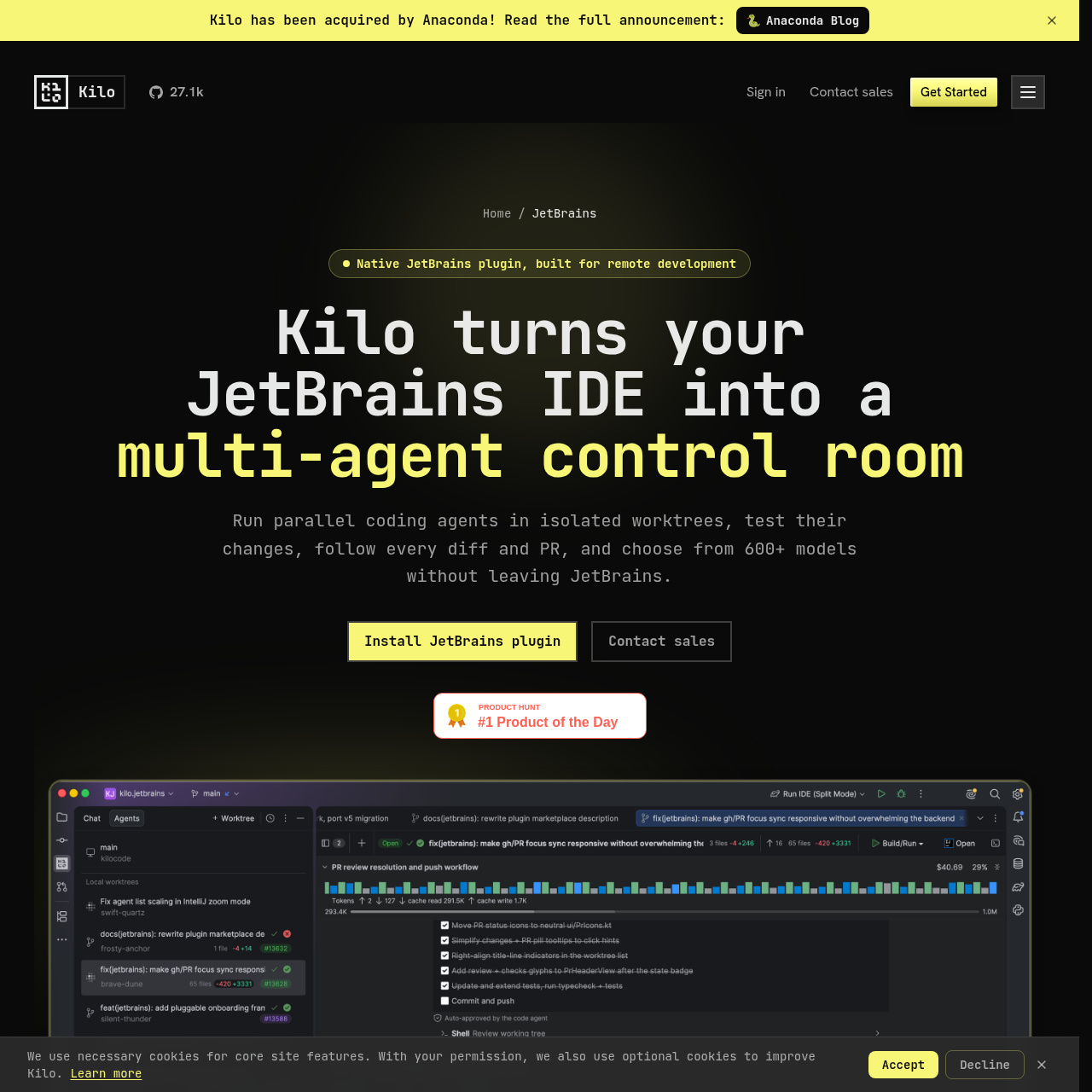
Kilo Code for JetBrains is a native plugin for IntelliJ-based development environments. It provides an Agent Manager for parallel coding tasks, isolated Git worktrees, task conversations, run configurations, and change review within the IDE.
The plugin supports local projects and JetBrains Remote Development split mode. Its workflow covers asking questions about a codebase, planning changes, implementing features or refactors, and investigating and fixing failures.
Source-supported ways to use the product
Assign separate coding tasks to isolated worktrees and monitor their progress from one JetBrains tool window.
Run worktree code, inspect uncommitted changes, compare branches, and review pull request status before merging.
Keep the local interface responsive while the IDE backend, project, terminal, and development tools run on a remote machine.
Use the Ask and Debug workflows to investigate project behavior, inspect evidence, form hypotheses, and address failures.
The documented workflow, where available
Open the JetBrains IDE plugin settings, search the standard Marketplace for Kilo Code, and install it.
Use Ask, Plan, Code, or Debug according to whether the task requires understanding, planning, implementation, or diagnosis.
Give an agent an isolated Git worktree, then track its conversation and status from the JetBrains Agent Manager.
Create a run configuration, execute or debug the worktree, and inspect its changes against the base branch.
Compare worktree changes and keep related pull request status beside the task that produced the changes.
The JetBrains workflow connects agent execution with the IDE tools used to run, diagnose, and review code. Each task can have an isolated Git worktree while the main checkout remains available.
Users can follow active, completed, and blocked agents, open subagents in separate editor tabs, run their code, compare changes with the base branch, and inspect pull request status before merging.
Checks to run with your own material and workflow
What was checked and when
Answers based on the source-checked product record
The source names IntelliJ IDEA, PyCharm, WebStorm, GoLand, PhpStorm, Rider, RubyMine, CLion, and DataGrip, with current compatibility subject to the Marketplace listing.
Yes. The plugin supports JetBrains Remote Development through split mode, with the backend and project remote while the interface remains on the local machine.
The documented modes are Ask for codebase questions, Plan for implementation planning, Code for changes and refactors, and Debug for investigating and fixing failures.
The source describes hosted models, supported providers connected with user keys, and local models through Ollama, LM Studio, and compatible local endpoints.
No. The source says Kilo chose a custom interface rather than the Agent Communication Protocol so it could provide product-specific model, usage, feature, and agent controls.