Inferock Bench favicon

Inferock Bench

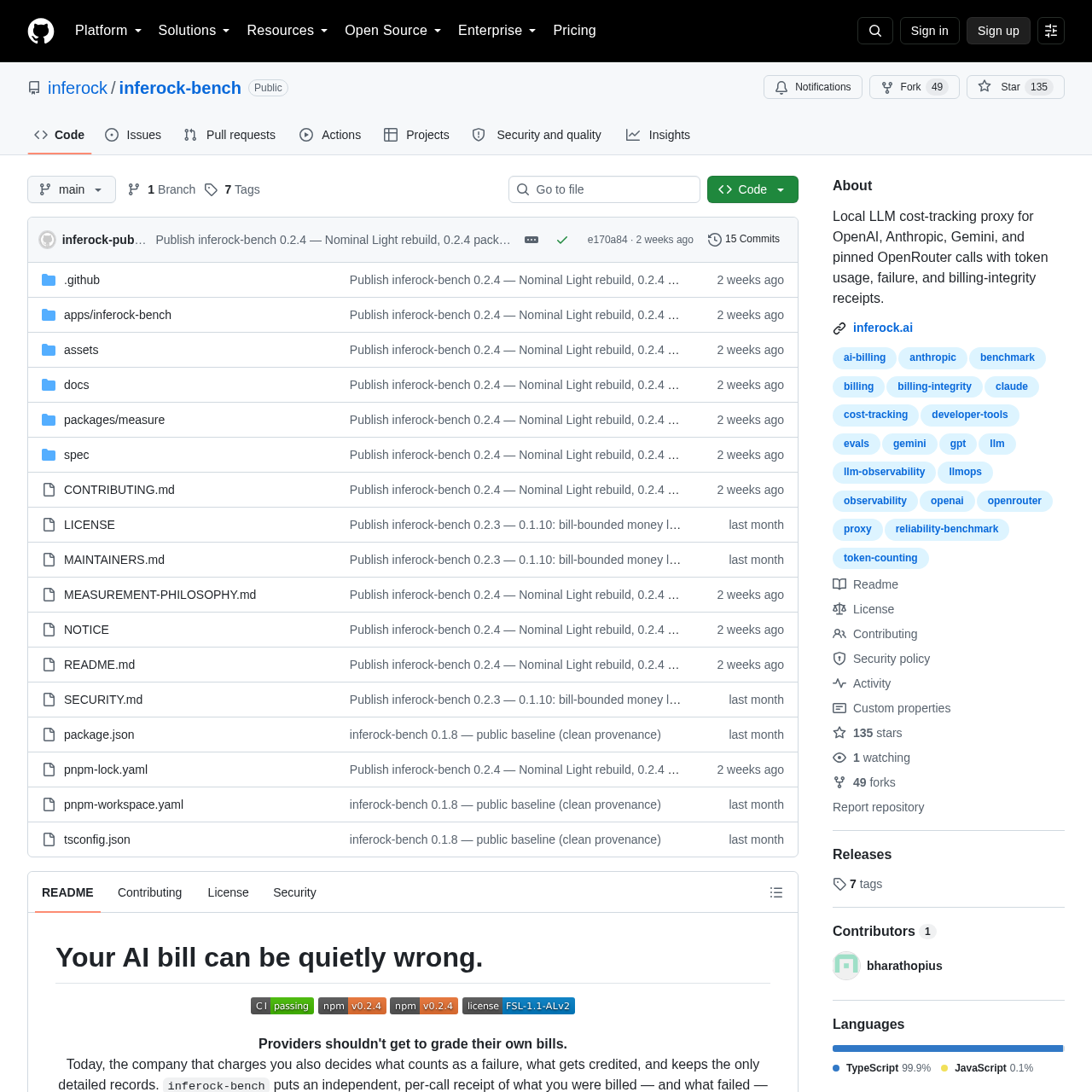
Inferock Bench is a local diagnostic proxy designed to audit AI API usage, providing independent verification of billed costs against actual delivery performance.

Code & ITDetects delivery failures such as…Provides a local dashboardLocal Diagnostic ProxyBilling Integrity Receipts
Inferock Bench product interface screenshot
Estimated monthly visits
615.2M
Data period:
Listed on AIToolly

What Is Inferock Bench? Product Overview

What the product does and how it is positioned

Inferock Bench serves as a measurement instrument for developers to cross-check AI provider bills against real-time delivery evidence. By routing traffic through a local proxy, it captures per-call data to identify discrepancies such as billed failures, token mismatches, and retries.

The tool emphasizes transparency by separating observed provider spend from bill-bounded money loss and invoice-check exposure. It is designed to help users inspect the reliability and cost-efficiency of their AI integrations without relying solely on provider-supplied totals.

What Can You Use Inferock Bench For?

Source-supported ways to use the product

AI Invoice Auditing

Users can verify if billed API calls correspond to successful model outputs, helping to identify and document potential overcharges or billing errors.

Local Cost Tracking

Developers can measure token usage and latency for specific AI models locally, allowing for more accurate cost estimation and performance monitoring.

Measurement Methodology

The tool functions by intercepting API requests at the local level, recording metadata such as status codes, timing, and provider-reported token counts. It then applies the Inferock Standard to interpret these observations into financial and operational metrics.

This approach allows for the identification of specific failure patterns, such as empty replies or truncated outputs, which are often billed as standard completions. By maintaining a local ledger of these events, users can build a defensible record for billing inquiries.

  • Captures request/response metadata locally.
  • Applies standardized grading to identify bill-bounded money loss.
  • Separates invoice-check exposure from confirmed financial loss.

What to Test Before Choosing Inferock Bench

Checks to run with your own material and workflow

  • Confirm that the local proxy is correctly configured to intercept traffic from your specific AI SDK or application.
  • Review the generated receipt findings to distinguish between provider-recognized credits and bill-bounded money loss.

Inferock Bench Sources and Last Checked

What was checked and when

Last checked
Category
Code & IT

Inferock Bench Frequently Asked Questions

Answers based on the source-checked product record

Does Inferock Bench send my provider API keys to the cloud?

No, the tool is designed as a local process. Provider keys are stored locally on your machine with owner-only permissions and are only attached to requests sent directly to the AI provider.

Can this tool automatically get me a refund from my AI provider?

No, it does not perform automated billing disputes. It provides the evidence and documentation necessary for you to inspect your bills and conduct your own billing-integrity inquiries.

What happens if I use a provider that is not explicitly supported?

The tool is extensible-by-design, but only explicitly supported providers have the necessary adapters and pricing taxonomies to generate measured receipts. Other providers will not produce measured results.

Is the receipt generated by Inferock Bench a guarantee of overbilling?

No, the receipt is an interpretation of observed events based on the Inferock Standard. It is intended to highlight potential discrepancies for further review rather than serving as a definitive proof of provider error.

How does the tool handle cache discounts in billing receipts?

Cache discounts are labeled as invoice-check exposure. They are kept separate from bill-bounded money loss and are accompanied by guidance to verify the details against your actual provider invoice.

Explore other recently added tools in the same category.