Image to 3D AI
Image to 3D AI is a web-based platform that generates 3D models from text prompts or uploaded image files.
Animation & 3D ModelingSupports PBR material generationImage-to-3D ConversionText-to-3D Generation3D File Processing
Image to 3D AI is a web-based platform that generates 3D models from text prompts or uploaded image files.
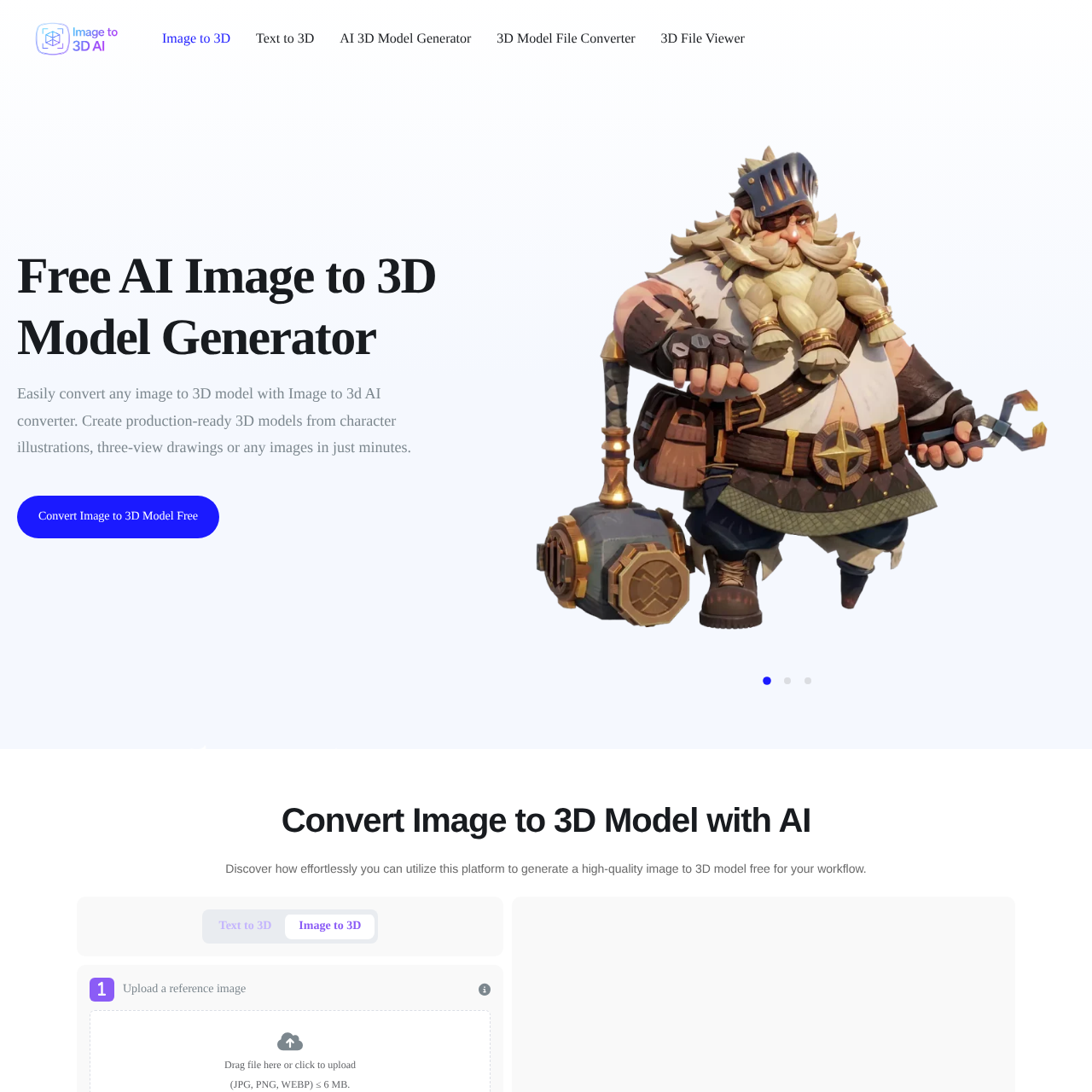
What the product does and how it is positioned
The platform functions as an AI converter that transforms static images or text descriptions into 3D models.
Users can upload reference files and configure generation settings, such as PBR material options, to create 3D assets.
Source-supported ways to use the product
The platform converts character illustrations or three-view drawings into 3D assets.
Users can generate 3D models from various image inputs or text descriptions for their projects.
The documented workflow, where available
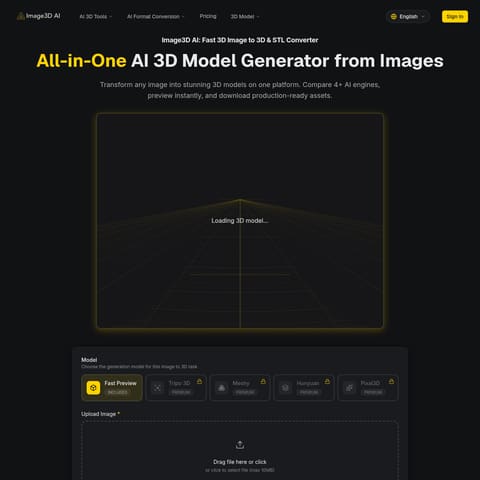
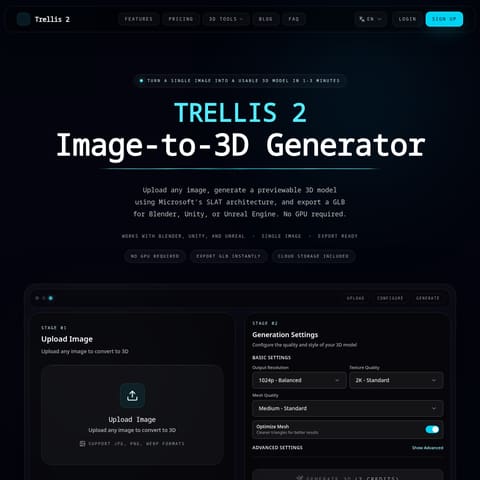
Reference images in JPG, PNG, or WEBP format are uploaded or a text prompt is provided to initiate the generation process.
Generation settings such as PBR material enablement are selected before clicking the generate button to produce the 3D model.
The platform offers specialized tools for both image-based and text-based 3D model creation. By supporting common image formats and providing options for PBR materials, it assists in the production of 3D assets.
Human-maintained commercial information
Pricing can change. Confirm the current plan and billing terms on the official site before purchasing.
Checks to run with your own material and workflow
What was checked and when
Answers based on the source-checked product record
The platform supports uploading reference images in JPG, PNG, and WEBP formats, provided the file size is 6 MB or smaller.
Yes, the platform includes a text-to-3D feature that enables the generation of 3D models directly from text prompts.
Yes, PBR material generation can be enabled within the advanced options settings before starting the generation process.
Yes, the platform includes a 3D file viewer and a 3D model file converter as part of the available toolset.
The platform is designed to convert various images, including character illustrations and three-view drawings, into 3D models.