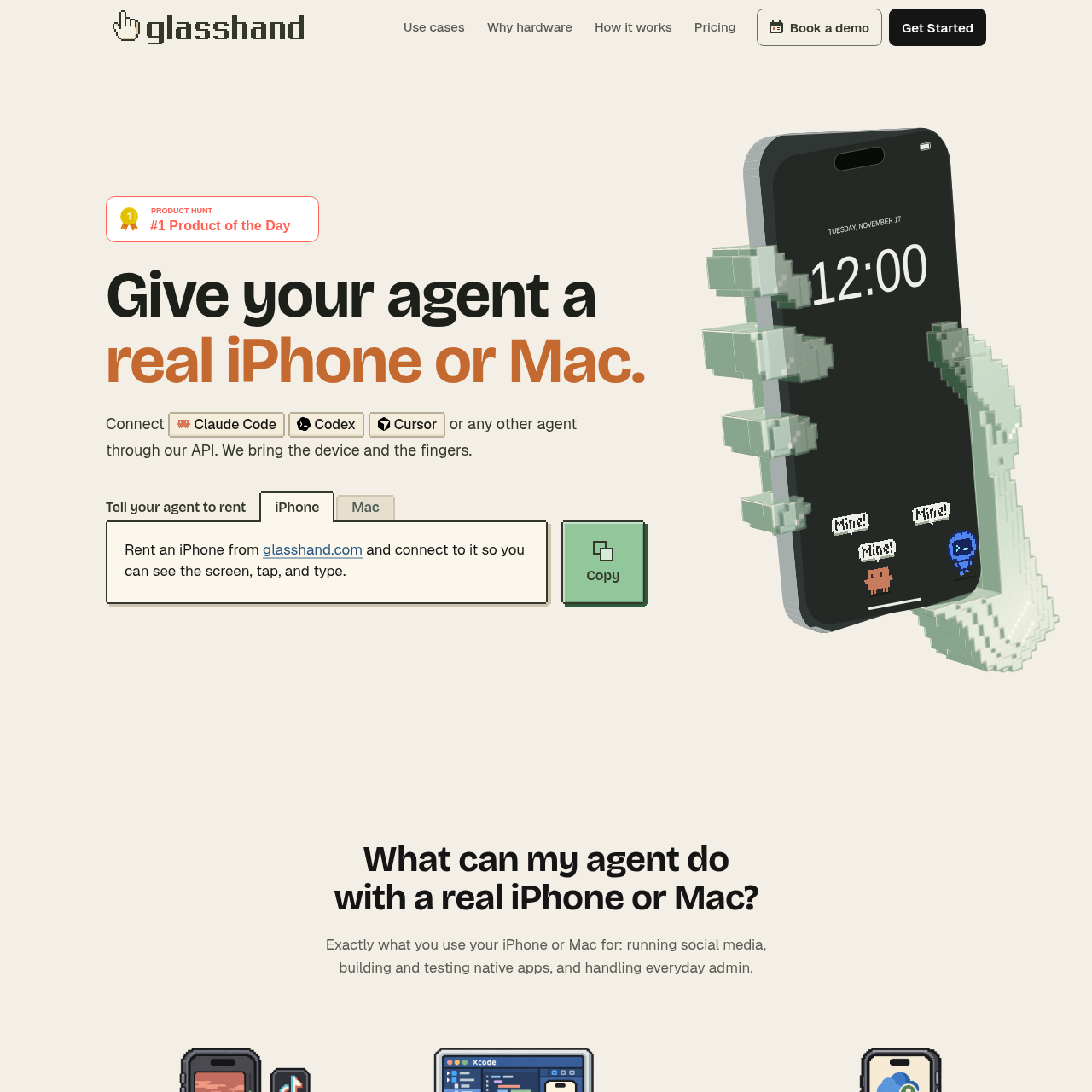
Glasshand connects AI agents to hosted real iPhones and Macs for screen-based interaction, app use, and device-based tasks.
Code & ITConnects AI agents to hosted real…Supports social media tasks, native app…Can provide access to App Store apps, a…Hosted real Apple devices
Listed on AIToolly
What Is Glasshand? Product Overview
What the product does and how it is positioned
Glasshand provides hosted real iPhones and Macs that AI agents can access through a dedicated controller and API.
The documented uses include social media operations, native app development and testing, and work involving calendars, contacts, messages, files, and signed-in accounts.
What Can You Use Glasshand For?
Source-supported ways to use the product
Social media operations
Agents can post on Instagram, TikTok, and LinkedIn, reply to comments and direct messages, and follow up with leads.
Native app development and testing
A hosted Mac can be used to build native apps in Xcode and test sign-in and checkout on a real Mac or iPhone.
Account-based administration
Agents can work with calendars, contacts, messages, and files after users sign in to their accounts.
How to Use Glasshand
The documented workflow, where available
1
Request a device through an agent
The documented setup begins by telling a supported agent to rent an iPhone or Mac.
2
Connect to the hosted device
The agent connects through Glasshand so it can access the device screen through the dedicated controller.
3
Use the device interface
The connected agent can see the screen and interact by tapping, typing, and clicking like a person.
4
Release the device
When the device is released, Glasshand states that the data is erased and the device is reset.
Real-device access
Glasshand distinguishes its hosted environment from virtual machines, emulators, and simulators by providing real iPhones and Macs in its data center. This supports interaction with the Apple device interface and access to installed apps and signed-in accounts.
The controller exposes screen viewing and tap, type, and click interactions.
Users can install apps from the App Store and set a device password.
An iPhone can use an eSIM plan with SMS for verification texts and iMessage.
What to Test Before Choosing Glasshand
Checks to run with your own material and workflow
Confirm that the intended agent is among the documented integrations, such as Claude Code, Codex, Cursor, OpenClaw, or Hermes.
Verify that the required workflow can be completed on an iPhone or Mac rather than another device type.
Check whether the task requires an eSIM plan with SMS for phone-number or verification-text functionality.
Review the release process if account data or device configuration must be retained, since the documented behavior erases and resets the device.