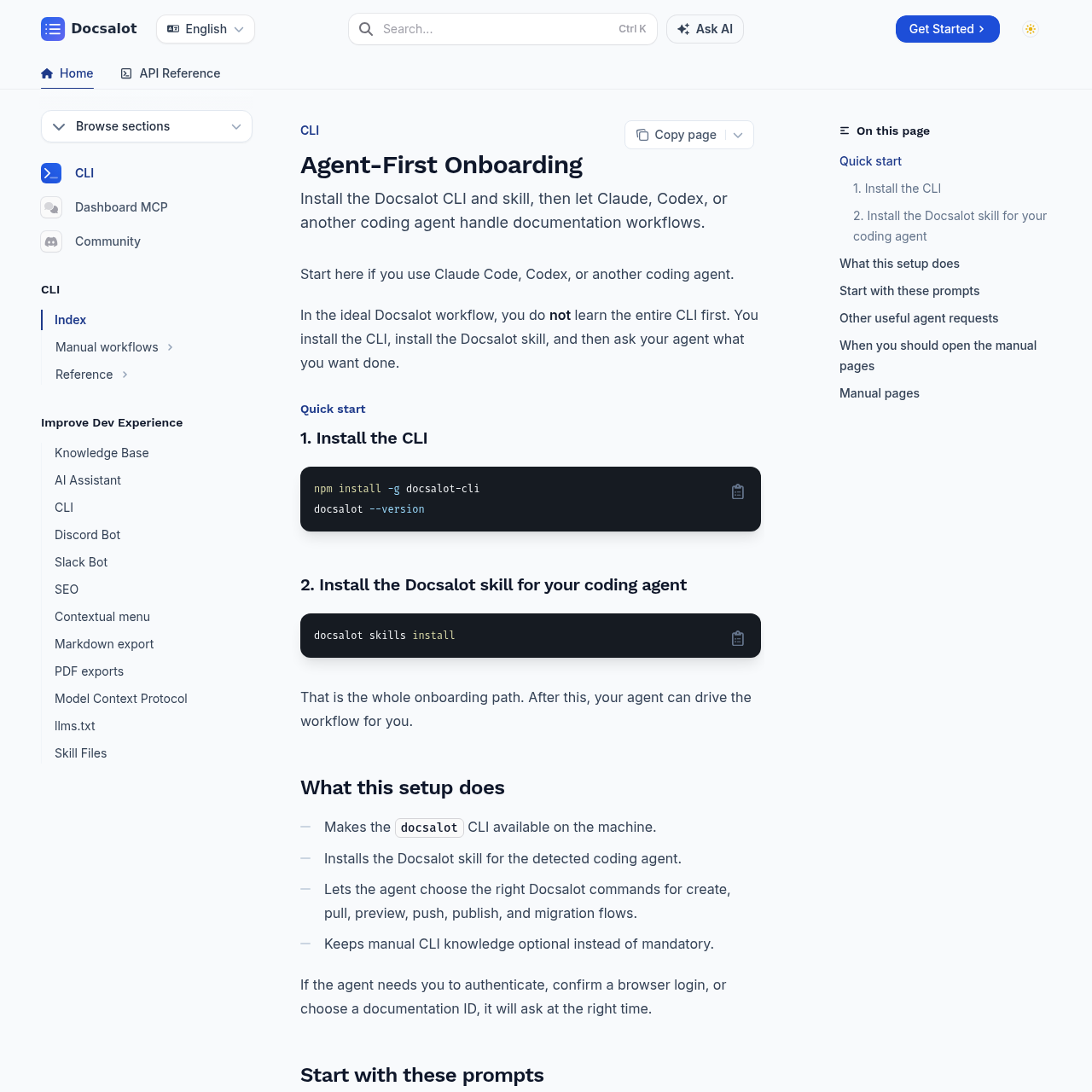
DocsAlot CLI is an agent-centric tool designed to streamline documentation workflows by enabling coding agents to manage creation, preview, and publishing tasks.
Code & ITAutomated documentation migration from…Integration with coding agents to…Local preview generationManagement of custom domains and DNS…
Listed on AIToolly
What Is DocsAlot CLI? Product Overview
What the product does and how it is positioned
DocsAlot CLI provides a command-line interface that allows developers to offload documentation management to coding agents. By installing the CLI and the corresponding skill, users can interact with their documentation through natural language prompts rather than manual command execution.
The tool supports a wide range of documentation tasks, including migrating existing content, generating API reference pages from OpenAPI specifications, and managing deployment settings. While optimized for agent-led workflows, it also provides manual command access for troubleshooting and CI/CD integration.
What Can You Use DocsAlot CLI For?
Source-supported ways to use the product
Automated Documentation Updates
Developers can instruct coding agents to analyze source code changes and automatically update the corresponding documentation to ensure consistency.
Documentation Migration
Users can migrate existing documentation from other frameworks into the DocsAlot system by providing a file path and requesting a local preview.
Agent-Driven Documentation Management
The DocsAlot CLI prioritizes an agent-first approach, where the CLI acts as a bridge between the developer's coding agent and the documentation infrastructure. This setup reduces the need for developers to memorize specific CLI commands for routine tasks.
Installs as a global npm package for immediate access.
Utilizes specific skills to enable agent control over documentation flows.
Supports complex operations like DNS record management and custom domain setup via agent requests.
What to Test Before Choosing DocsAlot CLI
Checks to run with your own material and workflow
Verify that the coding agent is correctly configured and has the DocsAlot skill installed to enable automated command execution.
Check the manual documentation pages if troubleshooting is required for authentication, publishing, or previewing issues.