Coworker AI
Coworker: Frontier-Quality AI Platform for Enterprise Chat, Coding, and Automated Agents
Coworker is an enterprise-ready AI platform that delivers frontier-quality chat, coworking, and coding capabilities at 80% less than standard API rates. By intelligently routing tasks to the most efficient models—including OpenAI, Anthropic, and Google—Coworker ensures the right model and right context are applied to every task. With over 50 native connectors and a robust security framework (SOC 2, GDPR), Coworker enables organizations to build long-running agents, generate polished artifacts, and execute complex code in a secure cloud sandbox. It acts as a portable context layer that integrates seamlessly with your company’s existing tools like Slack, Salesforce, and Jira.
2026-05-29
99.0K
Coworker AI Product Information
Coworker: The Frontier-Quality AI Platform for Enterprise Chat, Coding, and Collaboration
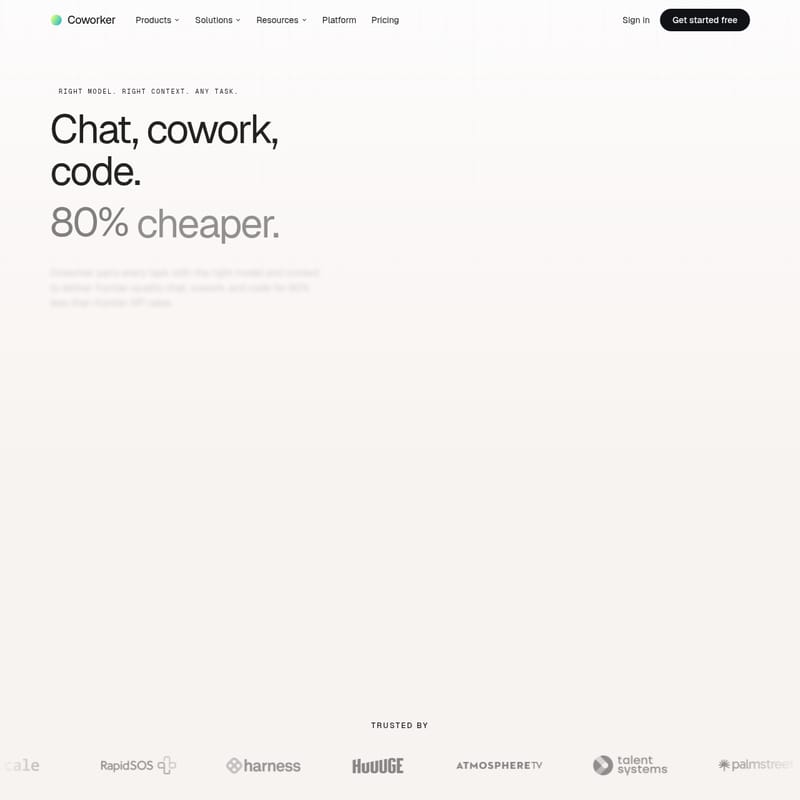
In the rapidly evolving landscape of artificial intelligence, finding a solution that balances performance, context, and cost is a significant challenge for modern enterprises. Coworker emerges as the premier platform designed to address these needs by pairing every task with the right model and the right context. Whether your team needs to chat across disparate systems, cowork on complex artifacts, or write frontier-quality code, Coworker delivers high-end results at a cost that is 80% cheaper than traditional frontier API rates.
What’s Coworker?
Coworker is an all-in-one AI productivity platform that connects to your company’s full organizational context. It is built on three pillars of infrastructure: a portable context layer, an intelligent routing layer, and enterprise-ready open-source models. Unlike standard AI tools, Coworker doesn't lock you into a single provider. Instead, it routes tasks across a variety of closed and open models—such as GPT 5.5, Opus 4.7, and Kimi K2.6—to ensure optimal output, latency, and spend.
Hosted entirely in the US and designed for enterprise-grade security, Coworker provides the security and governance that CIOs expect. It is SOC 2 Type II compliant and GDPR-ready, ensuring that your data is never used for training and always remains under your control.
Key Features of Coworker
Intelligent Model Routing
One of the standout features of the Coworker platform is its intelligent routing layer. This technology automatically scores each task and directs it to the model that will best handle the output. This allows users to access the power of frontier models like Gemini 3.5 Flash or Claude Sonnet 4.6 while cutting routine task spend by over 80%.
Optimized Context with OM2
Coworker utilizes OM2, a sophisticated knowledge graph that learns across every connected data source. This organizational memory ensures that the AI has access to shared skills, artifact templates, and specific company data. Whether you are using Coworker’s native apps or an MCP-enabled client, the context remains consistent and portable.
Comprehensive Native Connectors
With over 50+ native connectors available out of the box, Coworker integrates seamlessly with the tools your team already uses. These connectors support both read and write capabilities across:
- CRM: Salesforce, HubSpot.
- Comms: Slack, Microsoft Teams.
- Project Management: Jira, Linear.
- Docs & Storage: Notion, Google Workspace, Snowflake, BigQuery.
- Support: Zendesk, Intercom.
Chat, Cowork, and Code Surfaces
Coworker provides specialized interfaces for different professional needs:
- Chat: A conversational AI that can query information across your entire tech stack simultaneously.
- Cowork: A tool for creating polished, on-demand artifacts such as board decks, financial models, and branded PDFs that are fully editable and exportable.
- Code: A repo-aware environment that allows for multi-file edits and execution within a secure cloud sandbox.
How to Use Coworker
Getting started with Coworker is designed to be intuitive for both individual power users and large enterprise teams.
- Connect Your Stack: Link your existing tools (Slack, Salesforce, Jira, etc.) using the 50+ native connectors. Coworker inherits your existing permissions, so there is no need for complex SSO re-mapping.
- Choose Your Routing Preference:
- Manual Control: Engineers can manually select which model (e.g., GPT 5 or Gemini 3.1 Pro) should handle a specific task.
- Auto-Route: Let the Coworker router score the task and pick the best model for cost and quality.
- Deploy Agents: Use plain English to build long-running agents. Define a trigger (e.g., an opportunity stage change in Salesforce) and an action (e.g., pulling transcripts from Gong and posting a summary to Slack).
- Collaborate on Artifacts: Use the Cowork surface to generate decks or docs. For example, you can ask Coworker to "build a follow-up PDF for the call I just had with Stripe," and it will find branded patterns and synthesize the meeting notes automatically.
Practical Use Cases
Coworker is versatile enough to support every function within an organization. Below are some of the most impactful use cases:
Sales and Customer Success
- Pipeline Hygiene: Agents can audit stale deals and notify Account Executives of the next best steps.
- Renewal Management: Automatically flag at-risk renewals and prepare renewal packages by monitoring customer health scores.
- QBR Generation: Assemble Quarterly Business Reviews automatically by pulling data from CRM and support tickets.
Engineering and Product
- Bug Triage: Automatically triage, dedupe, and assign incoming bugs to the correct teams.
- Code Review Assistant: Pre-screen pull requests (PRs) and analyze deployment risks before they go live.
- Technical Debt Tracking: Use AI to track and prioritize tech debt across your repositories.
Operations and Marketing
- Contract Review: Use the Chat feature to flag non-standard clauses in vendor MSAs before they reach the legal department.
- Campaign Performance: Marketing agents can pull comprehensive reports on campaign performance and sync content calendars.
- Employee Onboarding: Automate the end-to-end onboarding process for new hires, from policy Q&A to equipment provisioning.
Success Story: Huuuge Global
Coworker has already demonstrated significant ROI for world-leading companies. Huuuge Global, a mobile gaming developer, saved over 4,000 hours in their first deployment phase. Individual workflows saw up to a 94% reduction in manual time. As Maurycy Bielawski, Service Desk Team Lead at Huuuge, stated: "Coworker doesn’t just find information, it actually does the work for us... It’s like having an AI teammate that handles all the time-intensive workflows."
FAQ
Q: Is Coworker secure for enterprise data?
A: Yes. Coworker is SOC 2 Type II, GDPR, and CASA Tier 2 compliant. All models are US-hosted, and the platform contractually enforces that no user data is used for training models.
Q: How does Coworker reduce costs by 80%?
A: By using an intelligent routing layer, Coworker directs routine or high-volume tasks to high-performance open-source or specialized models that are significantly cheaper than using a single "frontier" model for everything.
Q: Do I need to write code to build agents?
A: No. Coworker agents can be built in plain English. You simply define the triggers and actions across your connected tools.
Q: What happens when new AI models are released?
A: Coworker is model-agnostic. When a better or more efficient model ships, your agents and workflows can start using it automatically without any migration or re-platforming required.
Q: Does Coworker respect my existing software permissions?
A: Absolutely. Coworker's agents are permission-aware and respect the access controls already in place within your connected tools like Salesforce, Jira, and Google Drive.